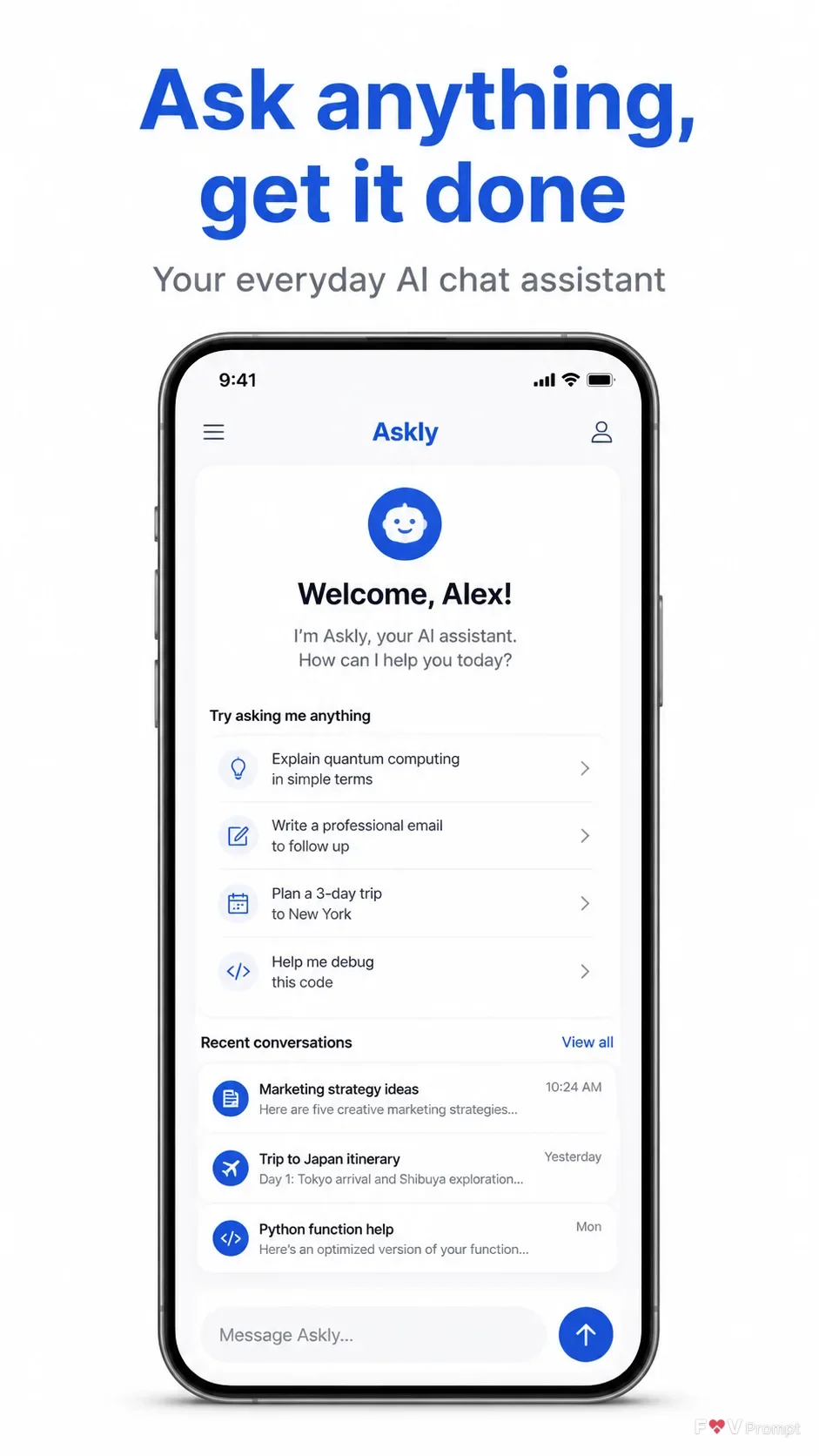
Present a professionally designed app store screenshot for the AI chat assistant named App Name. Use the Headline at the top in large, bold, clean sans serif type, keeping it to one or two lines and rendering it exactly as written. Place the Subline beneath it as a smaller supporting line. Below the copy, show a generic modern smartphone with thin bezels, no brand logo, and the Device Angle. Give the phone a soft realistic shadow and make it the main visual element with comfortable margins on every side.

Inside the phone, design a believable opening screen based on the Screen Content, with sharp, legible UI text, sensible generic names and numbers, clean components, and a visible status bar showing 9:41. Use the Brand Color consistently across the interface, buttons and accents. Set the overall Background to a clean, uncluttered surface. Render the image in the Format, with accurate typography, correct spelling, no watermarks, no store badges, no ratings or reviews, and no decorative glow, sparkles or busy background elements.

Use these details:
App Name: "Askly"
Headline: "Ask anything, get it done"
Subline: "Your everyday AI chat assistant"
Brand Color: "clear cobalt blue"
Screen Content: "AI chat assistant opening screen with a welcome message, suggested prompts, a text input bar, and simple assistant conversation cards"
Device Angle: "front-facing and straight"
Background: "clean white"
Format: "vertical 9:16"
Using your own logo, product or face? Attach it in the chat and say which of the details it replaces.
Your result will come out close to the example rather than identical to it. Change the details to make it yours.