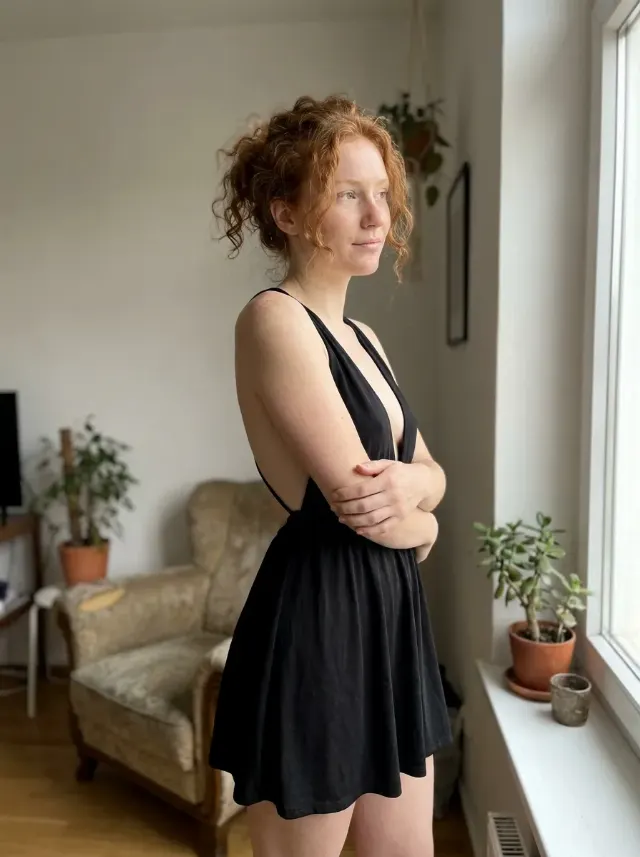
Turn the attached selfie into a natural travel photo at an airport gate. Keep the person exactly as shown in the attached photo, including their face, facial features, skin tone, hair, body type and natural identity, with no retouching that changes who they are. If no photo is attached, use the Selfie Subject described below.

Frame the image as an arm's-length smartphone selfie from a slightly elevated angle, with the subject in the foreground and the Airport Gate Setting behind them. Place the Aircraft View clearly beyond the window, recognizable but naturally integrated into the scene. Dress the subject in the Outfit and give them the Expression. Use soft daylight coming through the windows, realistic airport reflections on the glass, subtle background depth of field and natural skin texture. Keep the composition candid and believable, with accurate facial proportions and no distorted hands or facial features.

Use these details:
Selfie Subject: "a traveler with short dark hair and a relaxed appearance"
Airport Gate Setting: "a bright modern airport gate with floor-to-ceiling windows and rows of boarding seats"
Aircraft View: "a commercial passenger jet parked outside the window, with another plane taxiing in the distance"
Outfit: "a comfortable navy travel jacket over a white T-shirt"
Expression: "a relaxed, cheerful expression"
Using your own logo, product or face? Attach it in the chat and say which of the details it replaces.
Your result will come out close to the example rather than identical to it. Change the details to make it yours.