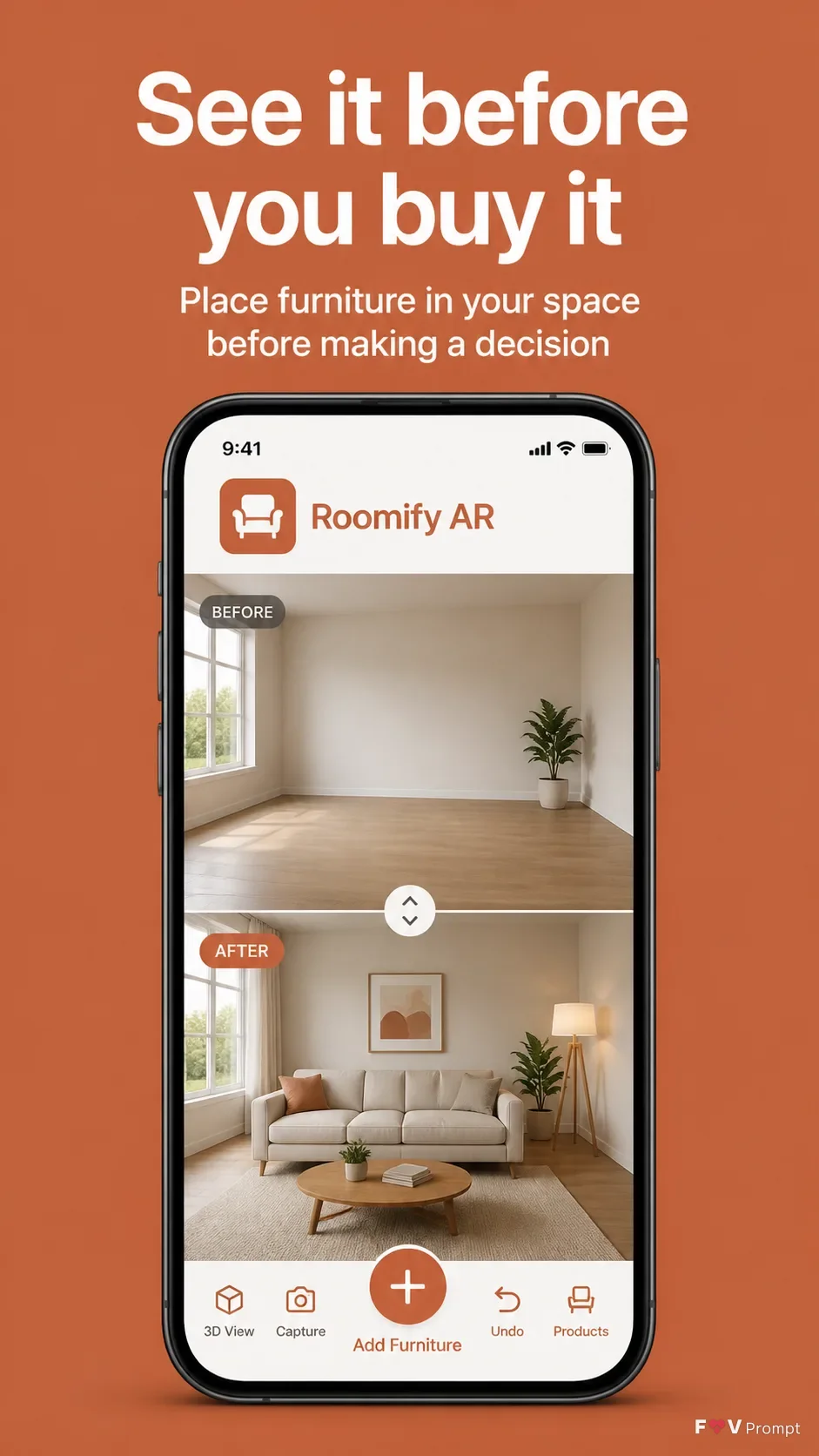
Present a professionally designed App Store screenshot for App Name in a vertical 9:16 composition, with comfortable margins and no elements touching the edges. Place Headline at the top in large, bold, clean sans serif type, rendered exactly as written and kept to no more than two lines. Add Subline beneath it in smaller, highly legible type. Below the copy, show a generic modern smartphone with thin bezels, no brand logos, a soft realistic shadow, and the Device Angle. Use App Screenshots as the phone screen content, arranged as a clear before-and-after split that shows the same room in both states. Keep the screen sharp, readable and believable, with a status bar showing 9:41 and a modern AR furniture interface. Use Brand Color for the background and interface accents, with a restrained soft two-tone treatment if it improves separation. Include App Icon naturally within the app interface if appropriate. Use realistic room imagery, clean UI components, accurate perspective and correctly spelled text. Avoid glow, sparkles, lens flares, glassmorphism, busy backgrounds, gibberish, watermarks, ratings, reviews, store badges and logos from Apple, Google or other brands.

Use these details:
App Name: "Roomify AR"
Headline: "See it before you buy it"
Subline: "Place furniture in your space before making a decision"
Brand Color: "warm terracotta"
App Screenshots: "AR room comparison screen showing an empty living room and the same room furnished with a modern sofa, coffee table and floor lamp"
Device Angle: "straight-on front view"
App Icon: "minimal white armchair silhouette on a warm terracotta square"
Using your own logo, product or face? Attach it in the chat and say which of the details it replaces.
Your result will come out close to the example rather than identical to it. Change the details to make it yours.