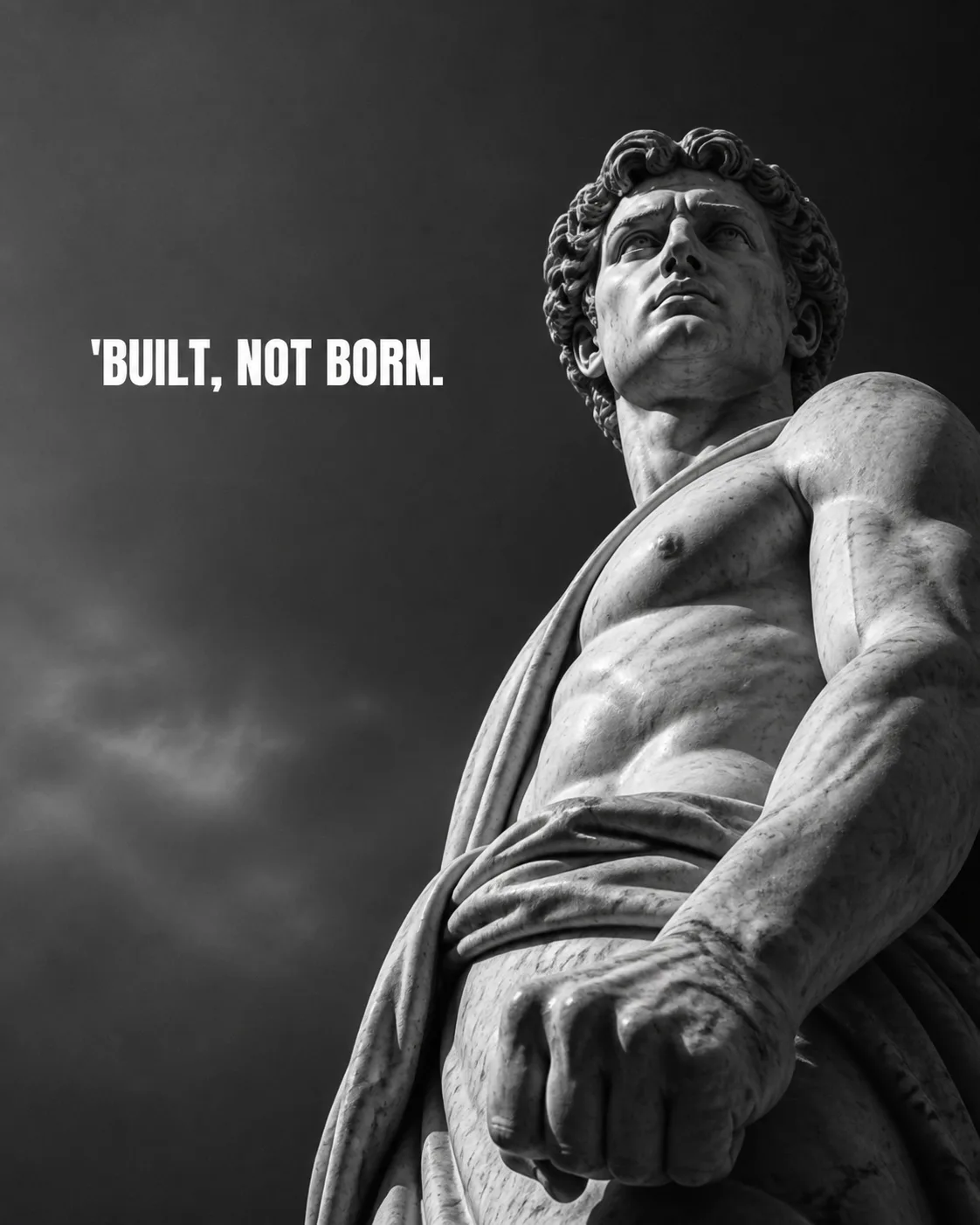
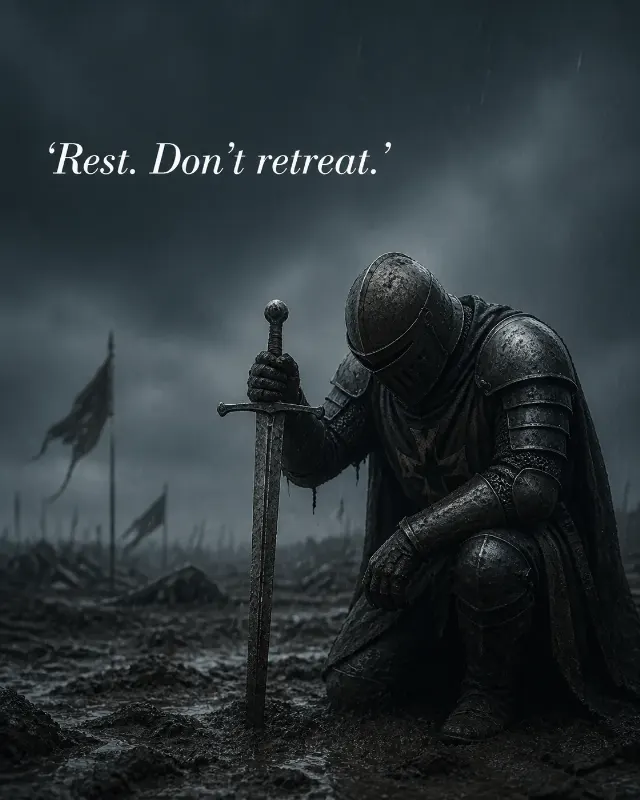
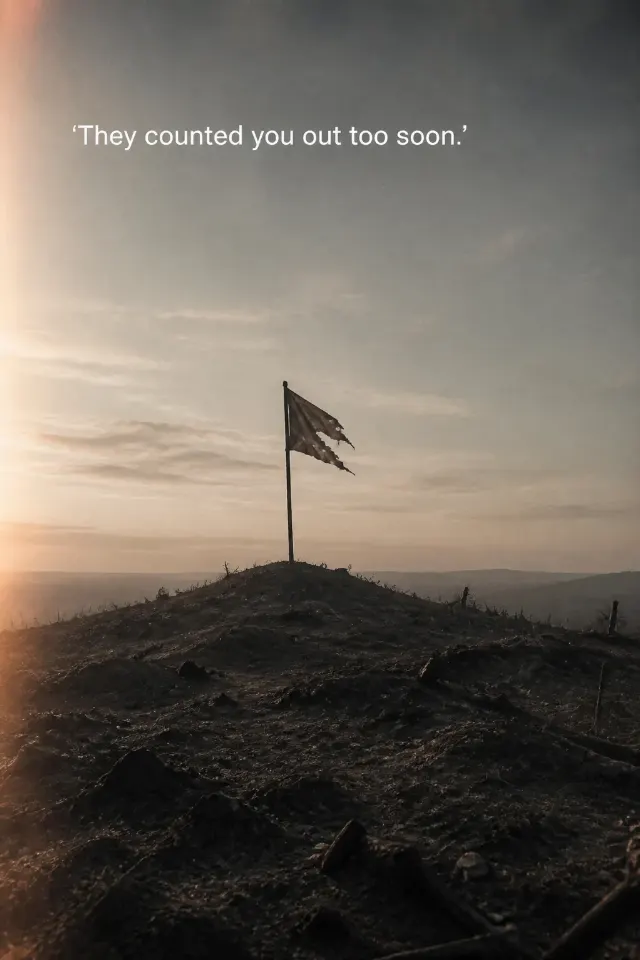
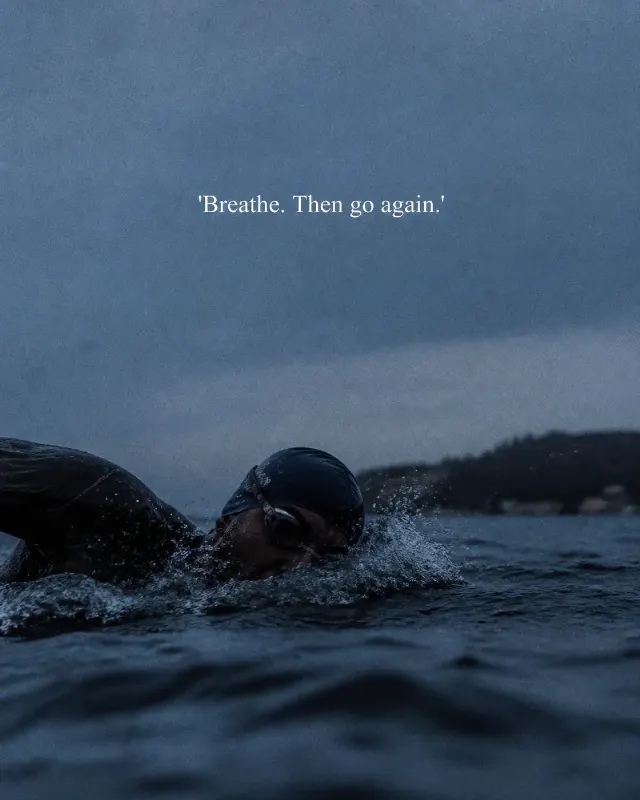
Frame the Subject from the Camera Angle in a moody, high-contrast monochrome photograph. Use the Color Palette with sculptural highlights, deep shadows and visible marble texture. Keep the composition simple, with the statue rising against open negative space so the image feels monumental and introspective. Use natural imperfect light with subtle film grain and crisp detail around the clenched fist, while allowing the surrounding shadows to fall softly away. Place the Quote in the clearest empty space, never over the statue's face, fist or main focal point. Render it exactly as written using the Text Treatment, with capital letters about 4 to 6 percent of the image height and a one-line width of roughly 55 to 75 percent of the frame. Make it readable as a small phone thumbnail without filling more than one third of the image. Follow the Format. Include no extra text, logos, borders or watermarks.

Use these details:
Subject: "marble statue of a man with a clenched fist"
Camera Angle: "low angle"
Color Palette: "black and white"
Quote: "'Built, not born."
Text Treatment: "bold white sans serif"
Format: "4:5 Instagram post"
Using your own logo, product or face? Attach it in the chat and say which of the details it replaces.
Your result will come out close to the example rather than identical to it. Change the details to make it yours.