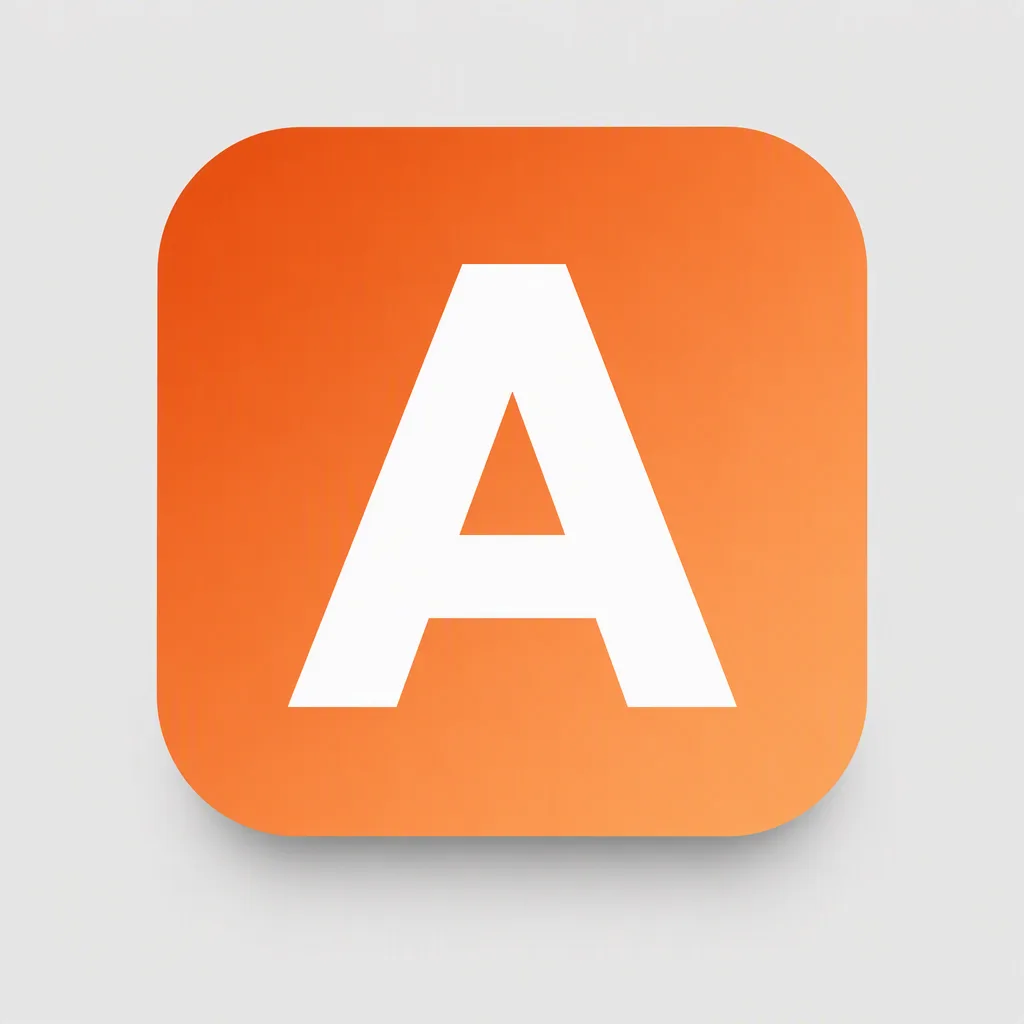
A single bold letter, the Central Symbol, centered inside a standard iOS and Android rounded-square app icon. Fill the icon edge to edge with a soft, flat gradient that transitions from the Primary Color to the Secondary Color. Keep the letter large, occupying roughly 60 to 70 percent of the icon, with a confident silhouette, even padding and clear legibility at 48 pixels. Use simple flat shapes, clean edges and no tiny details, hairlines, border or inner frame. Show the icon alone, centered on the Presentation Background with a soft natural shadow beneath it. Use only the two supplied gradient colors plus the letter treatment, with no additional text, symbols, logos or watermark. Keep the presentation minimal and front-facing, with the icon as the only focal point.

Use these details:
Central Symbol: "A"
Primary Color: "Burnt orange"
Secondary Color: "Apricot orange"
Presentation Background: "Light grey"
Using your own logo, product or face? Attach it in the chat and say which of the details it replaces.
Your result will come out close to the example rather than identical to it. Change the details to make it yours.