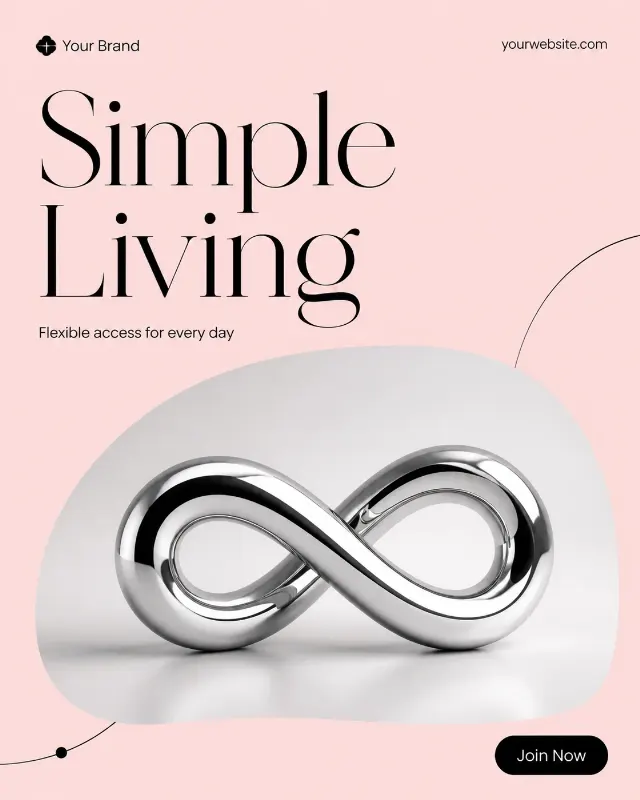
Build one single bookstore social media post in the Format, shown flat and full-frame. Use the Headline as the dominant element in the Headline Typeface Style, with large, elegant lettering and excellent phone-size legibility. Set the composition on a cream background with deep green structure and the accent from the Color Palette reserved for one highlighted word or small detail.

Place the Photo Inside The Frame inside a defined angled frame, showing the book cover tilted slightly as a naturally lit editorial still life. Give the photo a rounded rectangle shape with generous breathing room and a subtle layered-paper effect. Keep the Headline clearly separate from the image. Place the Supporting Line in smaller type beneath it, then include one pill-shaped CTA using the Call To Action Button Text. Put the Brand Name and Website Or Handle along the top or bottom edge in small, carefully aligned type.

Use a clear grid, generous margins, no more than two typefaces, and restrained decorative details such as a fine rule or a few small dots. Render every field exactly as written. Keep all text spelled correctly and legible. Do not add extra copy, real logos, watermarks, borders, device mockups or additional posts.

Use these details:
Headline: "Book of the Month"
Supporting Line: "A story worth making time for"
Brand Name: "Your Brand"
Website Or Handle: "yourwebsite.com"
Call To Action Button Text: "Discover the Pick"
Photo Inside The Frame: "A hardback novel photographed on a wooden reading table"
Color Palette: "deep green, cream and a muted terracotta accent"
Headline Typeface Style: "expressive high-contrast serif"
Format: "4:5 portrait"
Using your own logo, product or face? Attach it in the chat and say which of the details it replaces.
Your result will come out close to the example rather than identical to it. Change the details to make it yours.