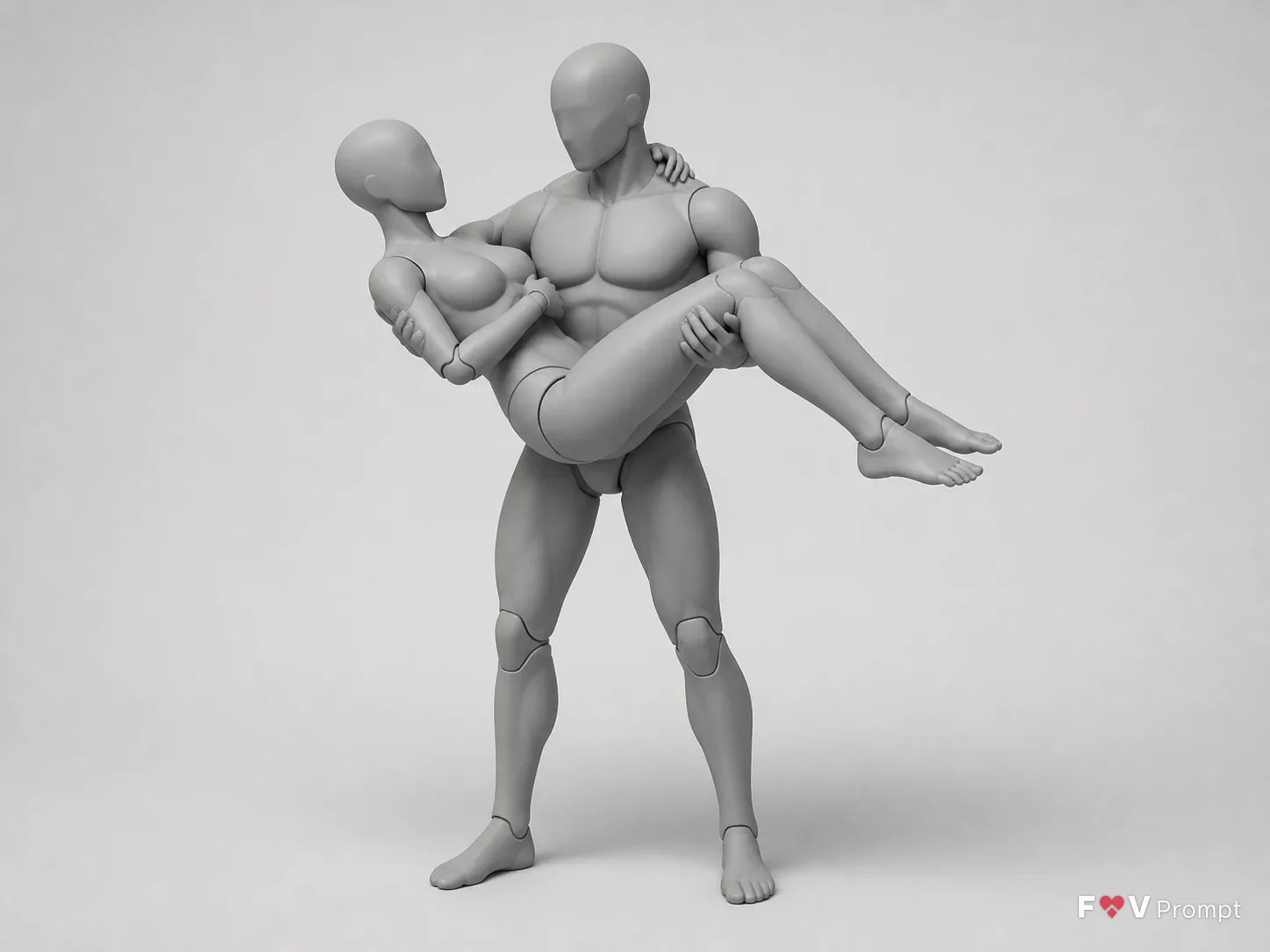
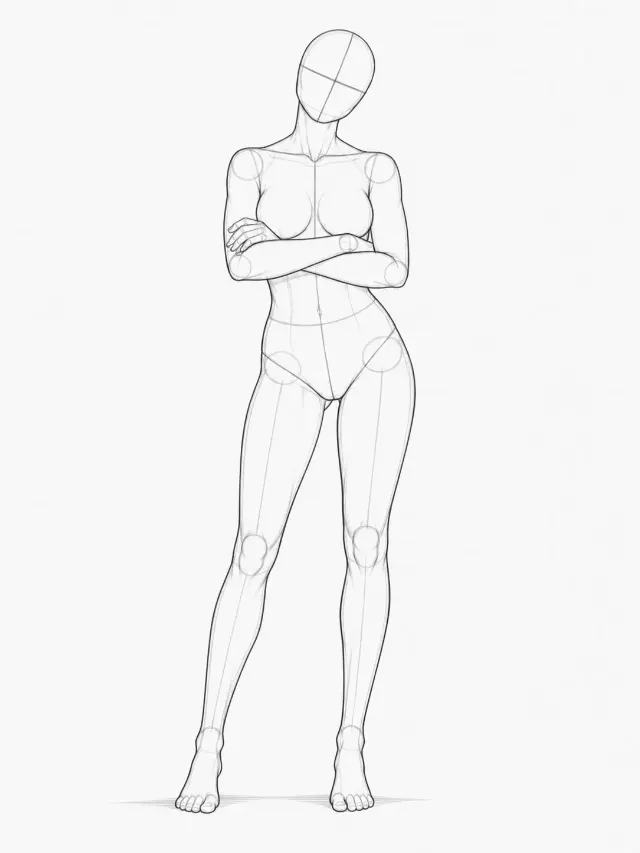
Show the Pose from the View Angle, using the Figure Count and Figure Genders. Present the full figures with comfortable margins in the Format, keeping the male figure's stance believable and his weight distributed naturally as he supports the female figure in his arms. Make the lifted figure's body position, bent legs, arm placement and points of contact easy to study. Keep limbs separate and clearly readable, with natural joint angles, correct proportions, clearly formed hands and feet, and the right number of fingers and toes. Include the Props only if present, rendered as simple shapes in a slightly darker gray. Apply the Render Style to featureless artist mannequins with no faces, hair, clothing, nipples or genitals. Use simple segmented joints at the neck, shoulders, elbows, wrists, hips, knees and ankles. Distinguish the figures through body proportions only. Set the scene on a plain light gray seamless background with soft overhead studio lighting and a gentle contact shadow beneath them. No text, labels, numbers, arrows, watermarks or logos.

Use these details:
Pose: "Male figure carrying a female figure in a bridal-style lift"
View Angle: "Three-quarter view from the front"
Figure Count: "2"
Figure Genders: ["Male", "Female"]
Props: "None"
Render Style: "Smooth matte gray clay render"
Format: "4:3 landscape"
Using your own logo, product or face? Attach it in the chat and say which of the details it replaces.
Your result will come out close to the example rather than identical to it. Change the details to make it yours.