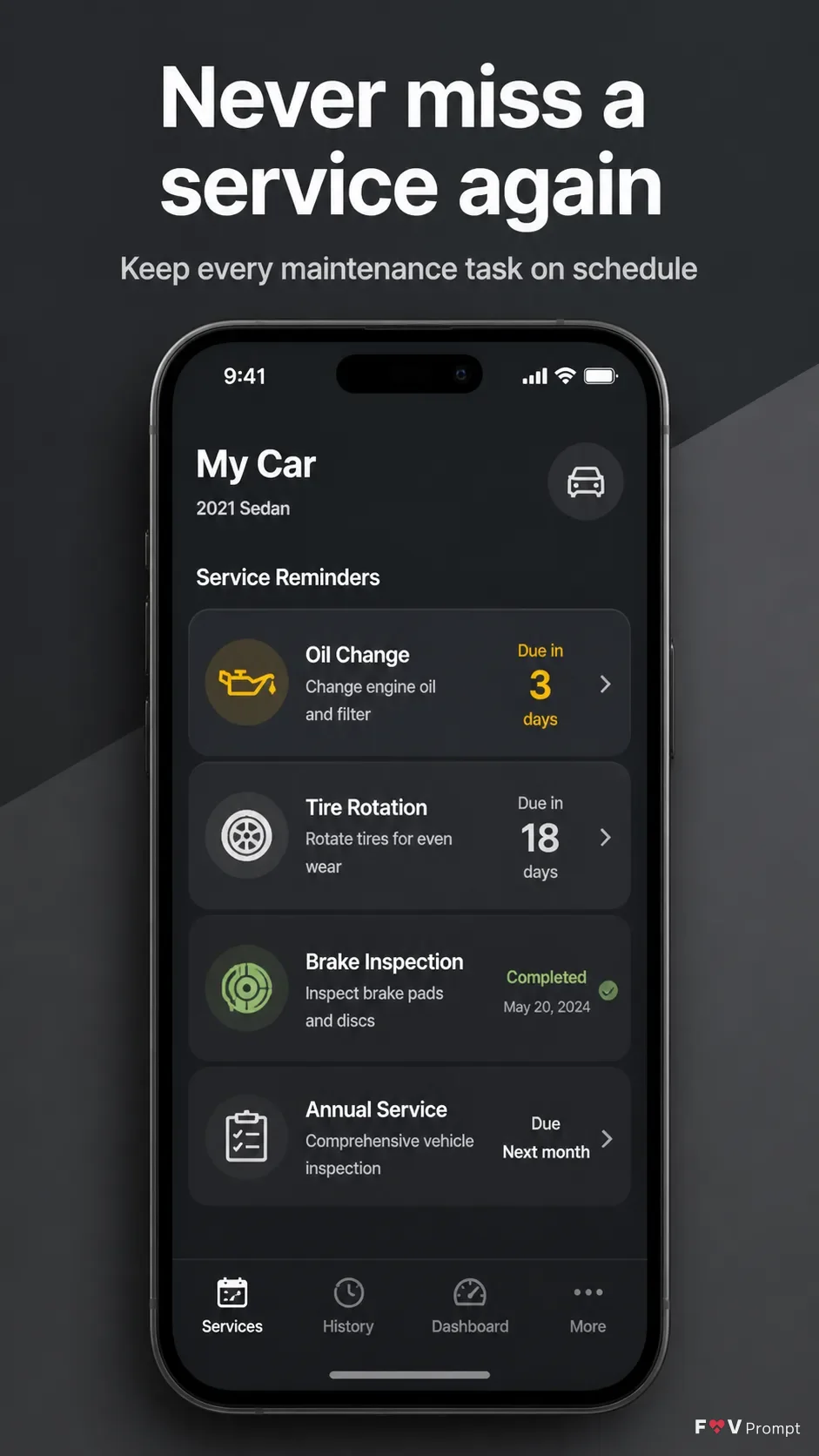
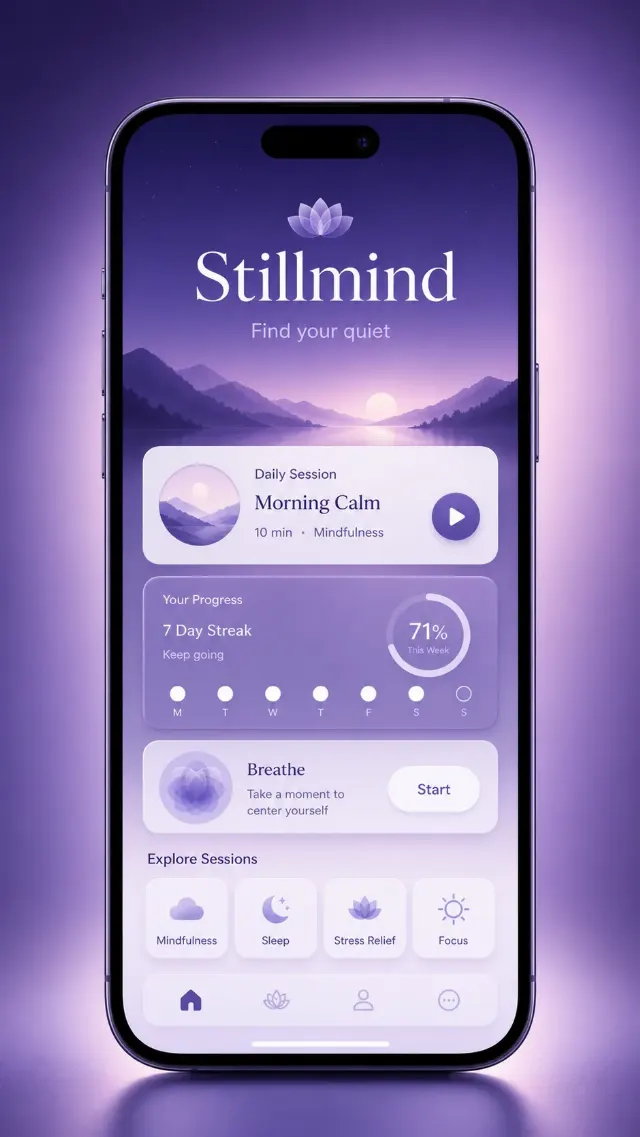
Design one professionally made App Store or Google Play listing screenshot in a vertical 9:16 format. Place the Headline at the top in large, bold, clean sans serif type, on no more than two lines, rendered exactly as written. Add the Subline beneath it in smaller, highly legible type. Keep comfortable margins around every element.

Use a generic modern smartphone with thin bezels, no brand logos and the Device Angle. Give it a soft realistic shadow. Use the Attached App Screenshots inside the phone screen exactly as provided when available. Otherwise, create a believable car maintenance app interface based on the Screen Content, with a service reminder list, clean cards, sensible dates, simple icons and a 9:41 status bar. If the Attached App Icon contains artwork, use it exactly; otherwise, omit the icon rather than inventing a branded mark.

Use the Brand Color consistently in the app UI and as a soft two-tone background treatment, keeping the composition restrained and easy to scan. Make the phone and screen the main visual element. Ensure every word is spelled correctly and legible. Use realistic interface spacing and crisp typography. Do not add star ratings, reviews, download counts, store badges, watermarks, logos, glow, sparkles, lens flares, glassmorphism or extra decorative elements.

Use these details:
App Name: "AutoCare"
Headline: "Never miss a service again"
Subline: "Keep every maintenance task on schedule"
Brand Color: "gunmetal gray"
Screen Content: "A service reminder list showing Oil Change due in 3 days, Tire Rotation due in 18 days, Brake Inspection completed, and Annual Service due next month"
Device Angle: "front-facing and straight"
Attached App Screenshots: "No external screenshots provided"
Attached App Icon: "No external app icon provided"
Using your own logo, product or face? Attach it in the chat and say which of the details it replaces.
Your result will come out close to the example rather than identical to it. Change the details to make it yours.