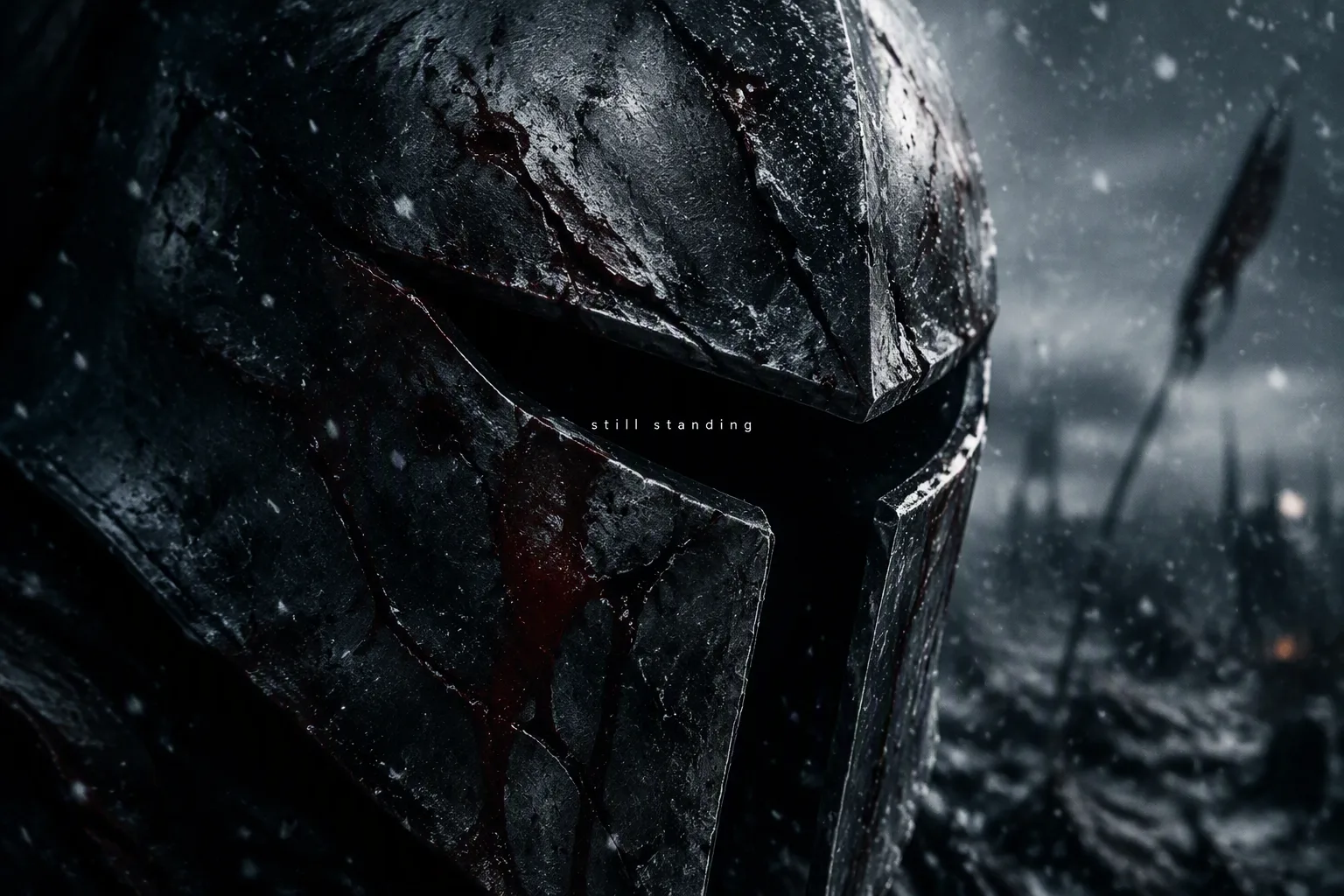
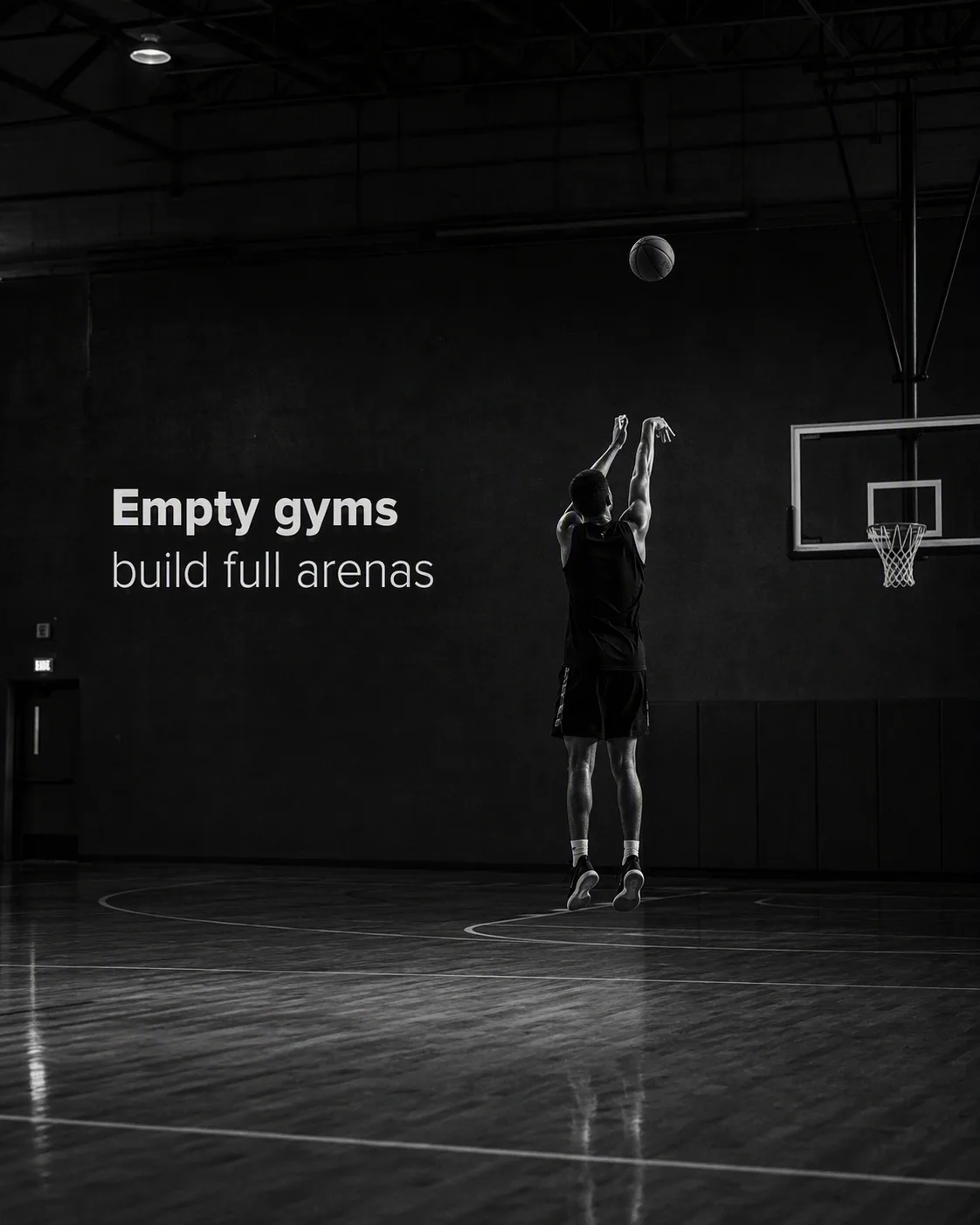
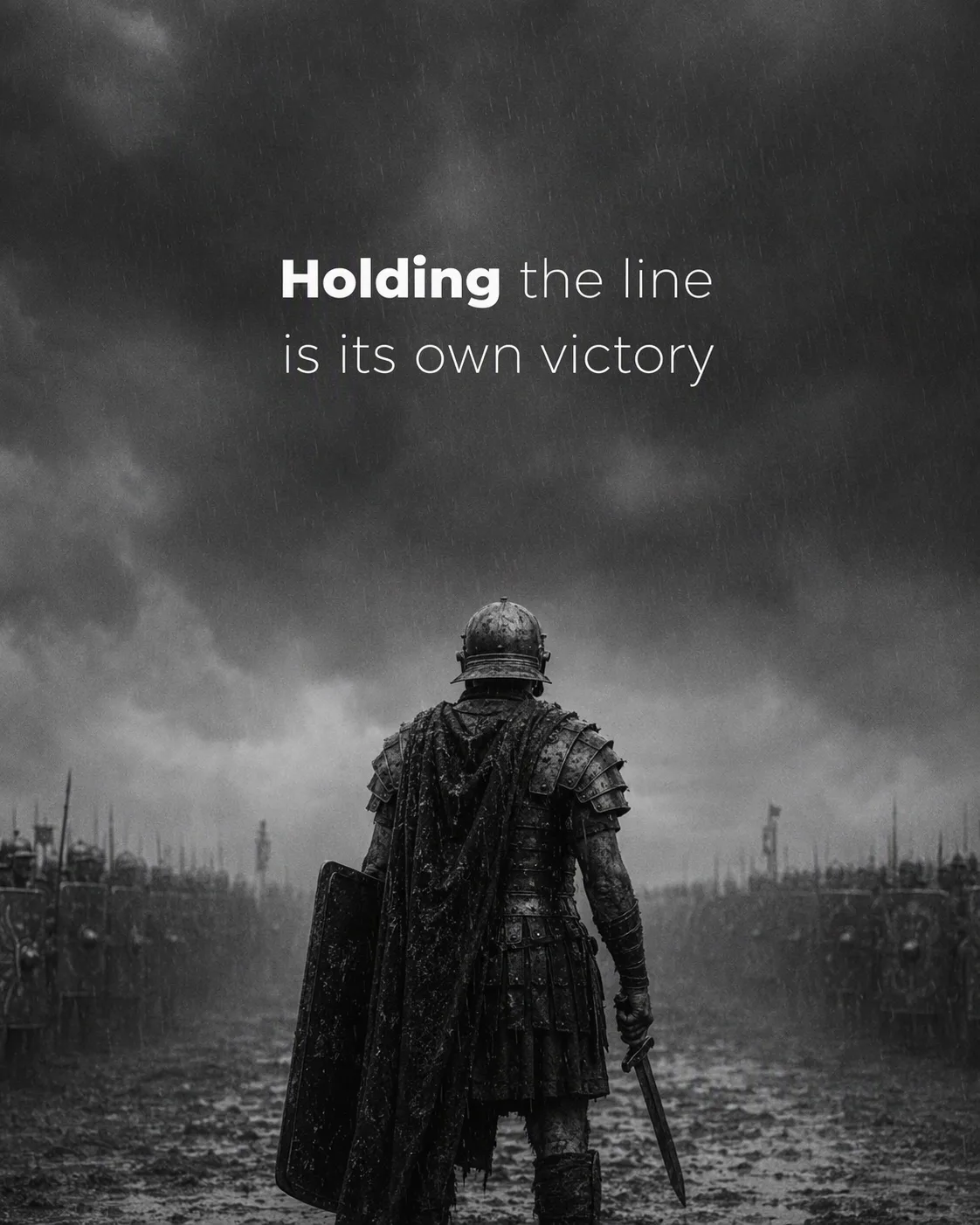
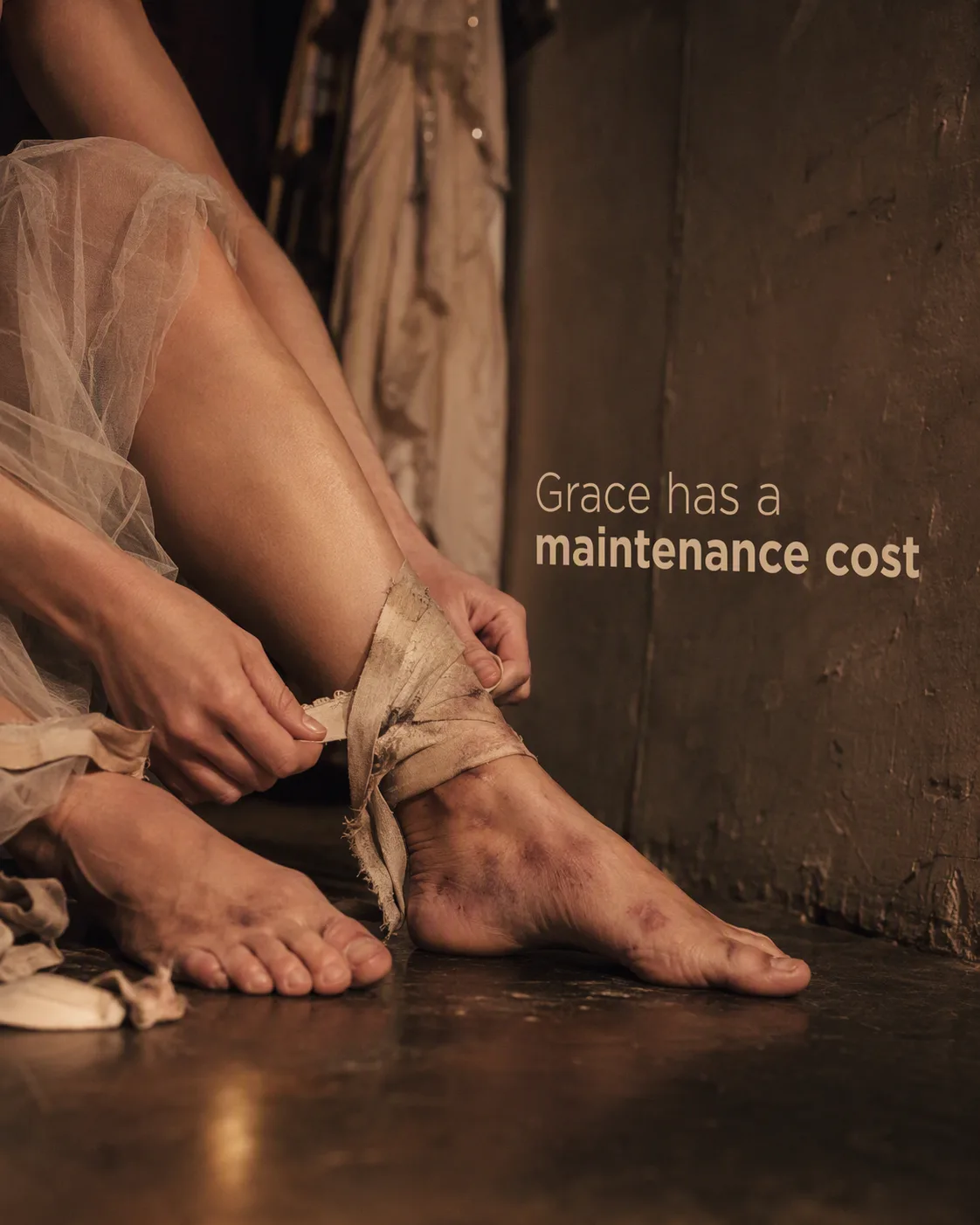
Frame the Subject in an extreme close-up, filling most of the composition with its battered metal surface, deep scratches and fresh blood streaks. Place it against the Setting, with dense snow falling through the foreground and background. Use the Color Palette for cold, desaturated tones, reserving the muted crimson for the blood and subtle tonal contrast. Light the scene like a dark cinematic film still: hard side light catches the damaged edges while much of the helmet falls into heavy shadow. Add fine film grain, shallow depth of field and restrained atmospheric haze. Set the Overlay Text in tiny, clean lowercase lettering precisely at the center of the image. Render the text sharply and exactly as written, with no other words, symbols or typography. Keep the mood solemn, resilient and tense.

Use these details:
Subject: "scarred steel combat helmet"
Setting: "a bleak battlefield landscape during falling snow"
Color Palette: "charcoal black, gunmetal gray, icy blue and muted crimson"
Overlay Text: "still standing"
Using your own logo, product or face? Attach it in the chat and say which of the details it replaces.
Your result will come out close to the example rather than identical to it. Change the details to make it yours.