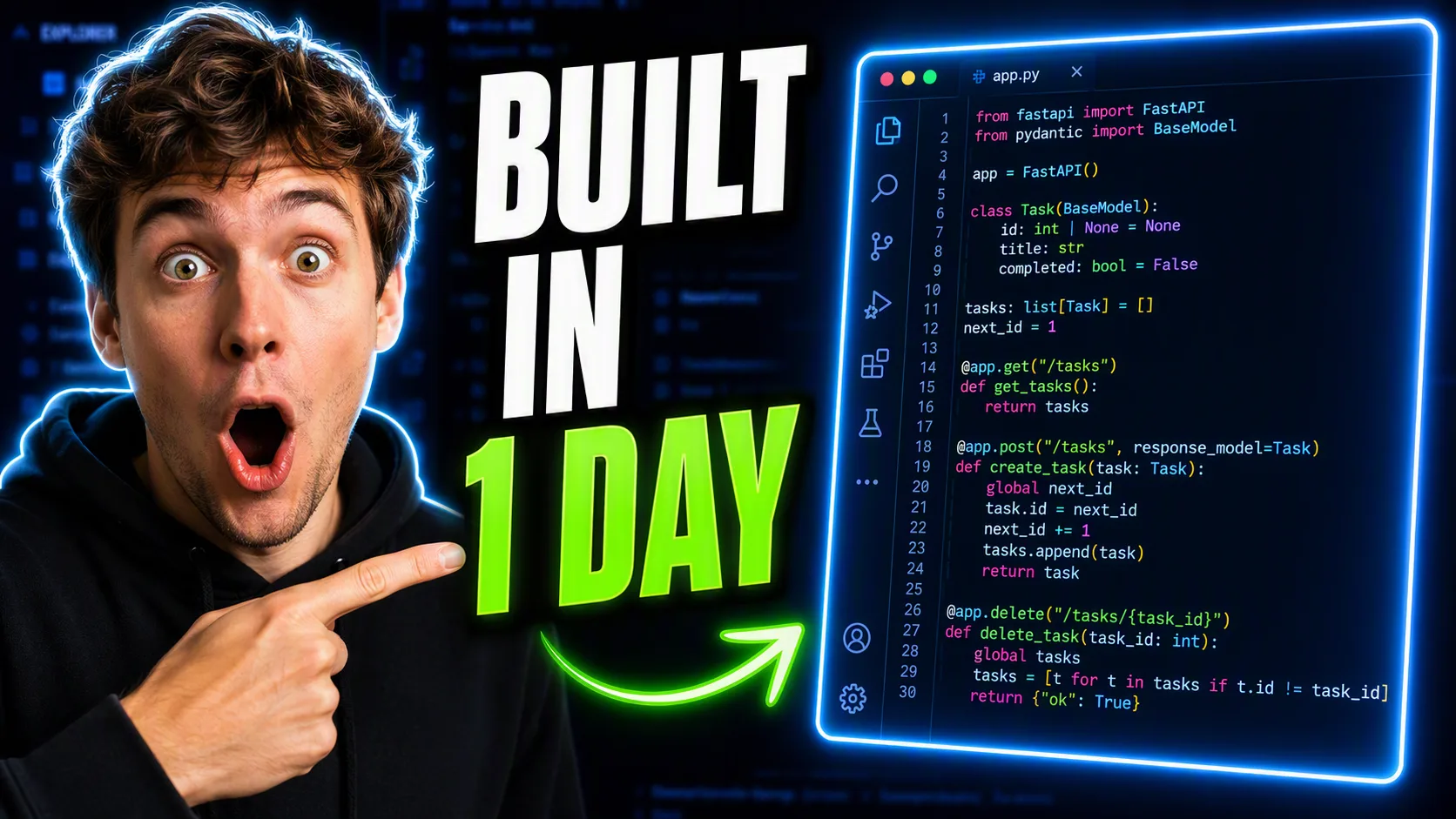
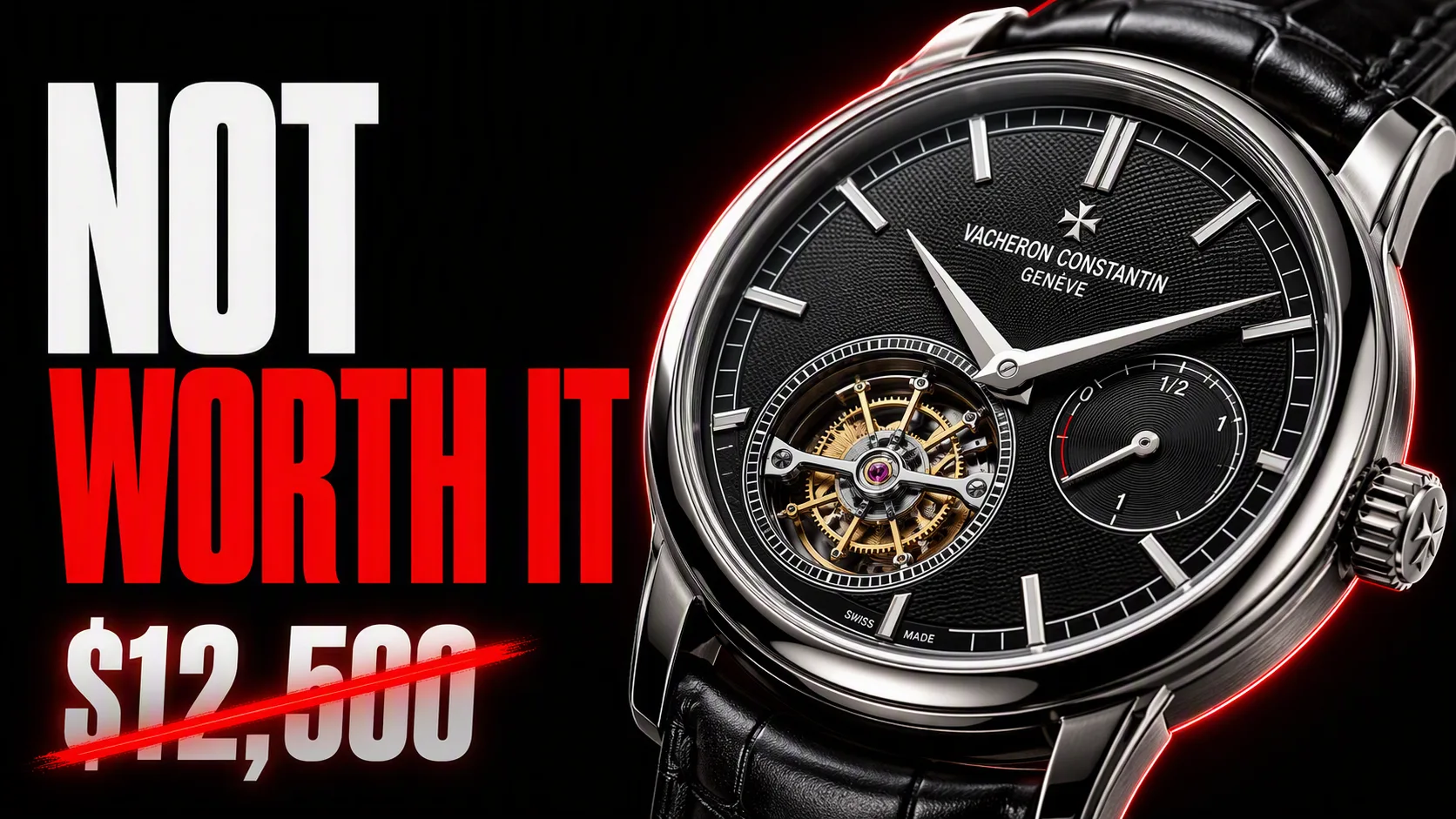
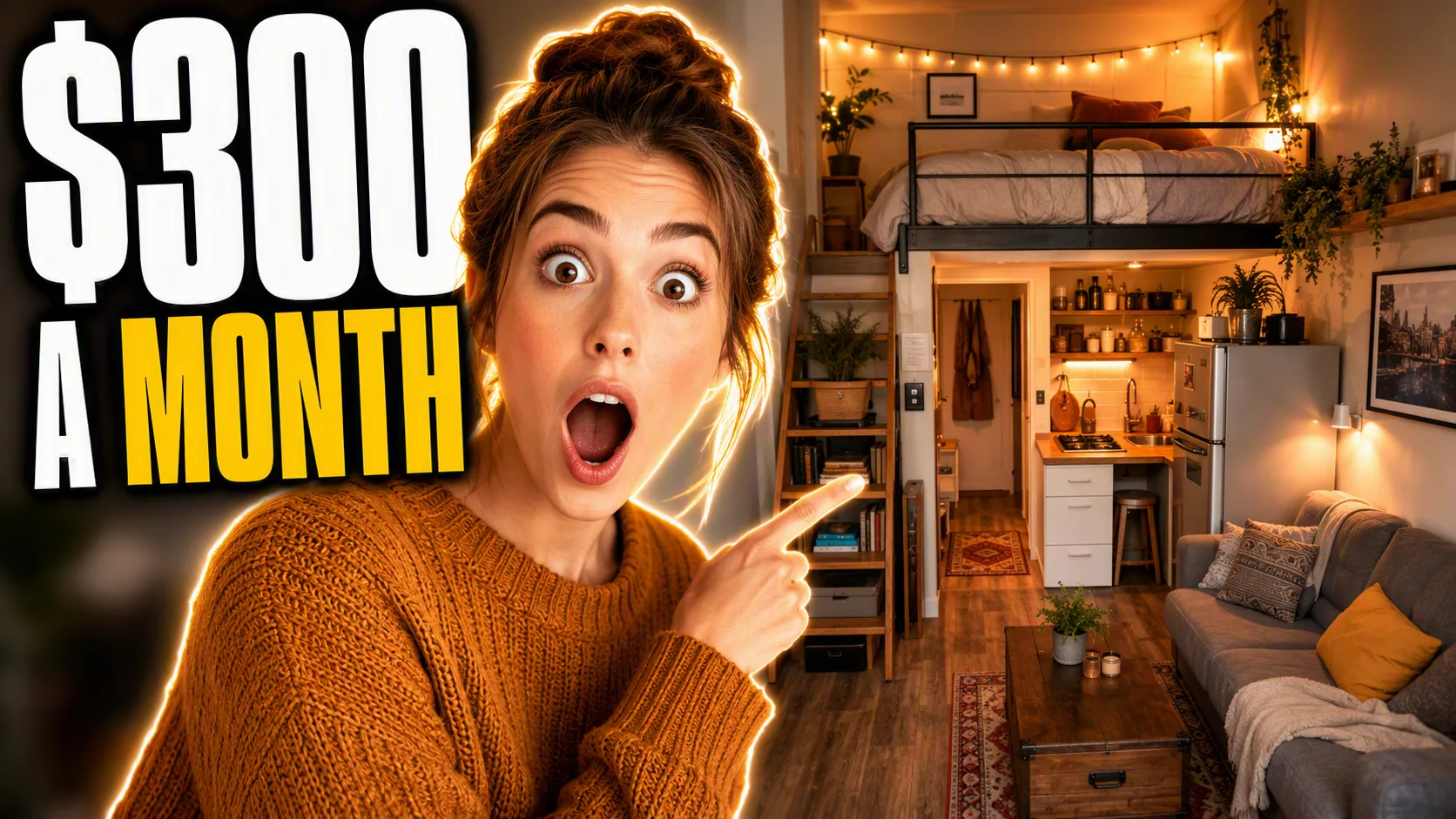
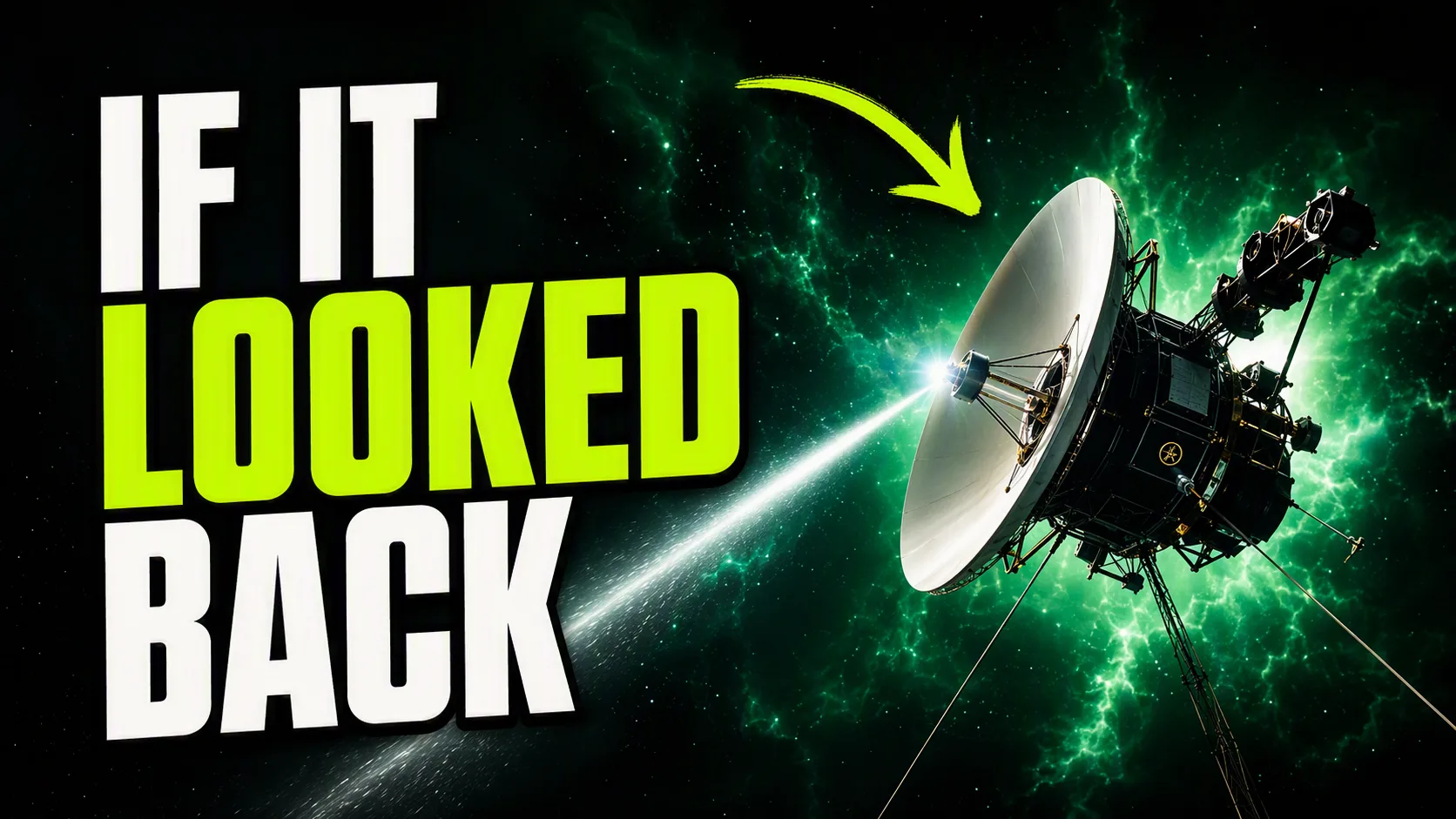
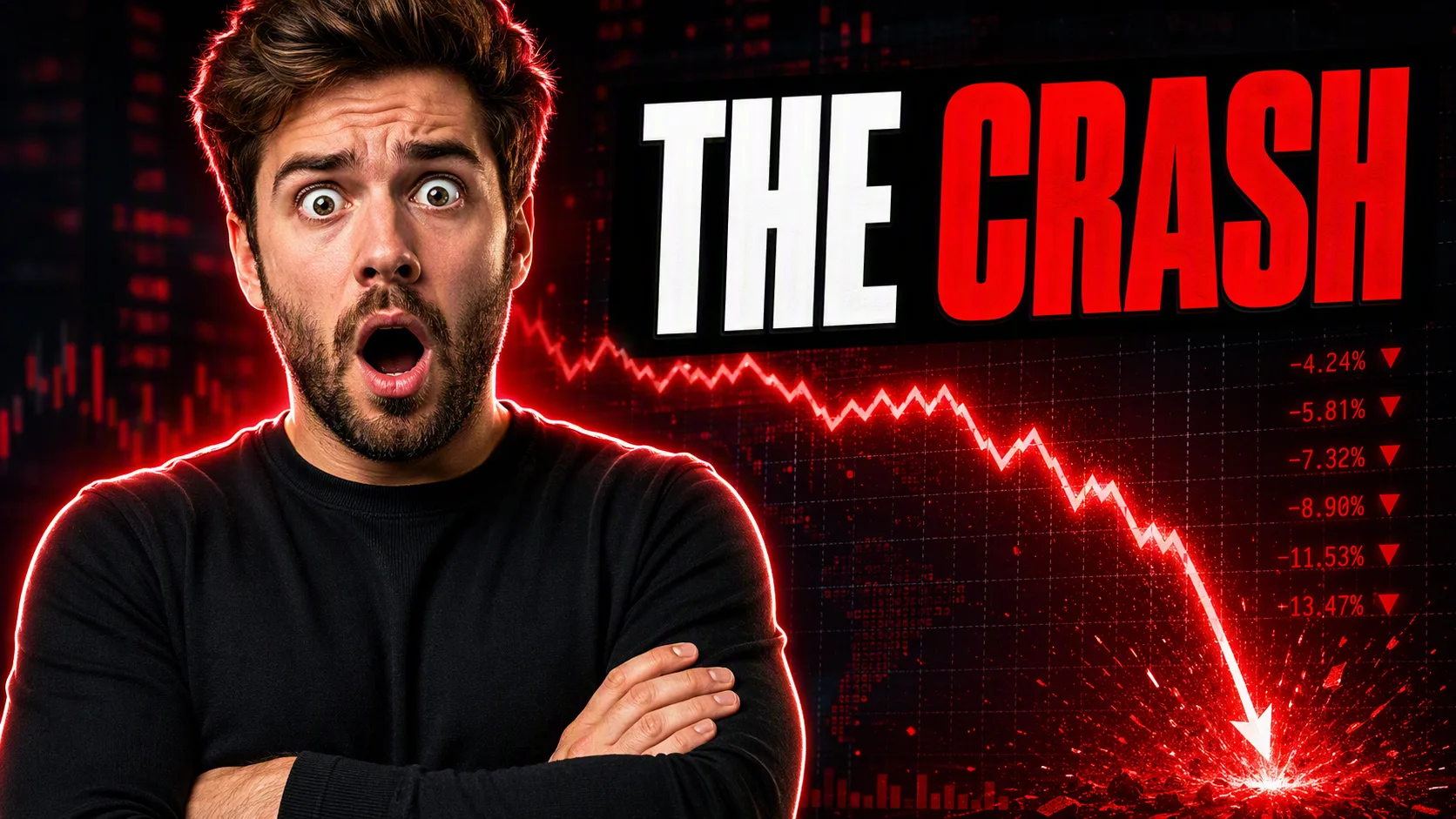
A scroll-stopping 16:9 YouTube thumbnail showing the Creator Face large and close to camera, pointing excitedly toward the Code Editor on the opposite side. Give the creator an exaggerated surprised expression and cut them out cleanly with a subtle bright rim glow. Make the Code Editor large, clearly identifiable and intensely luminous, with colorful syntax lines visible inside it. Use the Background as a simplified, slightly blurred scene so it supports the subjects without competing. Place the Headline Text in a dedicated band beside the creator, never across the face, using two to five words in uppercase. Render it in the Font Style, large enough to remain legible at 200 pixels wide, with a thick contrasting outline or hard drop shadow. Make one or two words electric and saturated in the Accent Color while keeping the remaining words near-white. Use high contrast, strong rim lighting and a bright complementary palette against the dark background. Add one restrained glow ring or directional arrow. No watermarks, logos, play buttons, timestamps or borders. Spell the headline correctly and keep it inside the frame.

Use these details:
Creator Face: "an expressive software creator pointing toward the screen"
Headline Text: "BUILT IN 1 DAY"
Code Editor: "a glowing code editor displaying colorful lines of code"
Accent Color: "electric green"
Font Style: "heavy condensed sans serif"
Background: "a dark computer screen with subtle blue-black interface details"
Using your own logo, product or face? Attach it in the chat and say which of the details it replaces.
Your result will come out close to the example rather than identical to it. Change the details to make it yours.