Design a professionally made App Store and Google Play listing screenshot for the App Name. Use a vertical 9:16 composition with one generic modern smartphone, thin bezels, no brand logos, and a soft realistic shadow. Place the Headline at the top in large, bold, clean sans serif type, rendered exactly as written and kept to no more than two lines. Add the Subline beneath it in smaller, highly legible type. Below the copy, place the phone in the Device Angle as the main element with comfortable margins. Show the Screen Content clearly inside the display, including a 9:41 status bar, believable UI spacing, crisp components, sensible labels and correctly spelled text. Use the App Icon in the app interface where appropriate. Apply the Brand Color to the background and interface accents. Keep the background solid and uncluttered, with no glow, sparkles, lens flares, glass effects, gibberish, ratings, reviews, store badges or watermarks.

Use these details:
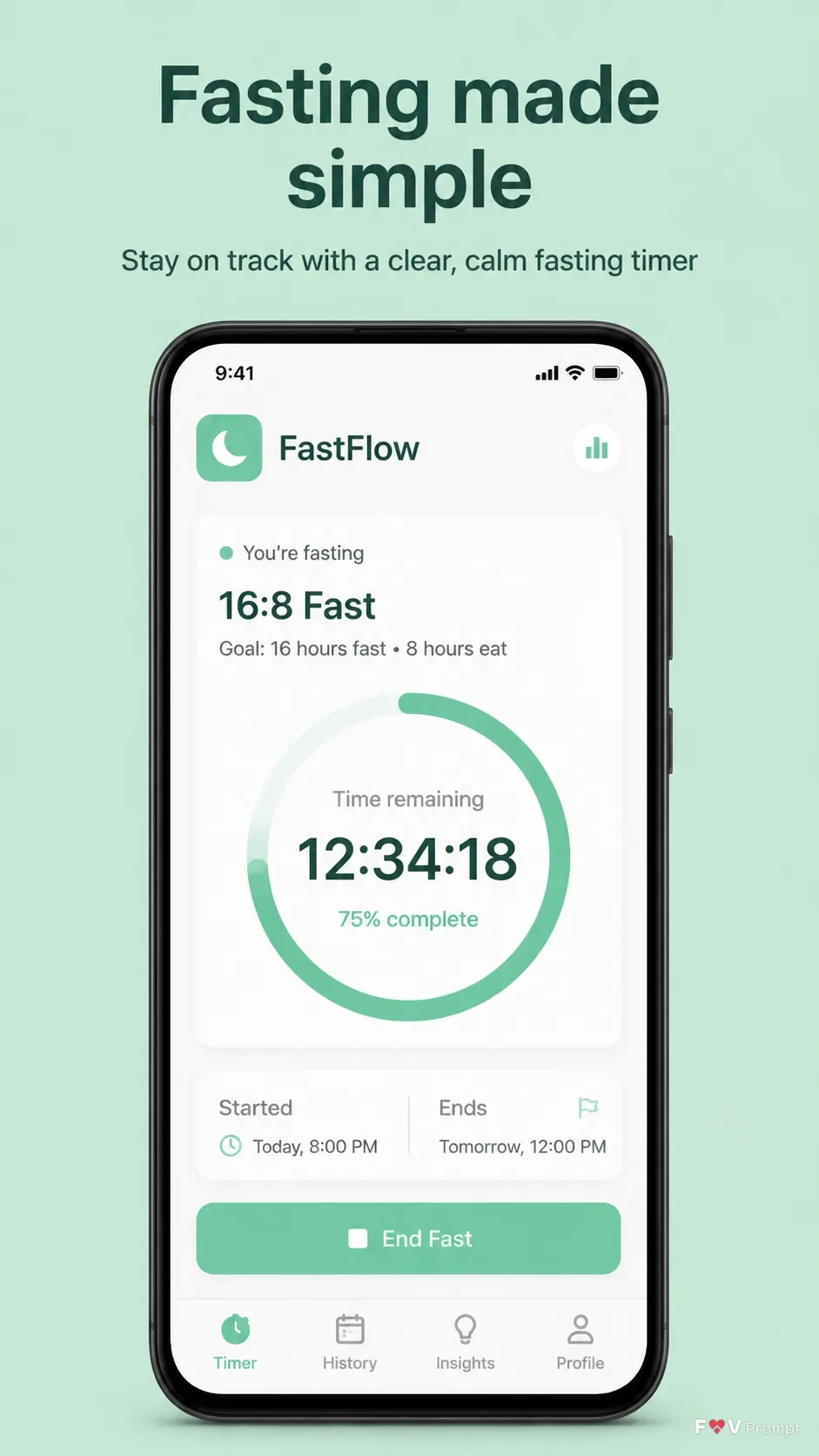
App Name: "FastFlow"
Headline: "Fasting made simple"
Subline: "Stay on track with a clear, calm fasting timer"
Brand Color: "soft mint green"
Screen Content: "fasting tracker dashboard showing an active 16:8 fast, 12:34:18 remaining, start and end times, and a simple progress ring"
Device Angle: "straight-on front view"
App Screenshots: "No supplied screenshot; use the described fasting tracker interface"
App Icon: "mint square icon with a simple white crescent moon"
Using your own logo, product or face? Attach it in the chat and say which of the details it replaces.
Your result will come out close to the example rather than identical to it. Change the details to make it yours.