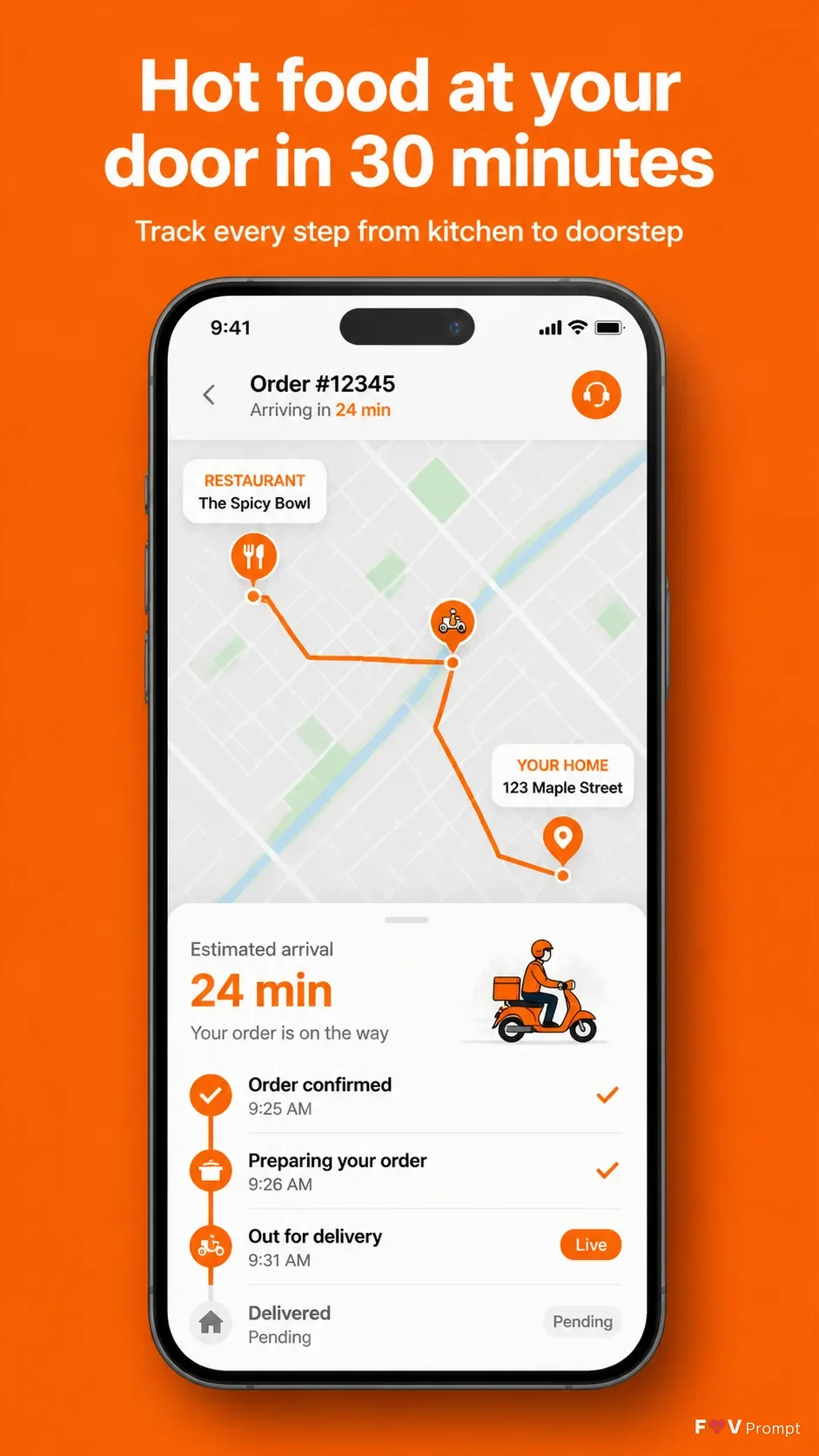
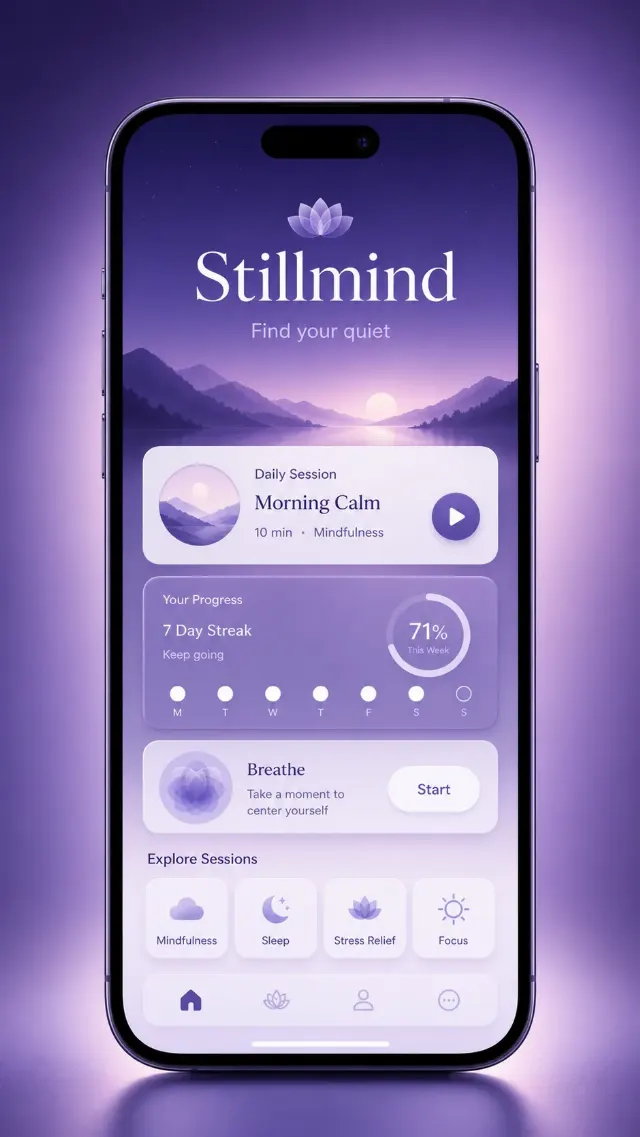
Design a professionally made App Store or Google Play screenshot for the food delivery app named App Name. Use a vertical 9:16 composition with generous margins and one generic modern smartphone as the main element, positioned Device Angle, with thin bezels, no logos and a soft realistic shadow.

Place the Headline at the top in large, bold, clean sans serif type, exactly as written and no more than two lines. Add the Subline beneath it in smaller, highly legible type. Keep all typography correctly spelled. Below the copy, show the phone with Screen Content on its display. Use a believable food delivery interface with a crisp live map, sensible labels, a clear 24-minute ETA and a 9:41 status bar. Apply Brand Color consistently to the background and interface accents.

If Attached Screenshots or Attached App Icon are provided, place them exactly as supplied without redrawing. Otherwise create a coherent original UI. Use a bright, uncluttered background, realistic phone rendering and subtle shadows. Do not add ratings, reviews, download counts, store badges, brand logos, watermarks, glow, sparkles, lens flares, glassmorphism or unreadable text.

Use these details:
App Name: "DashDrop"
Headline: "Hot food at your door in 30 minutes"
Subline: "Track every step from kitchen to doorstep"
Brand Color: "bright orange"
Screen Content: "Live order tracking map showing a courier en route from a restaurant to the customer's home, with a 24-minute ETA and labeled delivery stages"
Device Angle: "front-facing and straight"
Attached Screenshots: "None provided"
Attached App Icon: "None provided"
Using your own logo, product or face? Attach it in the chat and say which of the details it replaces.
Your result will come out close to the example rather than identical to it. Change the details to make it yours.