Design a single mobile app icon for the App Type, using the Icon Concept as one bold, instantly readable symbol. Apply the Style with clean solid shapes, crisp edges, a strong silhouette and comfortable internal padding. Use the Color Palette with clear contrast between the rounded-square background and the central symbol. Present the icon as a real App Store or Google Play icon: an iOS-style squircle centered on a plain very light neutral background, occupying about 70 percent of the square 1:1 canvas, with a soft subtle shadow beneath it. Keep the symbol simple and iconographic rather than illustrative, with smart negative space and no thin lines or tiny details. Show no device, hands, mockup, extra objects, text outside the icon, watermark, glow, sparkles or lens flare. Make the result original and unrelated to existing app icons, logos or mascots.

Use these details:
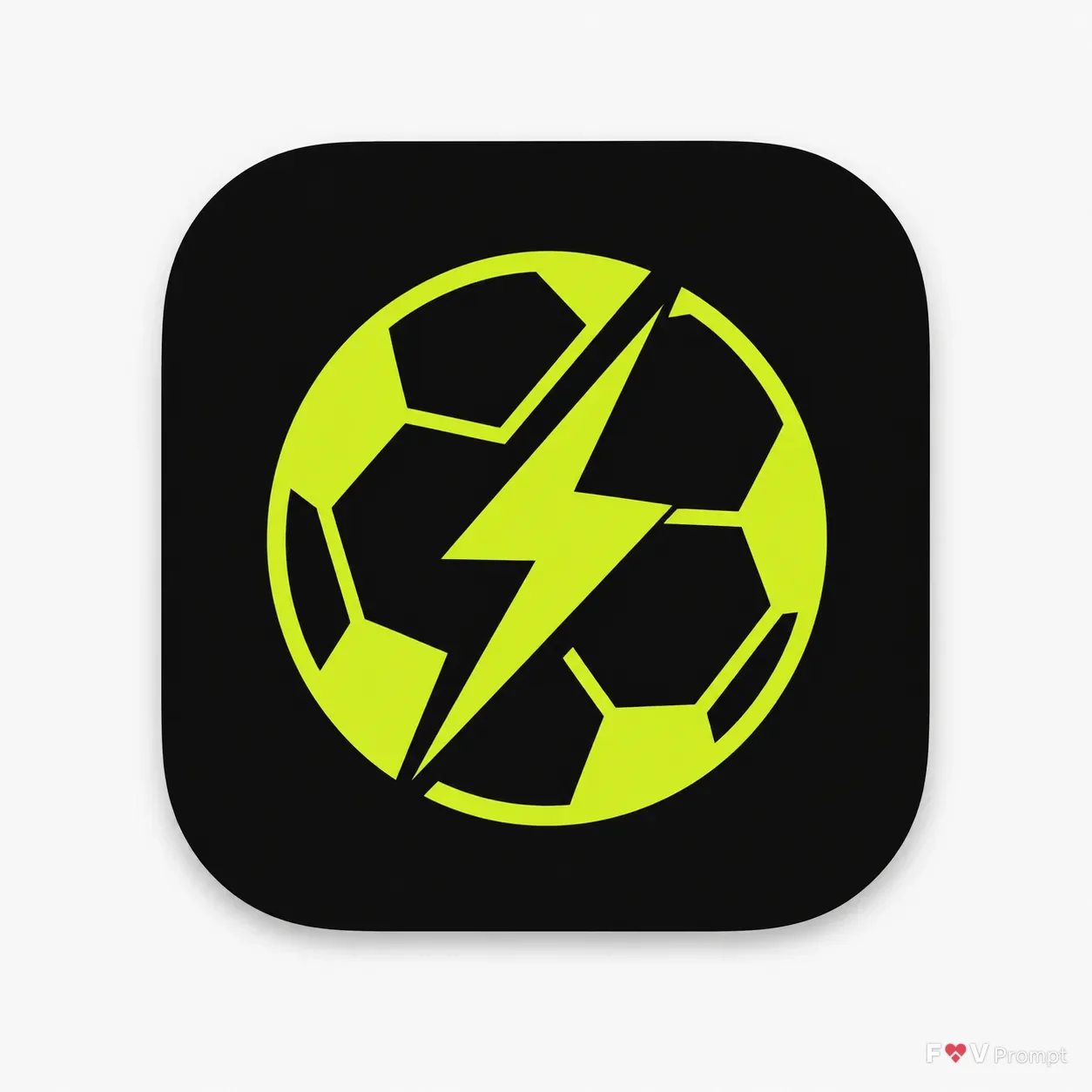
App Type: "Live football scores app"
Icon Concept: "A football with a lightning bolt stitch"
Style: "Flat icon design"
Color Palette: "Black and lime"
Using your own logo, product or face? Attach it in the chat and say which of the details it replaces.
Your result will come out close to the example rather than identical to it. Change the details to make it yours.