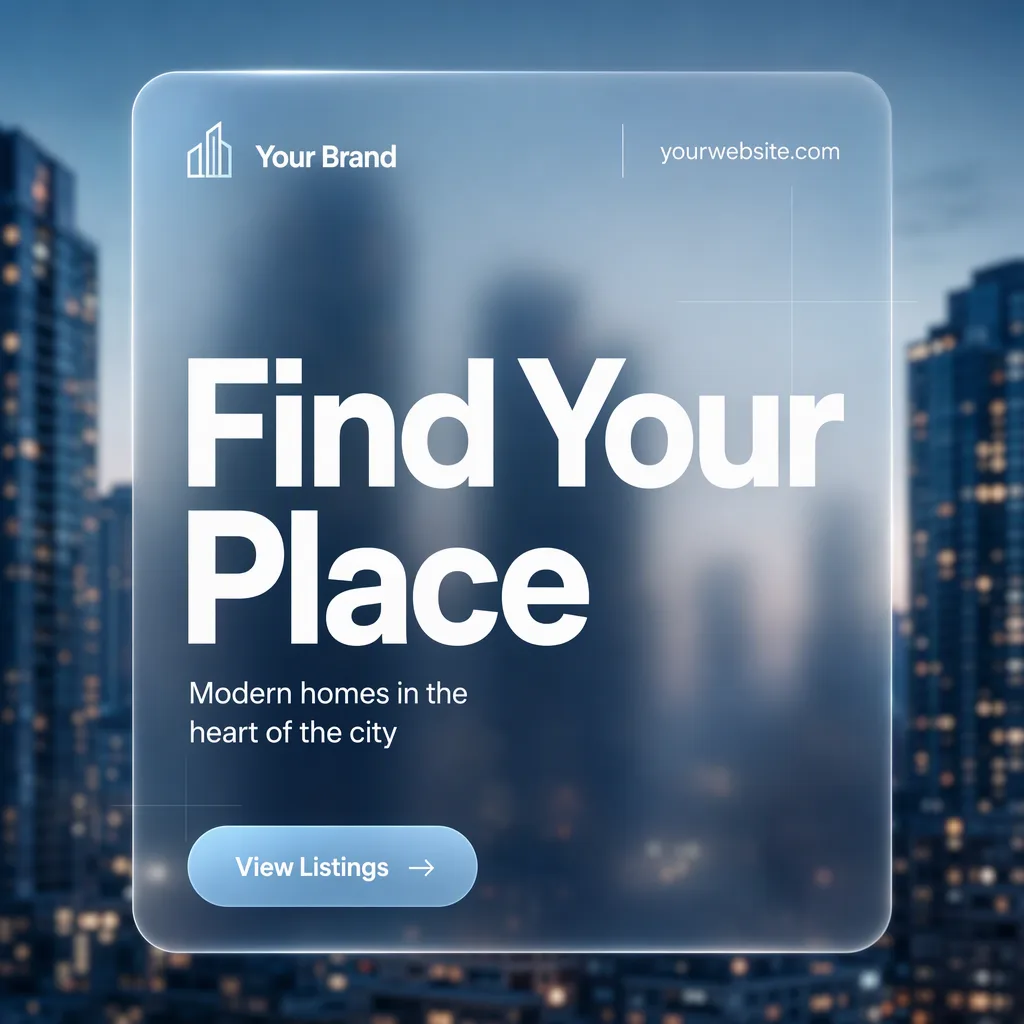
Build one single social media post for real estate in the Format, shown flat and full-frame. Use the Photo Inside Frame as the full-bleed background, softened with a shallow-depth blur so the city remains atmospheric rather than distracting. Overlay one large frosted glass panel with translucent depth, subtle edge diffusion and a gentle blur of the image behind it. Use the Color Palette throughout, and render the Headline, Short Supporting Line, Brand Name, Website Or Handle and Call-To-Action Button Text in the Text Color. Make the Headline the dominant element in a heavy geometric sans-serif, limited to two to four words. Keep the supporting line small and grouped beneath it. Place the Brand Name and Website Or Handle along the top or bottom edge of the panel in restrained small type. Include only one CTA, using the Call-To-Action Button Text in a compact pill button. Maintain a clear grid, generous margins and deliberate alignment. Add only subtle glass highlights or fine grid lines as decoration. Use no more than two typefaces, keep every word legible at phone size, and include no mockup device, additional posts, watermark, real logo or border.

Use these details:
Headline: "Find Your Place"
Short Supporting Line: "Modern homes in the heart of the city"
Brand Name: "Your Brand"
Website Or Handle: "yourwebsite.com"
Call-To-Action Button Text: "View Listings"
Photo Inside Frame: "Blurred downtown city skyline with modern apartment towers"
Color Palette: "charcoal navy, icy blue and white"
Text Color: "white"
Format: "4:5 portrait Instagram post"
Using your own logo, product or face? Attach it in the chat and say which of the details it replaces.
Your result will come out close to the example rather than identical to it. Change the details to make it yours.