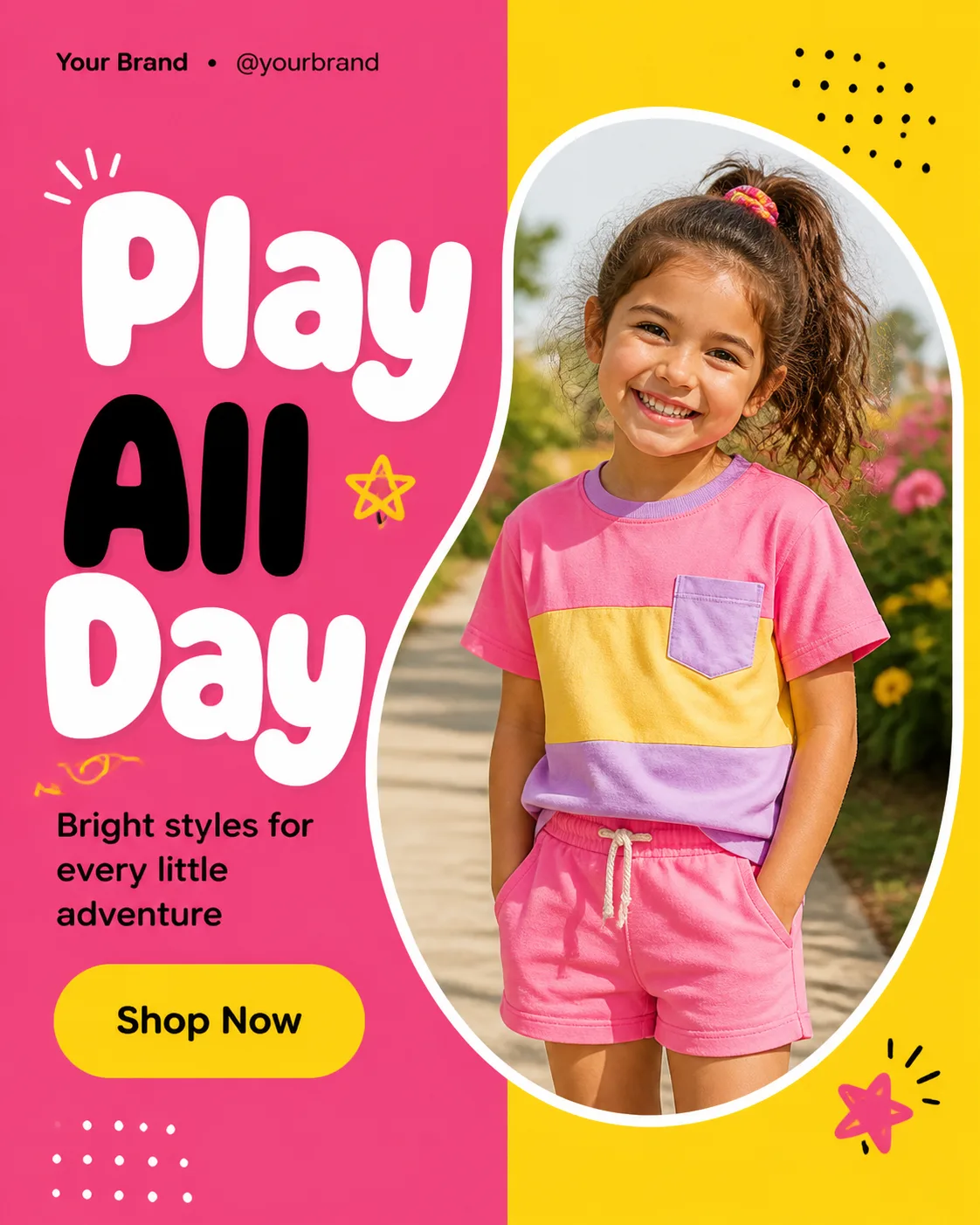
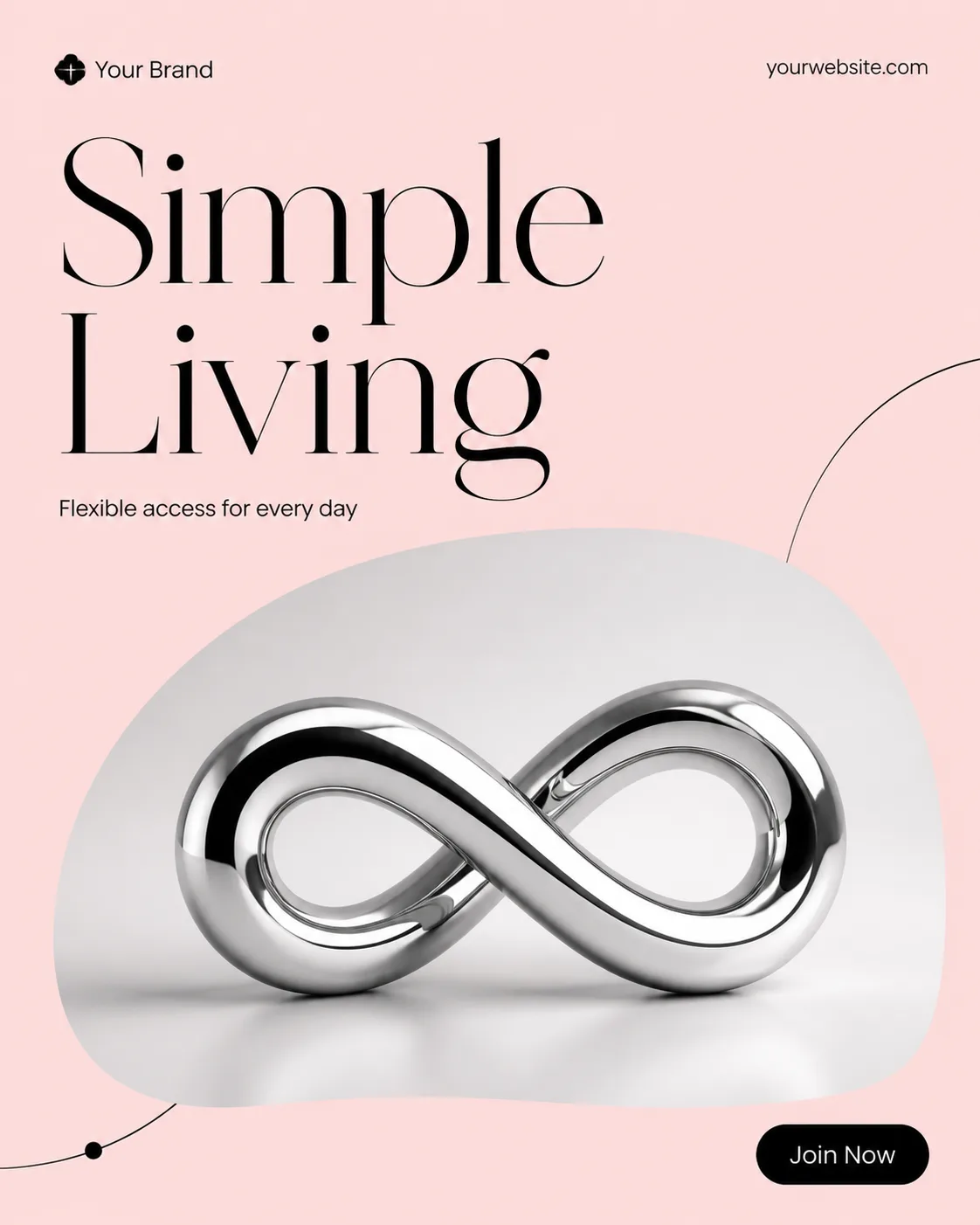
Build one single social media post, shown flat and full-frame in the Format. Divide the layout into two clean vertical color blocks using the Color Palette, with a crisp split that creates a playful, energetic foundation. Place the Photo Inside Frame in a large rounded rectangle or organic cutout that overlaps the split, showing the subject naturally lit and integrated into the composition rather than floating separately. Set the Headline as the dominant element in a heavy rounded display typeface, with strong contrast and clear phone-size legibility. Place the Short Supporting Line in smaller text near the headline. Put the Brand Name and Website Or Handle along the top or bottom edge in restrained small type. Include only one CTA element, a rounded pill button containing the exact text Call To Action Button Text. Use a clear grid, generous margins, deliberate alignment, and at most two typefaces. Add only a few playful dots, curves, or stars if they support the layout. Correct all spelling, and include no real logos, watermarks, device mockups, extra posts, or image borders.

Use these details:
Headline: "Play All Day"
Short Supporting Line: "Bright styles for every little adventure"
Brand Name: "Your Brand"
Website Or Handle: "@yourbrand"
Call To Action Button Text: "Shop Now"
Photo Inside Frame: "a naturally lit child wearing a colorful casual outfit"
Color Palette: "hot pink and sunny yellow with black and white accents"
Format: "4:5 portrait"
Using your own logo, product or face? Attach it in the chat and say which of the details it replaces.
Your result will come out close to the example rather than identical to it. Change the details to make it yours.