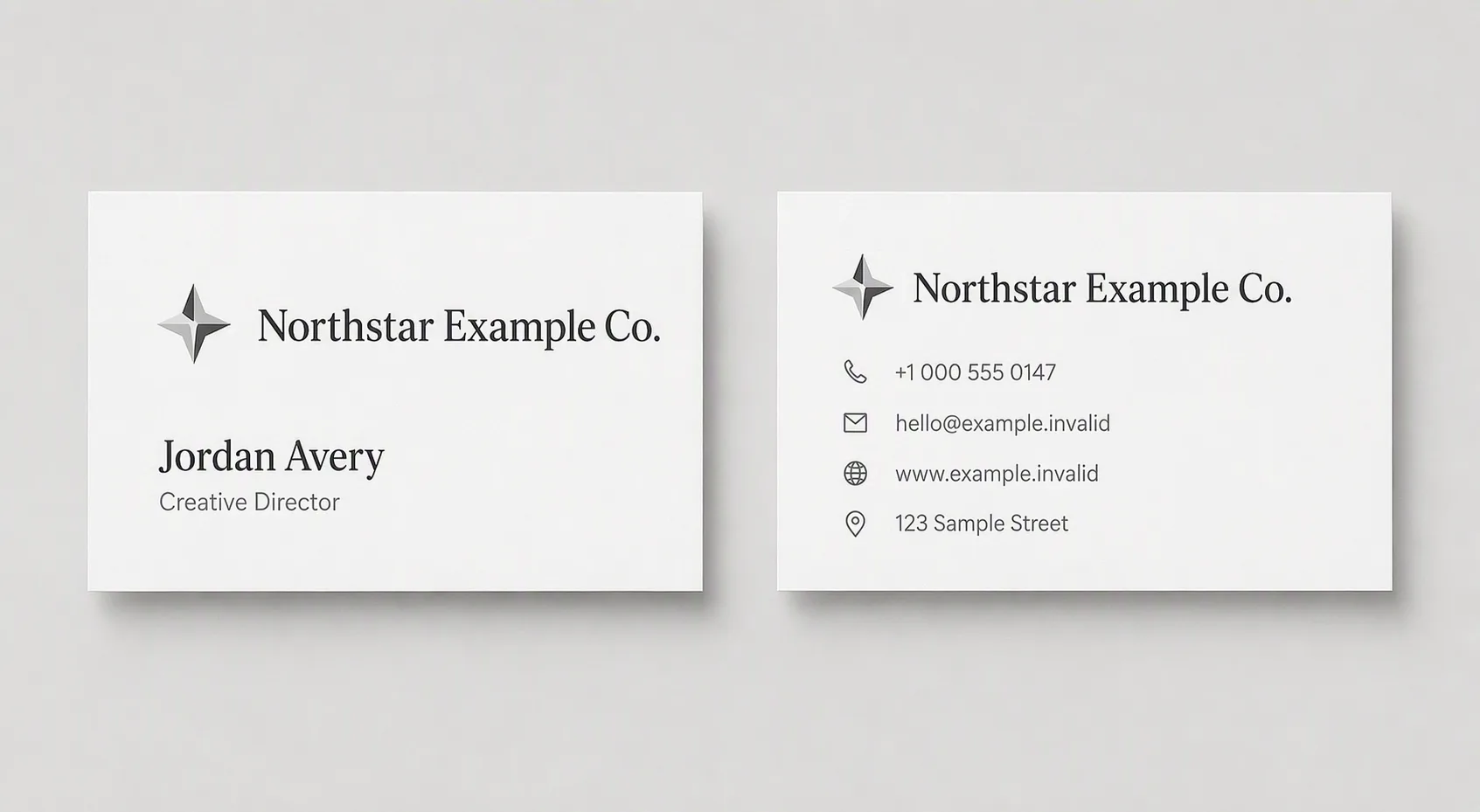
Show the front and back of a clean, minimal business card side by side in a flat top-down view on the Background Color. Use standard business card proportions in the Card Orientation, with generous margins, crisp alignment and a realistic white paper surface with subtle thickness and soft natural shadows. Apply the Color Palette consistently across the card and background. Use a small abstract geometric mark paired with the Company Name on the front, keeping the mark understated. Set the Person Name below it, followed by the Job Title in a smaller size. Place the Phone Number, Email Address, Website and Street Address in one compact, consistent contact style on the back, with the Company Name and mark arranged with clear spacing. Establish a precise hierarchy: company name or logo largest, person's name next, job title smaller, contact details smallest. Render every line exactly as written, correctly spelled, fully legible and safely inside the card edges. Keep the surrounding surface uncluttered, with no props, borders, watermarks, QR codes or real brand logos.

Use these details:
Company Name: "Northstar Example Co."
Person Name: "Jordan Avery"
Job Title: "Creative Director"
Phone Number: "+1 000 555 0147"
Email Address: "hello@example.invalid"
Website: "www.example.invalid"
Street Address: "123 Sample Street"
Color Palette: "white, light grey and charcoal"
Background Color: "light grey"
Card Orientation: "landscape"
Using your own logo, product or face? Attach it in the chat and say which of the details it replaces.
Your result will come out close to the example rather than identical to it. Change the details to make it yours.