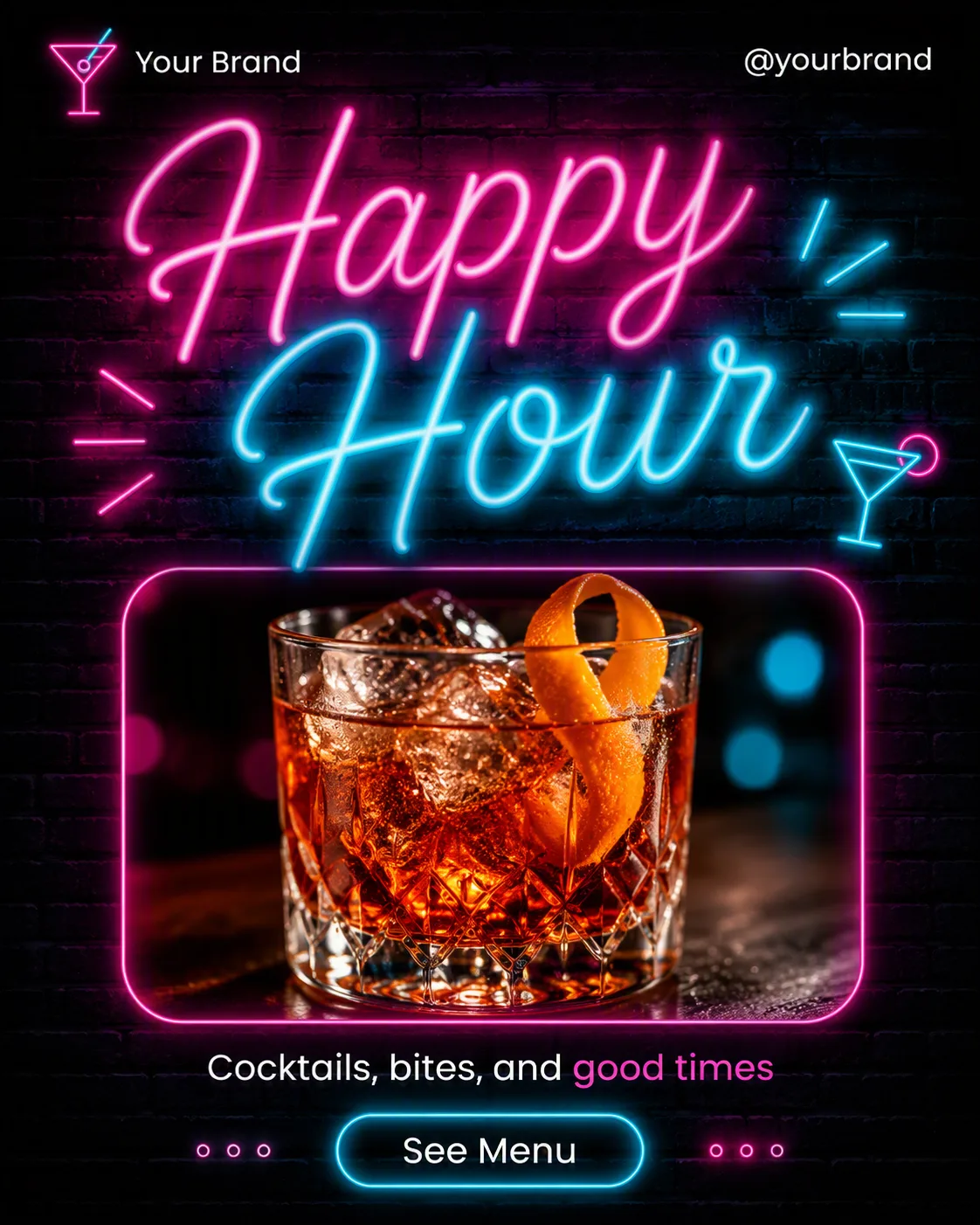
Build one single social media post in the Format, shown flat and full-frame. Set the Background as the full-bleed surface, with subtle brick texture visible behind the design. Make the Headline the dominant element in glowing neon sign lettering, with realistic colored light spill on the wall and a crisp, legible outline. Use the Color Palette with two main colors, white for supporting text, and one accent for selected words or details.

Place the Photo Inside The Frame below the headline in a defined rounded-rectangle frame with natural-looking light and a clean separation from the wall. Arrange the Short Supporting Line in small type near the photo. Include only one pill-shaped CTA using the Call-To-Action Button Text. Set the Brand Name and Website Or Handle along the top or bottom edge in small, carefully aligned type. Use a clear grid, generous margins, maximum two typefaces, and restrained decorative neon lines or dots. Render every field exactly as written, with all text correctly spelled and readable at phone size. No mockup device, multiple posts, watermarks, real logos, accidental edge contact, or border around the image.

Use these details:
Headline: "Happy Hour"
Short Supporting Line: "Cocktails, bites, and good times"
Brand Name: "Your Brand"
Website Or Handle: "@yourbrand"
Call-To-Action Button Text: "See Menu"
Photo Inside The Frame: "A close-up cocktail in a rocks glass with an orange twist and ice"
Background: "A dark charcoal brick wall"
Color Palette: "charcoal black, electric magenta, neon cyan, and white"
Format: "4:5 portrait"
Using your own logo, product or face? Attach it in the chat and say which of the details it replaces.
Your result will come out close to the example rather than identical to it. Change the details to make it yours.