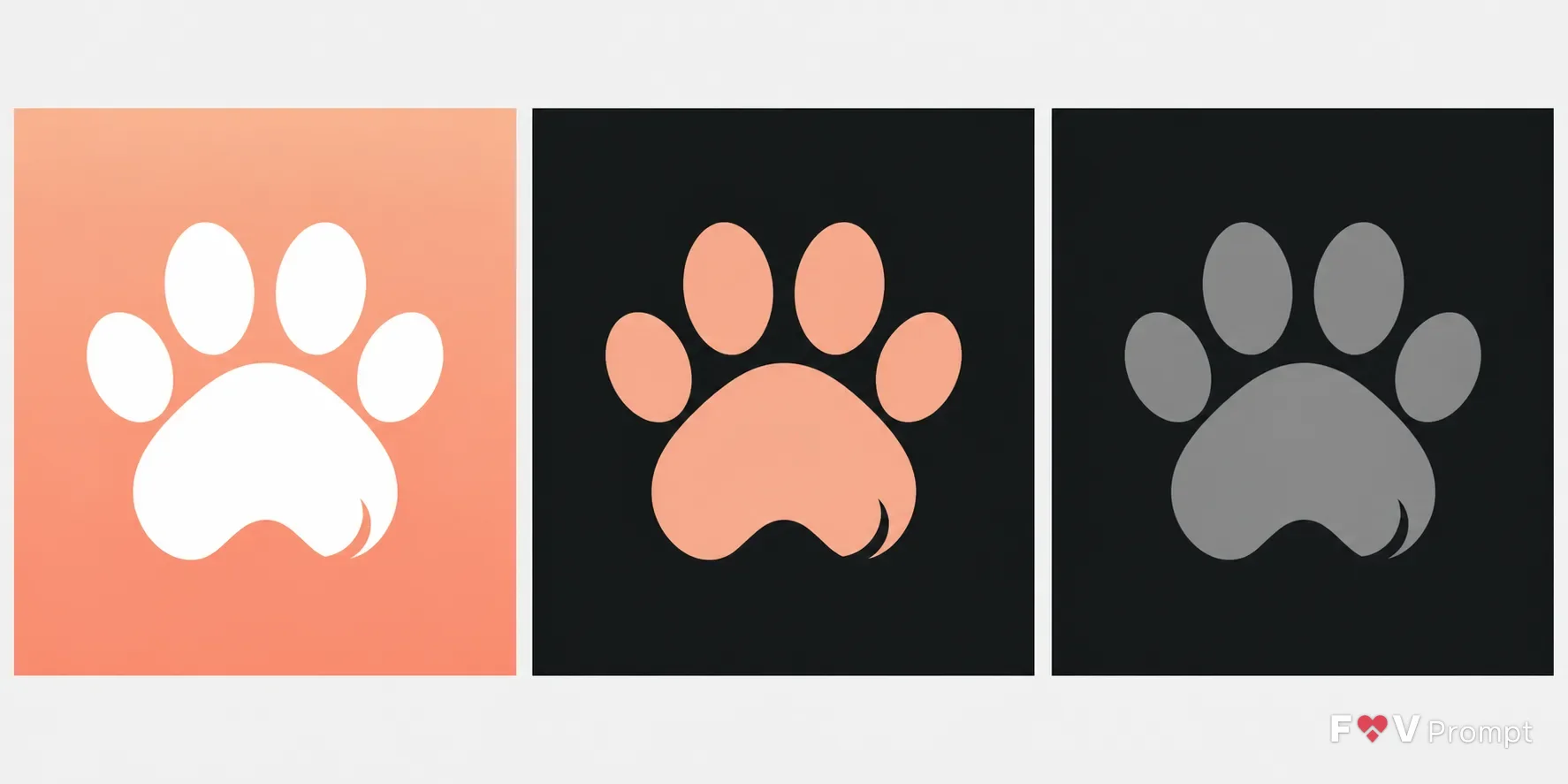
Design a real, professionally crafted mobile app icon for a App Type, using the Symbol in the Style and Color Palette. Build a single focused paw silhouette with generous padding inside the central 80 percent, readable at 60 pixels. For the light variant, use a smooth two-tone peach gradient background with a flat white glyph. Present the Variant set as three identical square icons side by side on a plain neutral background, evenly spaced: light with the standard treatment, dark with a dark background and the glyph in peach, and tinted with a dark background and a monochrome grayscale glyph. Keep each icon perfectly square, filling its frame edge to edge as a 1024x1024 master, with no rounded corners, device frame, outer shadow or border. Use one consistent light direction from above, no text, letters, sparkles, glow, lens flares, extra objects or photographic detail. Keep the paw design original and distinct from existing app icons or logos, with crisp geometry and clean App Store or Google Play icon polish. No watermarks.

Use these details:
App Type: "Pet care app"
Symbol: "Simple white paw print glyph"
Style: "Gradient icon"
Color Palette: "Peach and white"
Variant: "Light, dark and tinted"
Using your own logo, product or face? Attach it in the chat and say which of the details it replaces.
Your result will come out close to the example rather than identical to it. Change the details to make it yours.