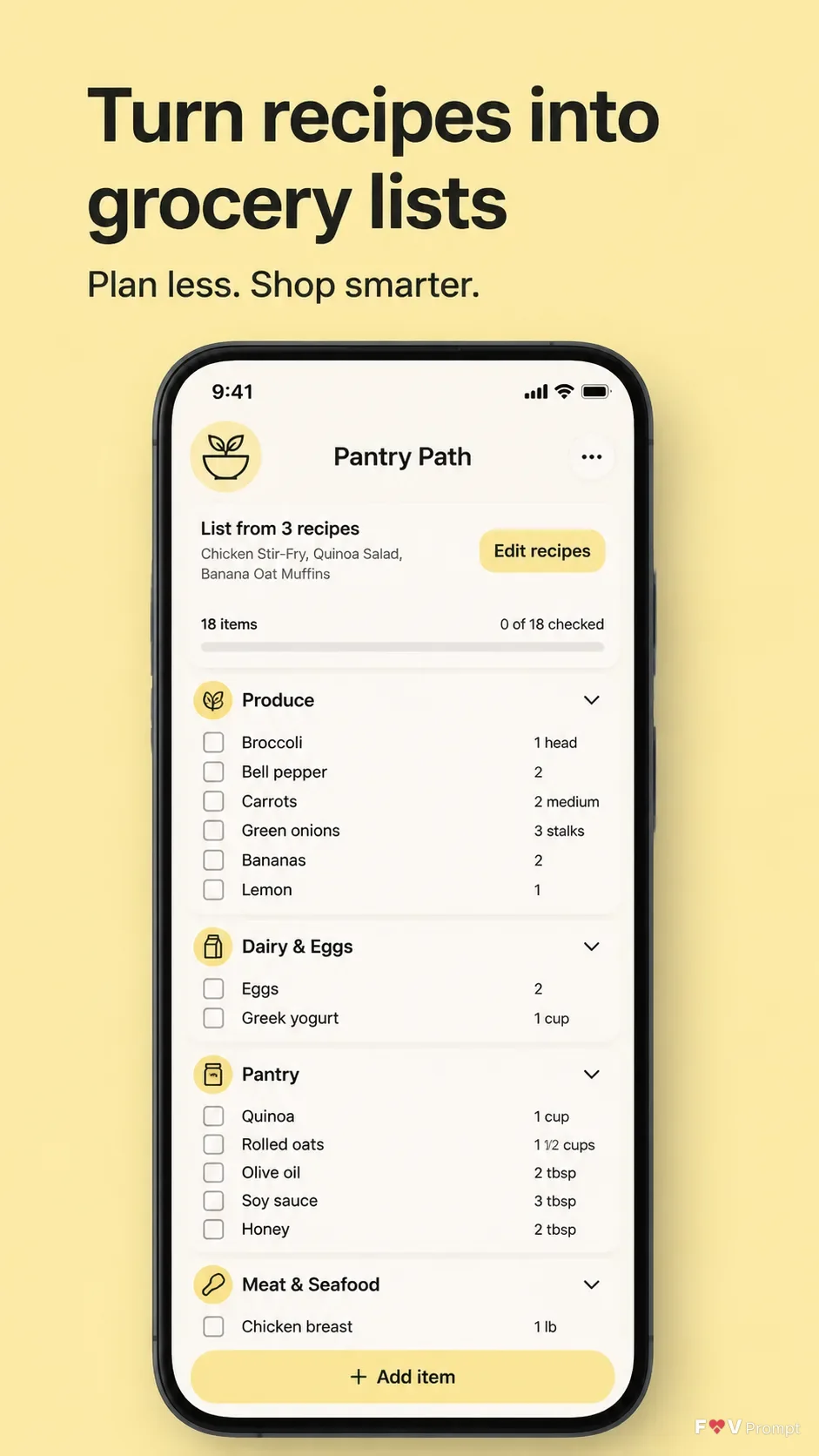
Design one professionally made App Store or Google Play listing screenshot for the recipe app App Name. Use a vertical 9:16 composition with generous margins. Place the Headline at the top in large, bold, clean sans serif type, exactly as written, with no more than two lines. Add the optional Subline beneath it. Use the Brand Color as a solid butter-yellow background, keeping the layout calm and uncluttered.

Below the text, place one generic modern smartphone with thin bezels, no brand logo, and a soft realistic shadow. Keep it Device Angle. If App Screenshots are supplied, place them inside the phone screen exactly as provided. Otherwise, create a believable recipe app interface based on Screen Content, with grouped grocery items, checkboxes, sensible quantities, legible typography, and a 9:41 status bar. Use the Brand Color within the interface for accents and controls. Use App Icon exactly when supplied, or render the described generic icon. Keep the screen sharp and readable. Do not add floating elements unless they are clean crops of the same UI. Avoid gibberish, misspellings, logos, badges, ratings, reviews, download counts, glow, sparkles, lens flares, busy backgrounds, watermarks and glassmorphism.

Use these details:
App Name: "Pantry Path"
Headline: "Turn recipes into grocery lists"
Subline: "Plan less. Shop smarter."
Brand Color: "butter yellow"
Screen Content: "A generated grocery list screen grouped by aisle, with realistic ingredients, quantities, checkboxes and a clean recipe-to-list workflow"
Device Angle: "front-facing and straight"
App Screenshots: "No app screenshot supplied; generate the screen content described above"
App Icon: "A simple bowl-and-leaf icon in the brand color"
Using your own logo, product or face? Attach it in the chat and say which of the details it replaces.
Your result will come out close to the example rather than identical to it. Change the details to make it yours.