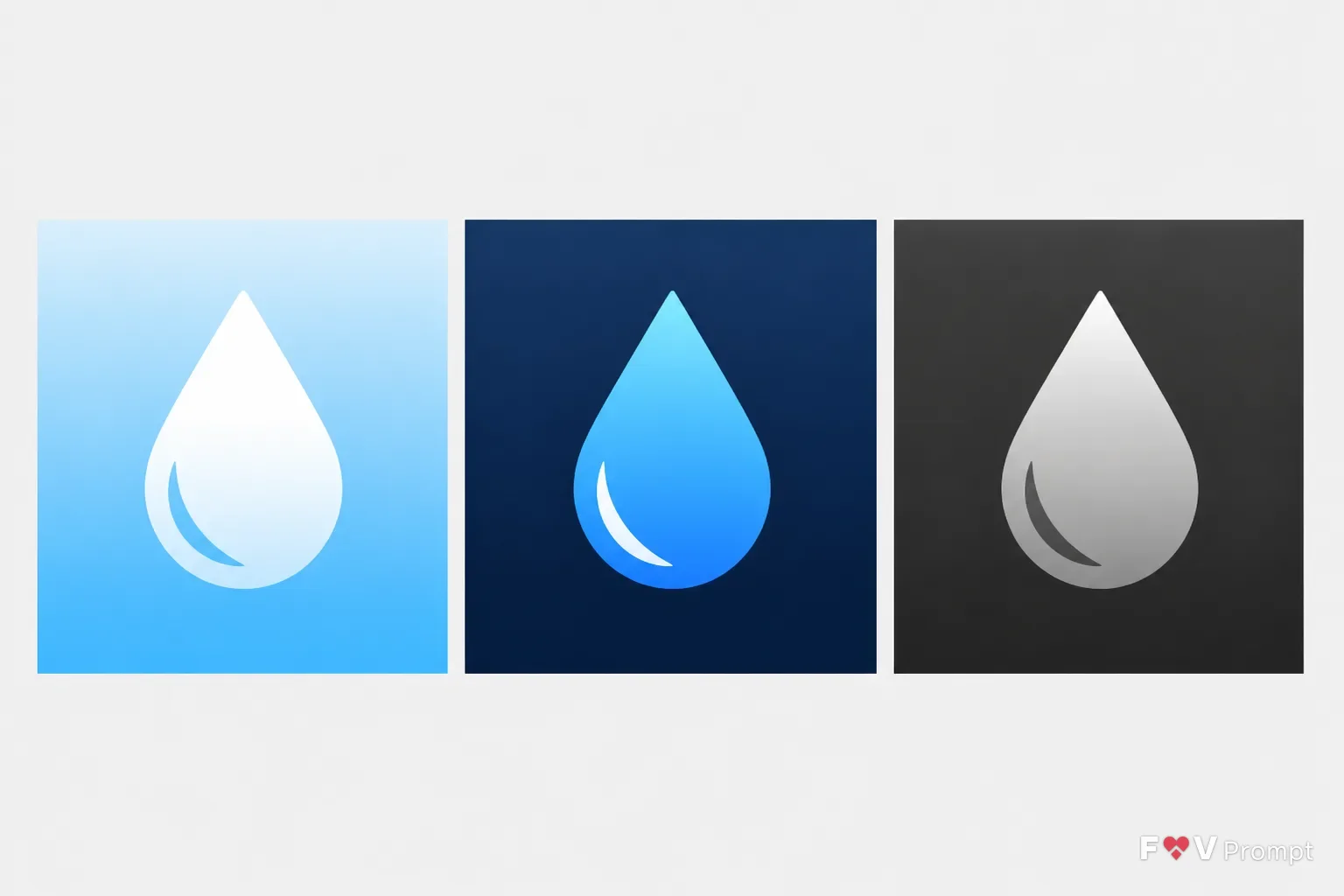
Design the App Type icon around one centered Symbol with a strong, simple silhouette that remains readable at 60 pixels. Apply the named Style and use the Color Palette with one consistent light direction from the top. Build the Variant as three identical square icons shown side by side on a plain neutral background: the standard light version, a dark version with the glyph in color, and a tinted version with a monochrome grayscale glyph on dark. Each icon must be a perfectly square 1:1 canvas filling its frame edge to edge, with generous padding keeping the symbol inside the central 80 percent. Use a smooth two-tone background treatment and a flat white glyph where appropriate. Keep the design to two or three colors, with no text, letters, device frame, rounded corners, external shadow, border, watermark, sparkle, glow, lens flare or busy detail. Make it look like a professionally designed App Store or Google Play icon, not AI art, and do not resemble an existing app icon or logo.

Use these details:
App Type: "Water reminder app"
Symbol: "Simple water drop glyph"
Style: "Gradient icon"
Color Palette: "Bright sky blue and white"
Variant: "Light, dark and tinted icon set"
Using your own logo, product or face? Attach it in the chat and say which of the details it replaces.
Your result will come out close to the example rather than identical to it. Change the details to make it yours.