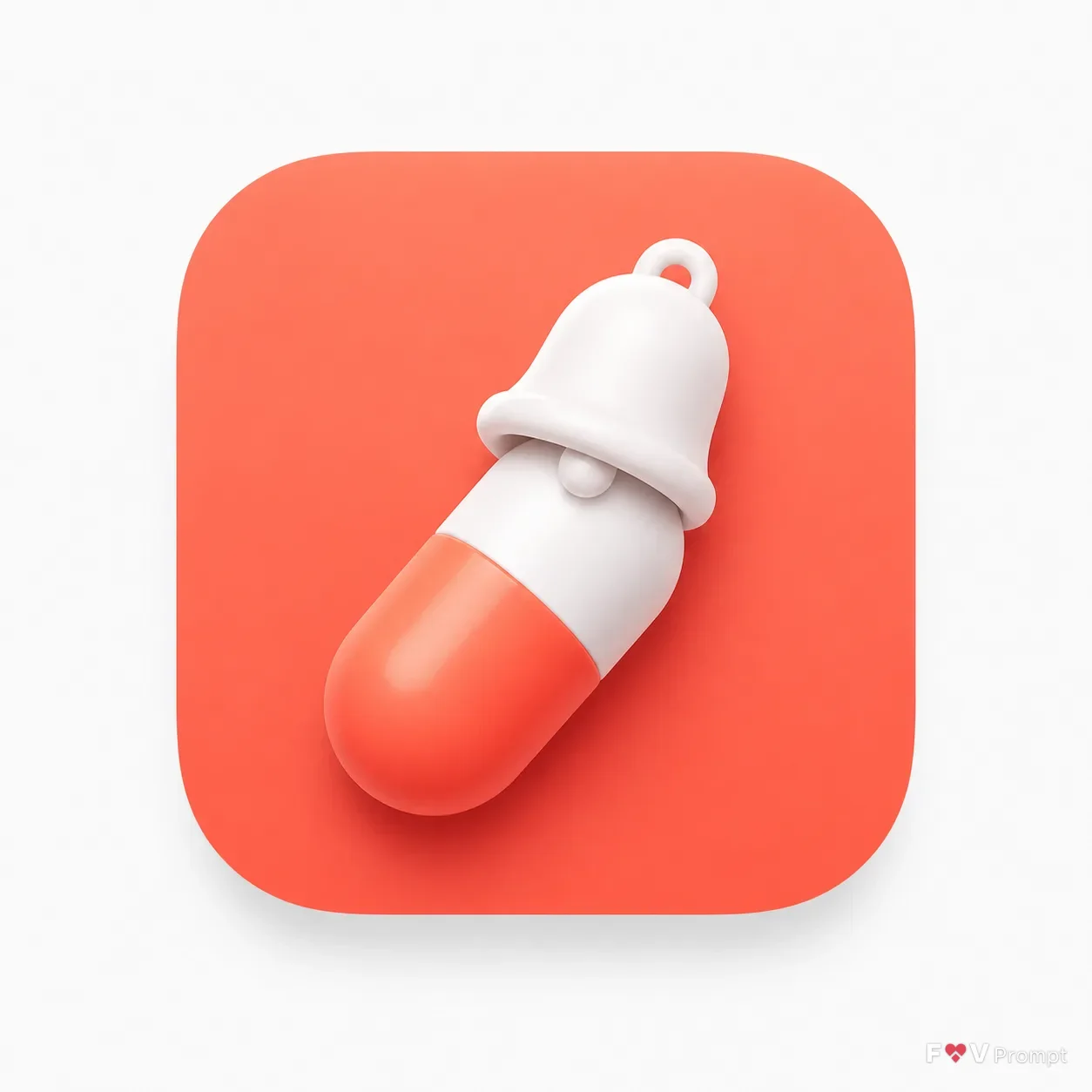
Build one single mobile app icon for the App Type, using the Icon Concept as one bold, instantly readable symbol. Apply the Icon Style with simple rounded geometry, gentle dimensional shading, soft highlights and believable material without adding detail. Use the Color Palette with strong contrast between the symbol and the icon background. Present the result as a real App Store or Google Play icon: an iOS-style rounded-square squircle centered on a plain very light neutral background, occupying about 70 percent of the square 1:1 canvas width, with a soft subtle drop shadow beneath it. Keep the symbol centered with comfortable padding, crisp edges and smart negative space so it remains legible at small sizes. Show no device, hands, mockup, extra objects, text outside the icon, variants or multiple icons. Avoid thin lines, tiny details, sparkles, glow, lens flares, photographic texture, random lettering and resemblance to existing app icons, logos or mascots. No watermark.

Use these details:
App Type: "Medication reminder"
Icon Concept: "A capsule pill with a tiny bell on top"
Icon Style: "Soft 3D"
Color Palette: "White and coral"
Using your own logo, product or face? Attach it in the chat and say which of the details it replaces.
Your result will come out close to the example rather than identical to it. Change the details to make it yours.