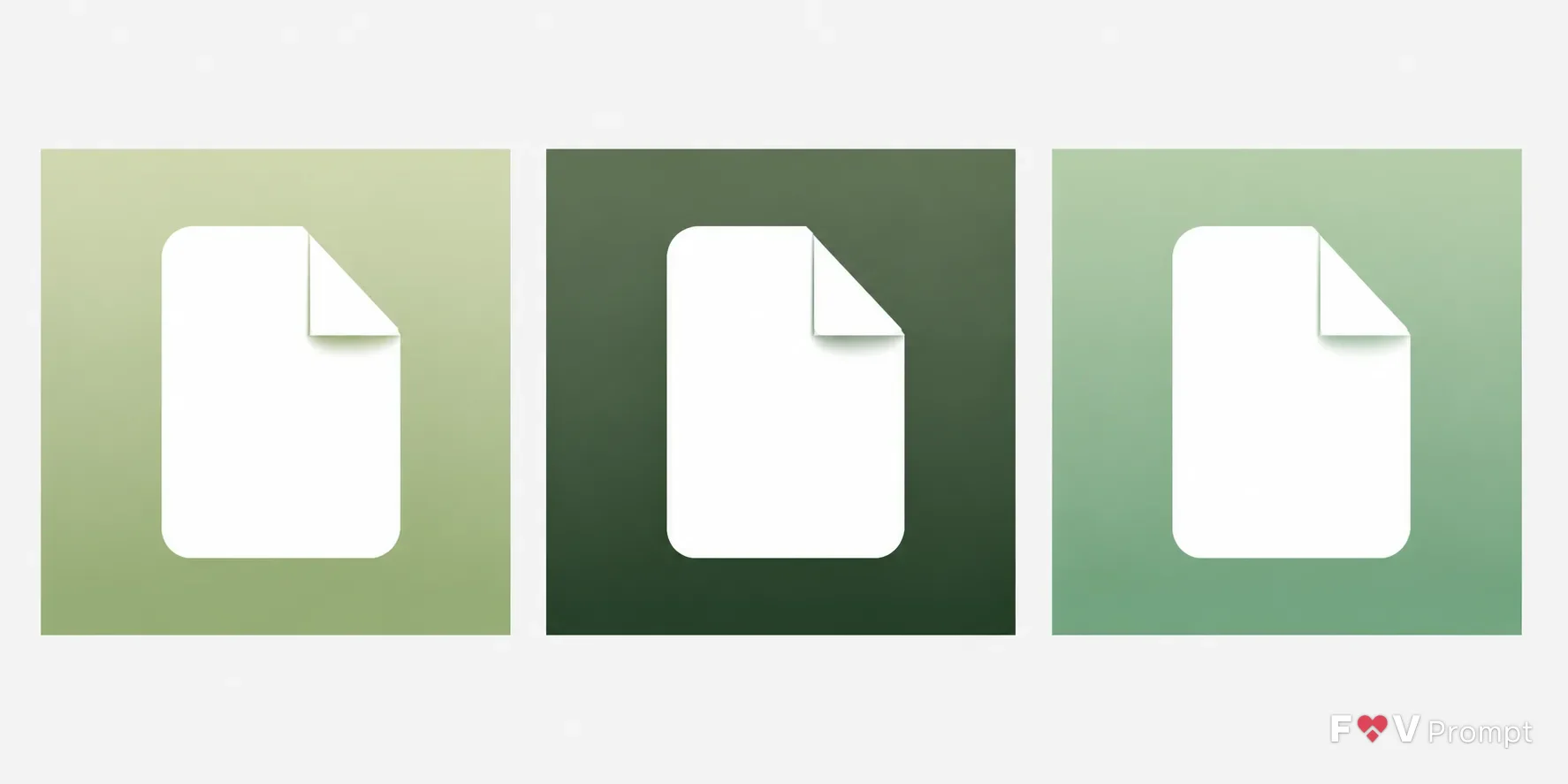
Design a real App Store or Google Play icon for the App Type, using the Symbol as one centered, immediately readable silhouette. Follow the Style and Color Palette with a smooth two-tone gradient and a flat white glyph, keeping the design to no more than three colors. Fill each perfectly square 1:1 canvas edge to edge, with generous padding that keeps the symbol inside the central 80 percent. Use one consistent light direction from above and no text, letters, photographic detail, sparkles, glow or lens flares. Present the Variant as three identical square icons side by side on a plain neutral background, evenly spaced: light, dark and tinted. Keep the symbol, scale and proportions consistent across all three versions. No rounded corners, device frame, mockup, external shadow, border, watermark or resemblance to an existing app icon or brand logo.

Use these details:
App Type: "Notes app"
Symbol: "Folded paper corner glyph"
Style: "Gradient icon"
Color Palette: "Soft sage green gradient with white"
Variant: "Light, dark and tinted three-icon set"
Using your own logo, product or face? Attach it in the chat and say which of the details it replaces.
Your result will come out close to the example rather than identical to it. Change the details to make it yours.