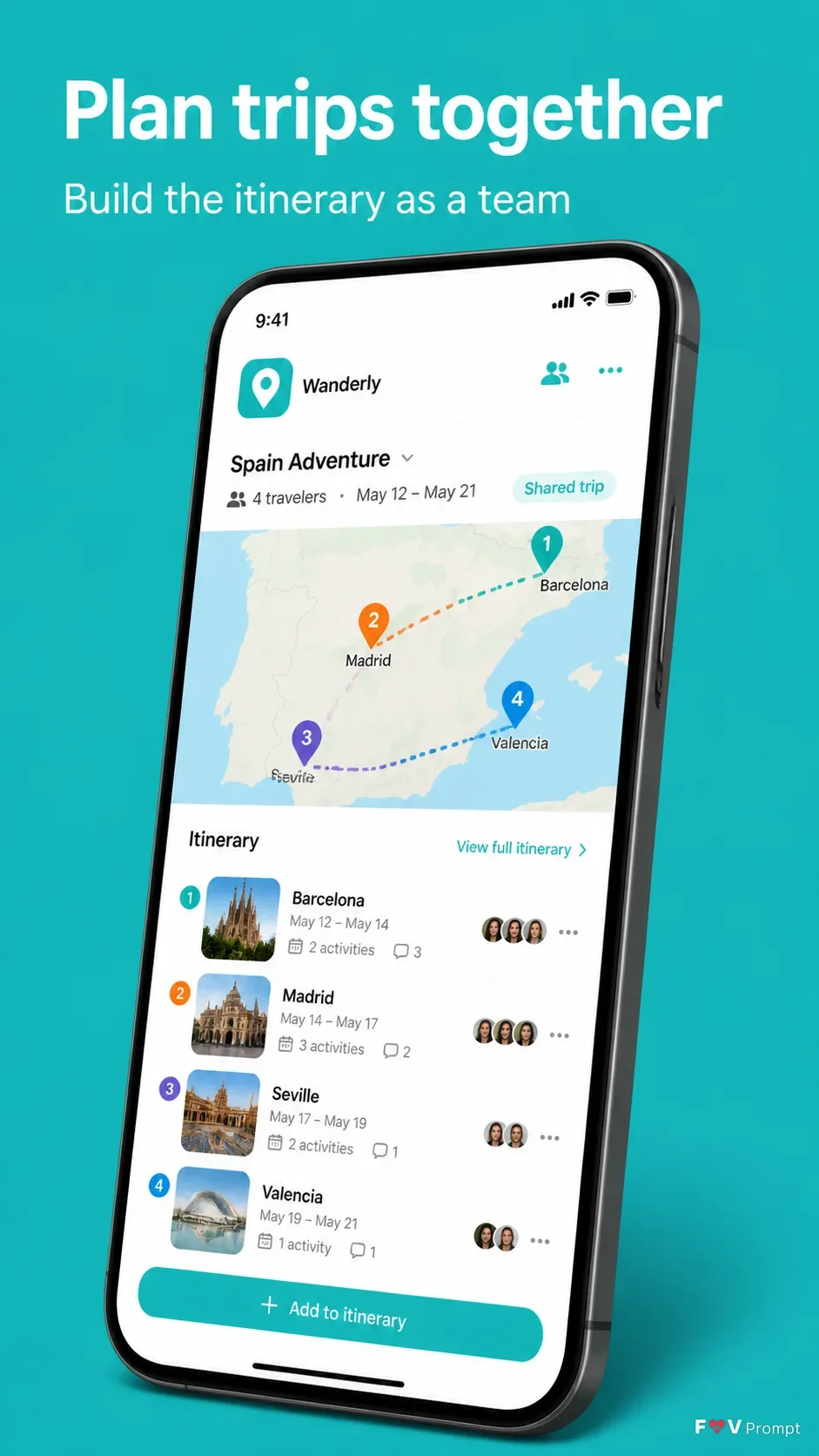
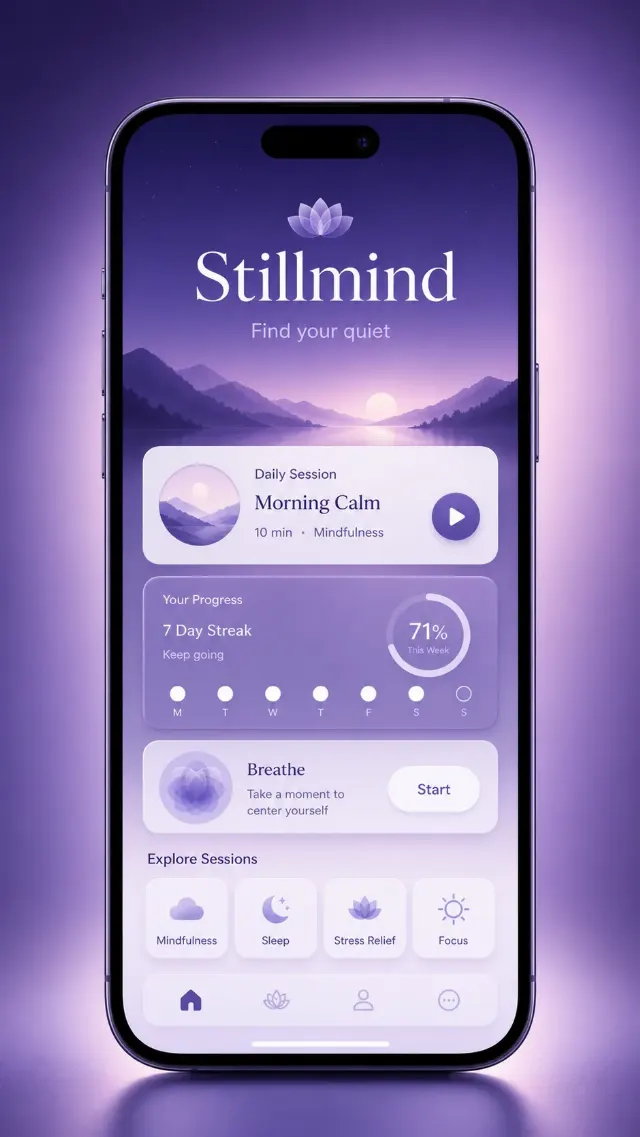
Present a professionally designed App Store or Google Play screenshot for App Name in a vertical 9:16 composition, with one screenshot per image. Place the Headline at the top in large, bold, clean sans serif type, exactly as written, with no more than two lines. Add the Subline beneath it in smaller, highly legible type.

Below the text, show a generic modern smartphone with thin bezels, no brand logos, and the Device Angle. Give it a soft realistic shadow and comfortable margins so nothing touches the edges. The phone displays the Screen Content as a believable, modern travel app interface with a status bar showing 9:41. Use Brand Color consistently in the interface and Background. Use App Screenshots inside the phone screen when supplied, preserving their layout and legibility rather than redrawing them. Use App Icon in the app interface when supplied.

Keep the composition clean and store-listing ready. Ensure every visible word is correctly spelled and readable. Do not add star ratings, reviews, award laurels, download counts, store badges, brand logos, watermarks, sparkles, glow, lens flares, glassmorphism, or decorative elements that compete with the phone.

Use these details:
App Name: "Wanderly"
Headline: "Plan trips together"
Subline: "Build the itinerary as a team"
Brand Color: "Turquoise"
Background: "Solid turquoise"
Screen Content: "A shared trip map with colored route markers, destination cards, and collaborative itinerary details"
Device Angle: "Three-quarter tilt to the right"
App Screenshots: "Shared trip map screen with route markers and itinerary cards"
App Icon: "Turquoise square icon with a simple white location pin"
Using your own logo, product or face? Attach it in the chat and say which of the details it replaces.
Your result will come out close to the example rather than identical to it. Change the details to make it yours.