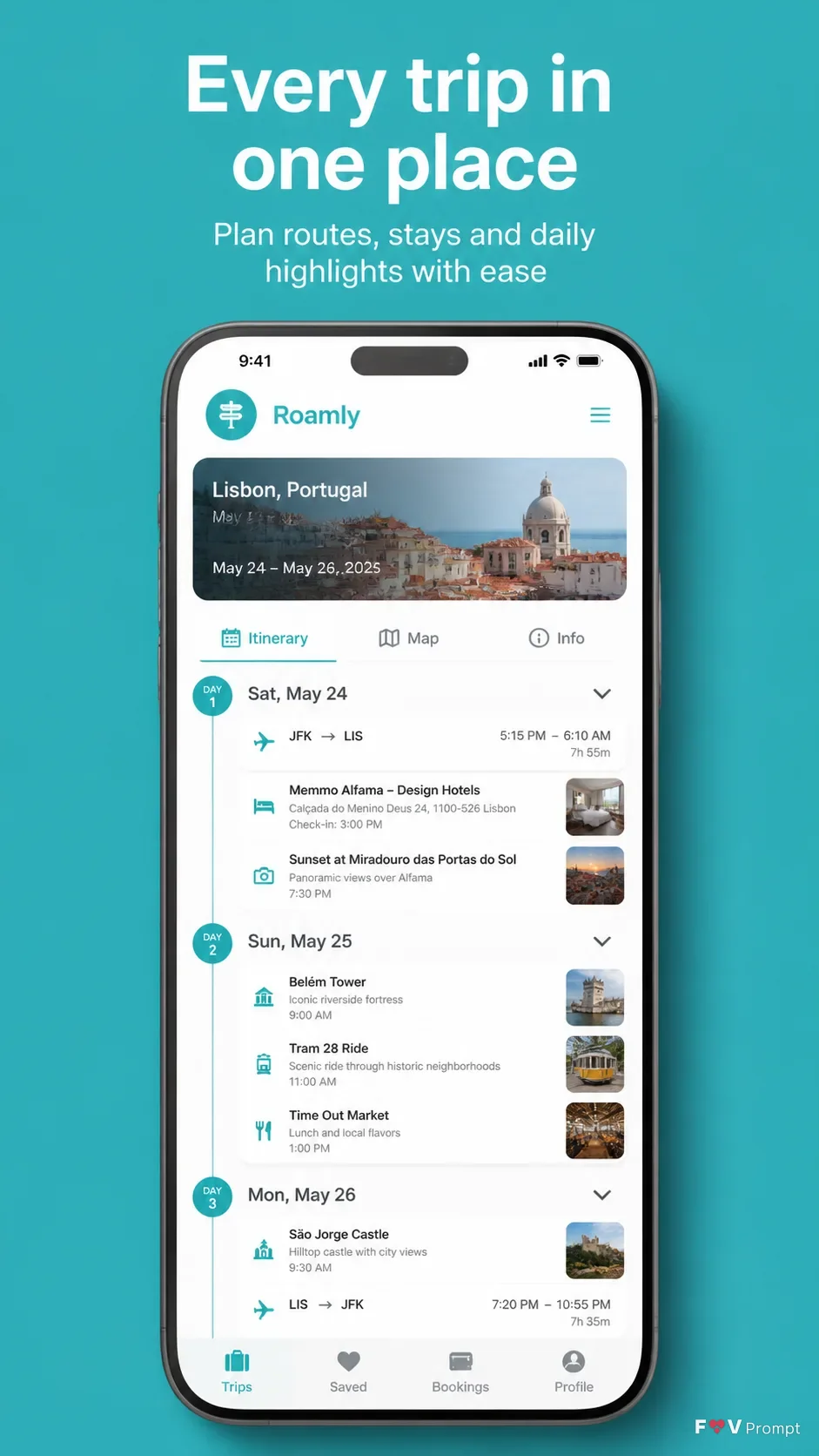
Design one professionally made App Store or Google Play screenshot in a vertical 9:16 format. Set the App Name in a believable travel planner interface shown on the phone. Place the Headline at the top in large, bold, clean sans serif type, exactly as written and in no more than two lines. Add the Subline beneath it with smaller, highly legible type. Use the Brand Color for a solid turquoise background and coordinated UI accents. Below the text, place a generic modern smartphone with thin bezels, no logos, and a soft realistic shadow. Keep it in the Device Angle with comfortable margins and show the Screen Content as a credible, polished itinerary interface with a 9:41 status bar, clear cards, sensible labels and readable text. If Attached App Screenshots are provided, place them inside the phone exactly as supplied without redrawing. If Attached App Icon is provided, use it exactly; otherwise use a simple unbranded app mark. Keep the layout clean, spacious and realistic. Do not add badges, ratings, reviews, download counts, laurels, glow, sparkles, lens flares, watermarks or logos.

Use these details:
App Name: "Roamly"
Headline: "Every trip in one place"
Subline: "Plan routes, stays and daily highlights with ease"
Brand Color: "Turquoise"
Screen Content: "A detailed three-day itinerary for Lisbon with dates, destinations, travel times, hotel details and saved activities"
Device Angle: "Straight-on front view"
Attached App Screenshots: "None provided"
Attached App Icon: "None provided"
Using your own logo, product or face? Attach it in the chat and say which of the details it replaces.
Your result will come out close to the example rather than identical to it. Change the details to make it yours.