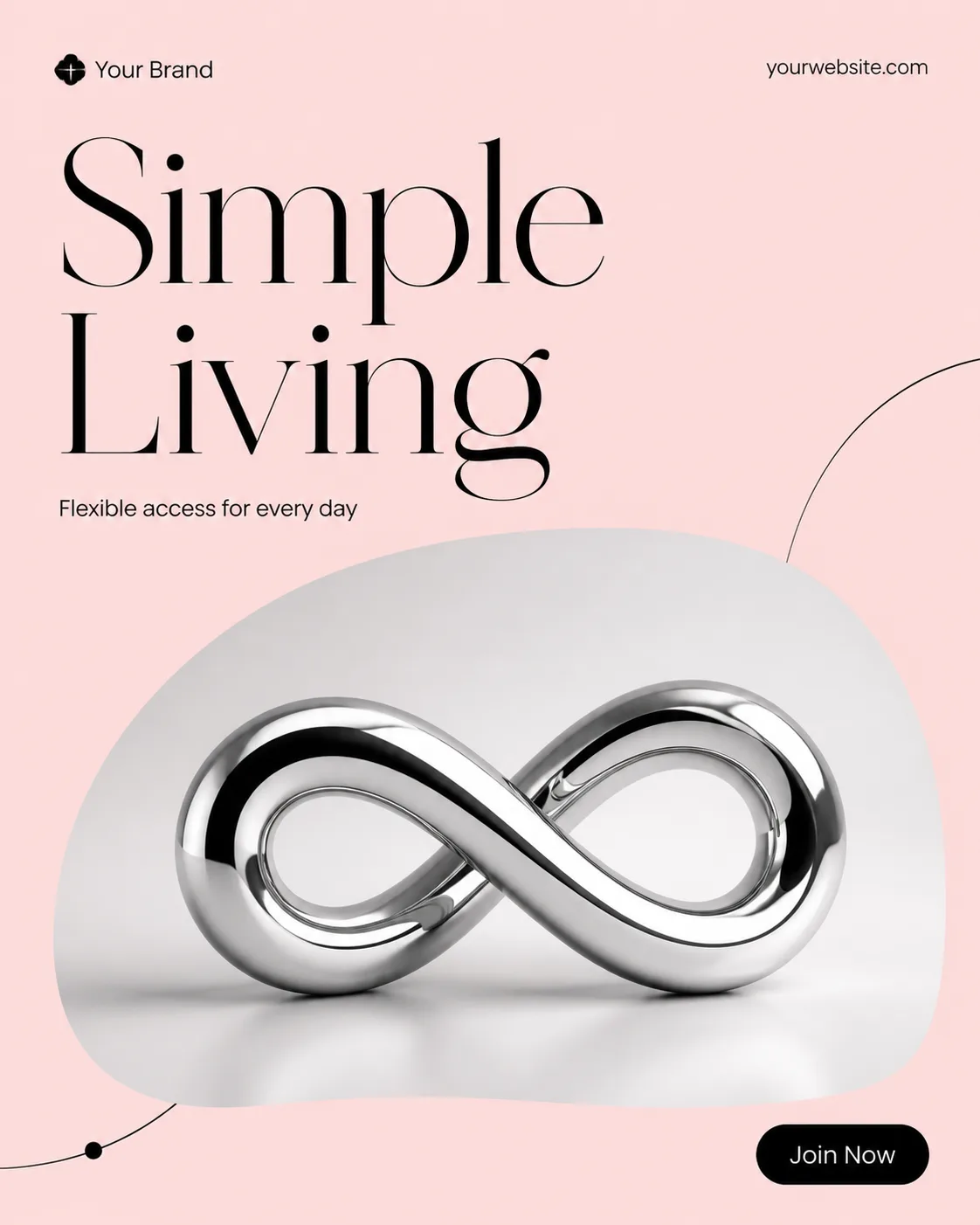
Build one single social media post in the Post Format, shown flat and full-frame. Use the Color Palette as a bright, energetic two-color system with white and charcoal for contrast. Place the Photo inside a large rounded speech-bubble frame with a dimensional 3D chrome surface, realistic reflections, beveled edges, and soft contact shadows. Keep the photo naturally lit and clearly visible within the frame.

Make the Headline the dominant element in a heavy geometric sans-serif, rendered in the white from the Color Palette and limited to two to four words. Place the Short Supporting Line nearby in smaller, highly legible type. Add Brand Name and Website Or Handle along the top or bottom edge in restrained small type. Include no more than one pill-shaped CTA using the Call To Action Button Text.

Use a clear grid, generous margins, deliberate alignment, and subtle chrome highlights or small curved accents without crowding the composition. Use no more than two typefaces. Ensure every word is correctly spelled and readable at phone size. No device mockup, multiple posts, watermarks, real logos, or border around the image.

Use these details:
Headline: "Join Together"
Short Supporting Line: "Connect, share, and stay in the conversation."
Brand Name: "Your Brand"
Website Or Handle: "yourwebsite.com"
Call To Action Button Text: "Join Now"
Photo: "a naturally lit candid photo of friends connecting and smiling"
Color Palette: "bright coral, mirror chrome, white, and charcoal"
Post Format: "1:1 square"
Using your own logo, product or face? Attach it in the chat and say which of the details it replaces.
Your result will come out close to the example rather than identical to it. Change the details to make it yours.