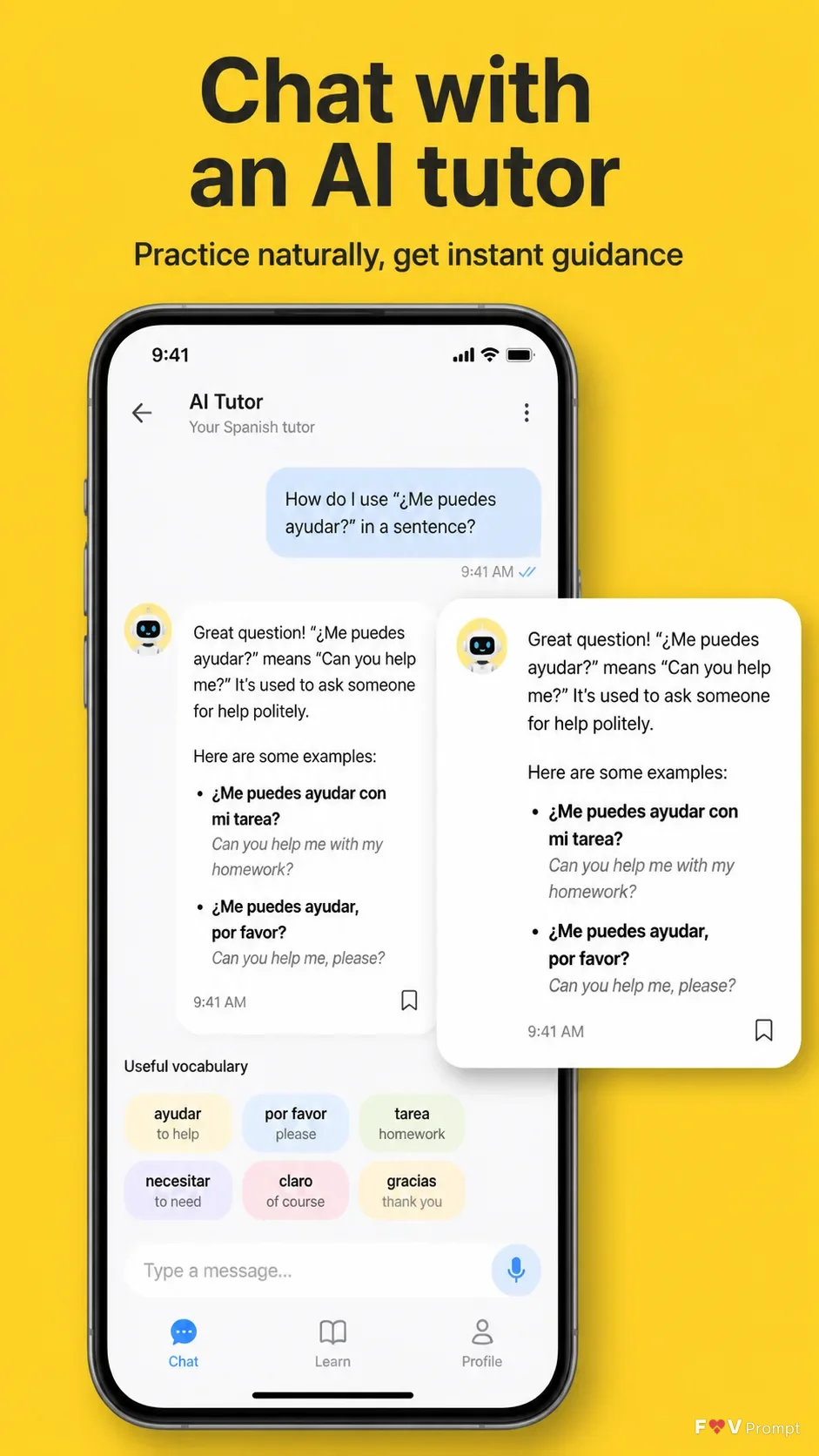
Design one professionally made App Store screenshot for the language-learning app App Name in a vertical 9:16 format. Use the Brand Color as a solid yellow background with comfortable margins. At the top, place the Headline in large, bold, clean sans serif type, exactly as written, on no more than two lines. Add the Subline beneath it in smaller, highly legible type. Below the text, show a generic modern smartphone with thin bezels, no brand logo, a soft realistic shadow, and the Device Angle. Place the App Icon only if one is supplied. Build the Screen Content as a believable, modern language app UI with clean chat components, sensible names, legible English text, and a status bar showing 9:41. A rounded AI tutor chat bubble should visibly break out from the phone screen as a crop of the same interface, enlarged cleanly with a soft shadow. Keep the phone and breakout bubble as the clear main elements. Do not use glow, sparkles, lens flares, glassmorphism, busy backgrounds, gibberish, watermarks, ratings, reviews, store badges, or other brand logos. If App Screenshots are supplied, place them inside the phone screen exactly as provided without redrawing.

Use these details:
App Name: "LinguaLift"
Headline: "Chat with an AI tutor"
Subline: "Practice naturally, get instant guidance"
Brand Color: "sunny yellow"
Screen Content: "AI tutor chat showing a learner asking how to use a Spanish phrase, with a helpful tutor reply, suggested vocabulary chips, and a visible 9:41 status bar"
Device Angle: "front-facing and straight"
App Screenshots: "No screenshots provided; design a believable language-learning chat interface"
App Icon: "No icon provided; omit the icon from the composition"
Using your own logo, product or face? Attach it in the chat and say which of the details it replaces.
Your result will come out close to the example rather than identical to it. Change the details to make it yours.