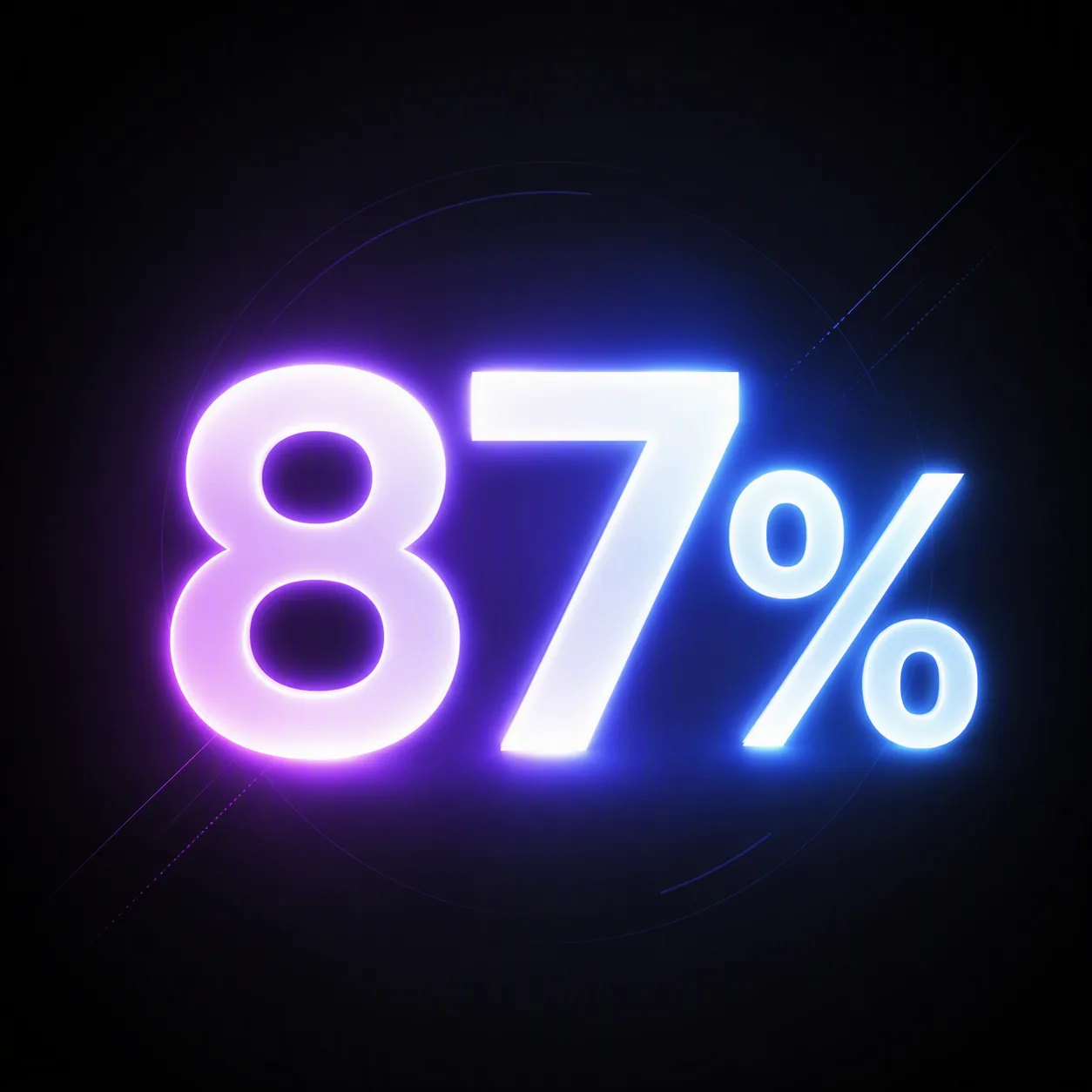
Build a bold app marketing graphic around the Statistic, rendered exactly as written in oversized glowing typography at the center. Set it against the Background, with a restrained atmospheric haze and soft bloom surrounding the characters. Use the Color Palette for the glow, text accents and faint gradient details, keeping the contrast strong and the composition easy to read at mobile size. Add subtle depth through layered light, a gentle halo and minimal geometric traces, but keep the statistic as the only prominent visual element. Use crisp sans-serif letterforms, precise spacing and clean edges. Leave generous negative space around the message and avoid extra words, icons or decorative clutter. Compose the finished artwork in the Format.

Use these details:
Statistic: "87%"
Background: "deep charcoal with a subtle black radial gradient"
Color Palette: "electric violet, cool blue and white"
Format: "1:1 square LinkedIn post"
Using your own logo, product or face? Attach it in the chat and say which of the details it replaces.
Your result will come out close to the example rather than identical to it. Change the details to make it yours.