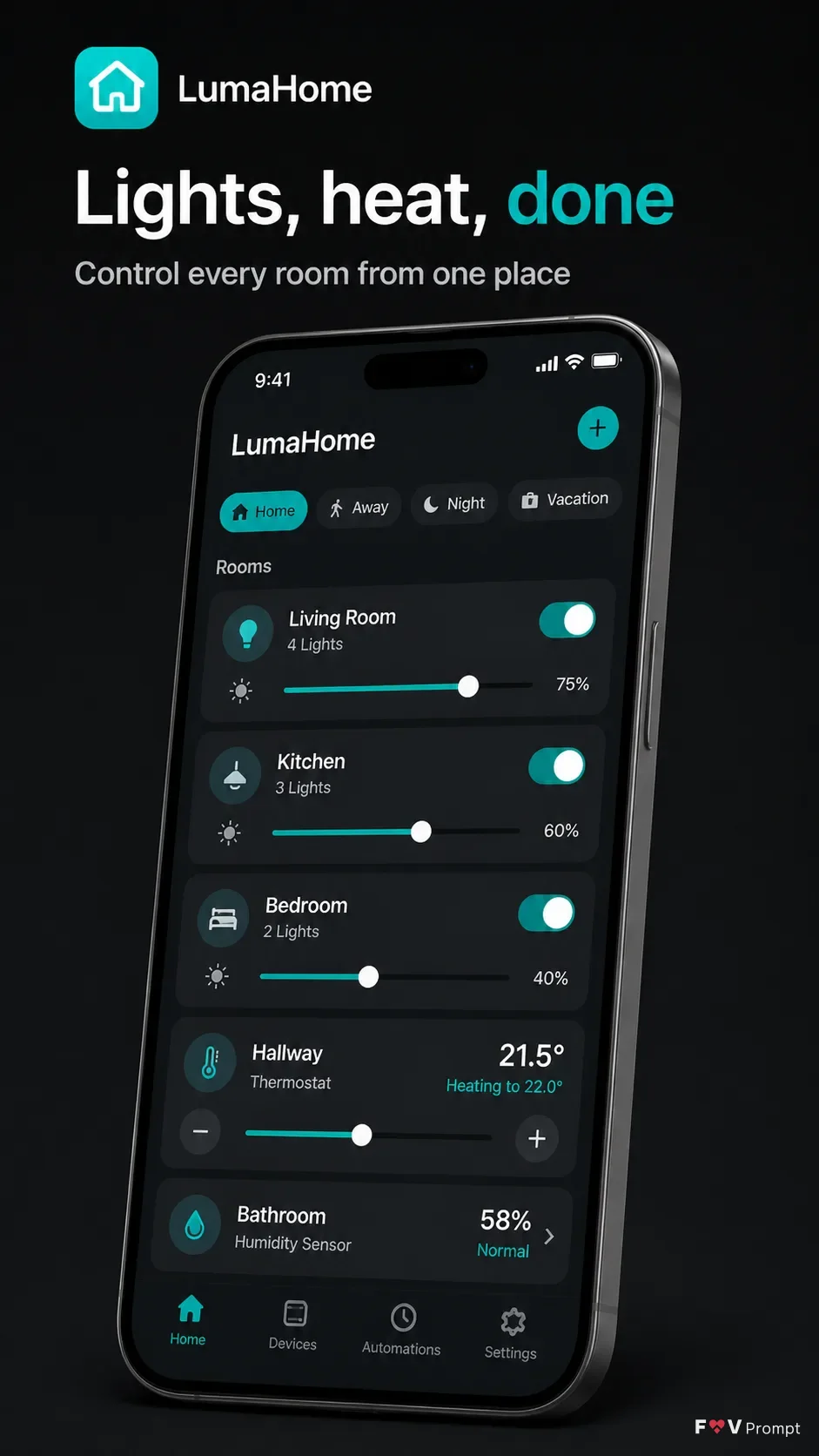
Design a professionally made App Store screenshot for the App Name app in the Format. Place the Headline at the top in large, bold, clean sans serif type, on no more than two lines, rendered exactly as written. Add the Subline beneath it in smaller, highly legible type. Below the text, show a generic modern smartphone with thin bezels and no brand logos in the Device Angle. Give it a soft realistic shadow and comfortable margins so no element touches the edges.

Show the Screen Content inside the phone with a believable, modern smart home interface, including crisp controls, sensible numbers, generic names and a visible 9:41 status bar. Use the App Screenshots as the visual reference for the screen layout and the App Icon as the app identity element. Keep all interface text correctly spelled and readable. Use the Brand Color consistently in the UI and as a subtle accent against a dark charcoal background. Use a near-black background, restrained contrast and clean spacing. Keep the phone and screen as the main focus. No floating elements, logos, store badges, ratings, reviews, download counts, glow, sparkles, lens flares, glass effects, gibberish text or watermarks.

Use these details:
App Name: "LumaHome"
Headline: "Lights, heat, done"
Subline: "Control every room from one place"
Brand Color: "electric teal"
Screen Content: "smart home dashboard with room cards, light controls, temperature settings and realistic generic device names"
Device Angle: "slight three-quarter angle, tilted to the right"
App Screenshots: "LumaHome light control dashboard with brightness sliders, room cards and temperature controls"
App Icon: "simple white house mark on a rounded teal square"
Format: "vertical 9:16"
Using your own logo, product or face? Attach it in the chat and say which of the details it replaces.
Your result will come out close to the example rather than identical to it. Change the details to make it yours.