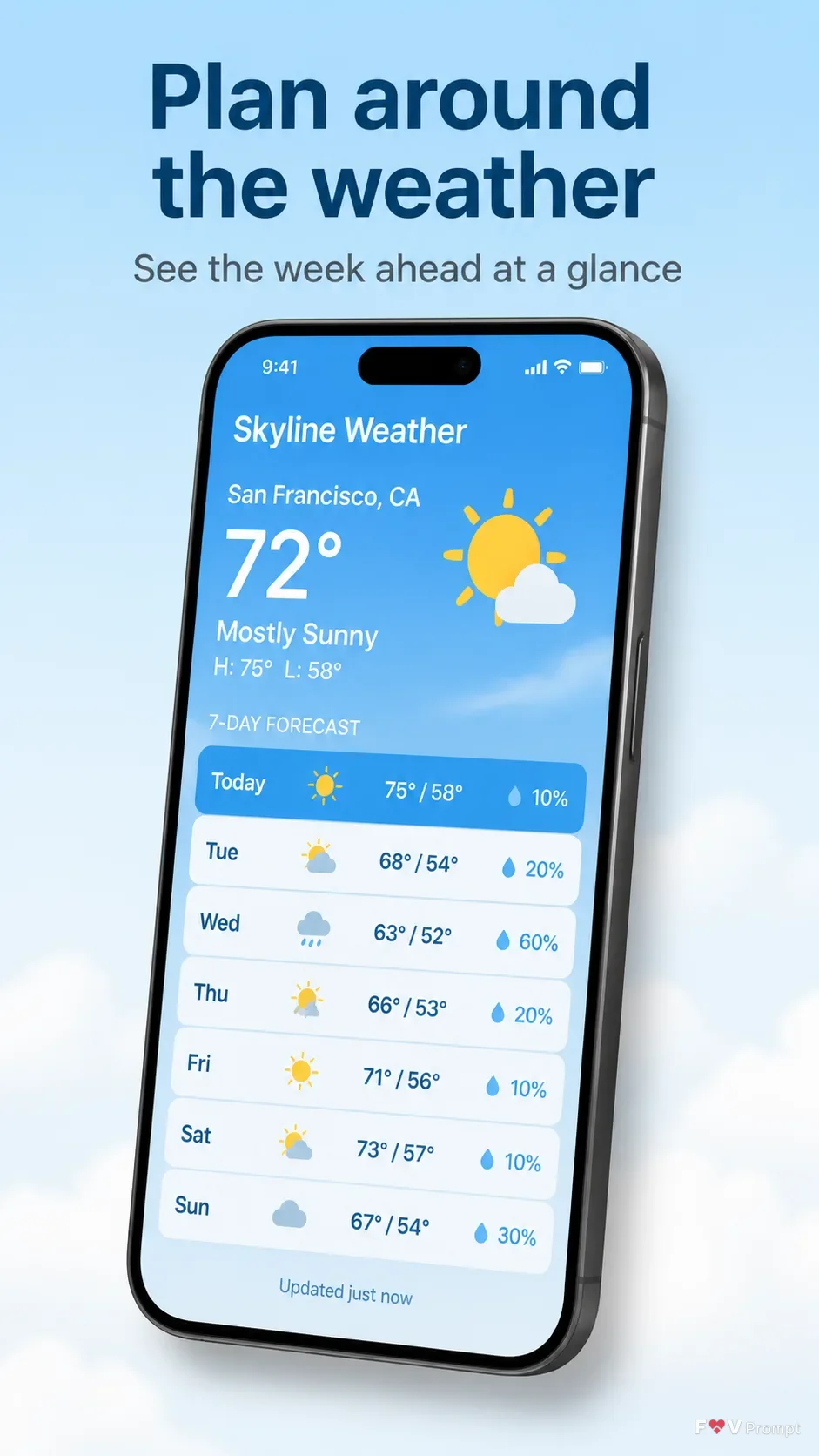
Design a professionally made App Store or Google Play screenshot in a vertical 9:16 format, showing one generic modern smartphone with thin bezels, no brand logos, and a soft realistic shadow. Place the Headline at the top in large, bold, clean sans serif type, on no more than two lines, rendered exactly as written. Add the Subline beneath it in smaller, highly legible type. Position the phone below the text with comfortable margins, using the Device Angle. The screen presents the Screen Content in a believable weather app interface with clean components, sensible forecast data, legible English text, and a 9:41 status bar. Use the Brand Color throughout the interface and the Background Gradient behind the phone. If the Attached App Screenshots are provided, place them inside the screen exactly as supplied without redrawing them. If the Attached App Icon is provided, use it exactly. Otherwise create a restrained weather app UI without an icon. Keep the composition uncluttered and realistic. Do not add ratings, reviews, badges, download counts, logos, watermarks, glow, sparkles, lens flares, glassmorphism, or illegible text.

Use these details:
App Name: "Skyline Weather"
Headline: "Plan around the weather"
Subline: "See the week ahead at a glance"
Brand Color: "sky blue"
Background Gradient: "soft sky blue fading into pale cloud white"
Screen Content: "A weekly forecast with seven daily rows, weather icons, temperatures, precipitation chances, and a highlighted current day"
Device Angle: "slight three-quarter angle, tilted gently to the right"
Attached App Screenshots: "None attached"
Attached App Icon: "None attached"
Using your own logo, product or face? Attach it in the chat and say which of the details it replaces.
Your result will come out close to the example rather than identical to it. Change the details to make it yours.