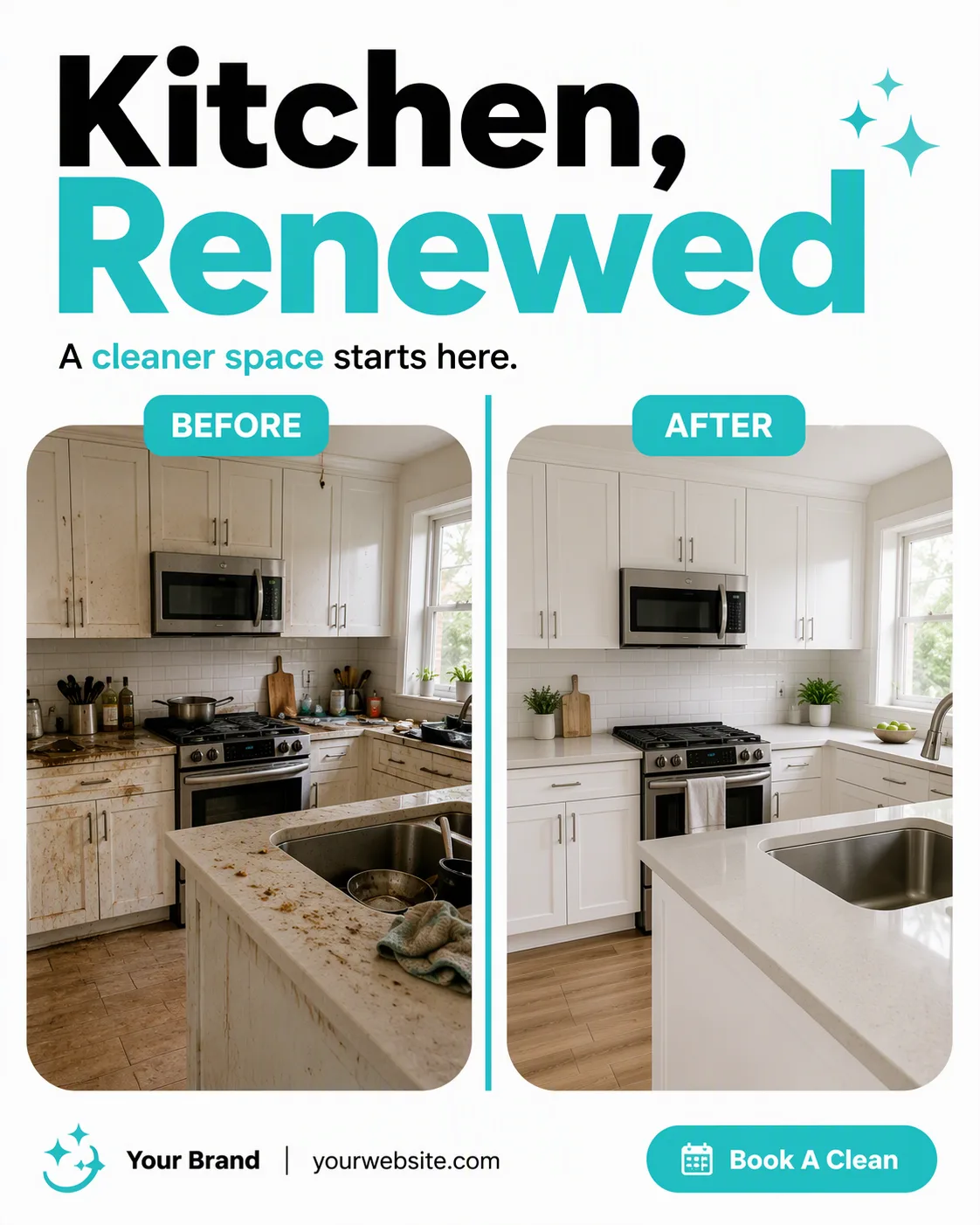
Build one single full-frame social media post in the Format for a cleaning service. Use the two images from Photo Inside The Frame in equal side-by-side rounded-rectangle frames, with the dirty kitchen on the left and the clean kitchen on the right. Separate them with a bold vertical divider line and place the two Comparison Labels above their respective images. Keep both photos naturally lit and realistic, with the contrast between the spaces immediately clear.

Set the Headline as the dominant element in a heavy geometric sans-serif, with the Short Supporting Line grouped beneath it. Place the Brand Name and Website Or Handle along the top or bottom edge in small, precise type. Add no more than one CTA element: a compact pill button containing the Call-To-Action Button Text. Use the Color Palette throughout, with aqua reserved for the divider, CTA, and selected headline emphasis. Maintain a clear grid, generous margins, maximum two typefaces, and phone-size legibility. Include no extra posts, device mockup, watermark, real logo, or border.

Use these details:
Headline: "Kitchen, Renewed"
Short Supporting Line: "A cleaner space starts here."
Brand Name: "Your Brand"
Website Or Handle: "yourwebsite.com"
Call-To-Action Button Text: "Book A Clean"
Photo Inside The Frame: ["dirty kitchen photo", "clean kitchen photo"]
Comparison Labels: ["BEFORE", "AFTER"]
Color Palette: "white and aqua with black text"
Format: "4:5 portrait"
Using your own logo, product or face? Attach it in the chat and say which of the details it replaces.
Your result will come out close to the example rather than identical to it. Change the details to make it yours.