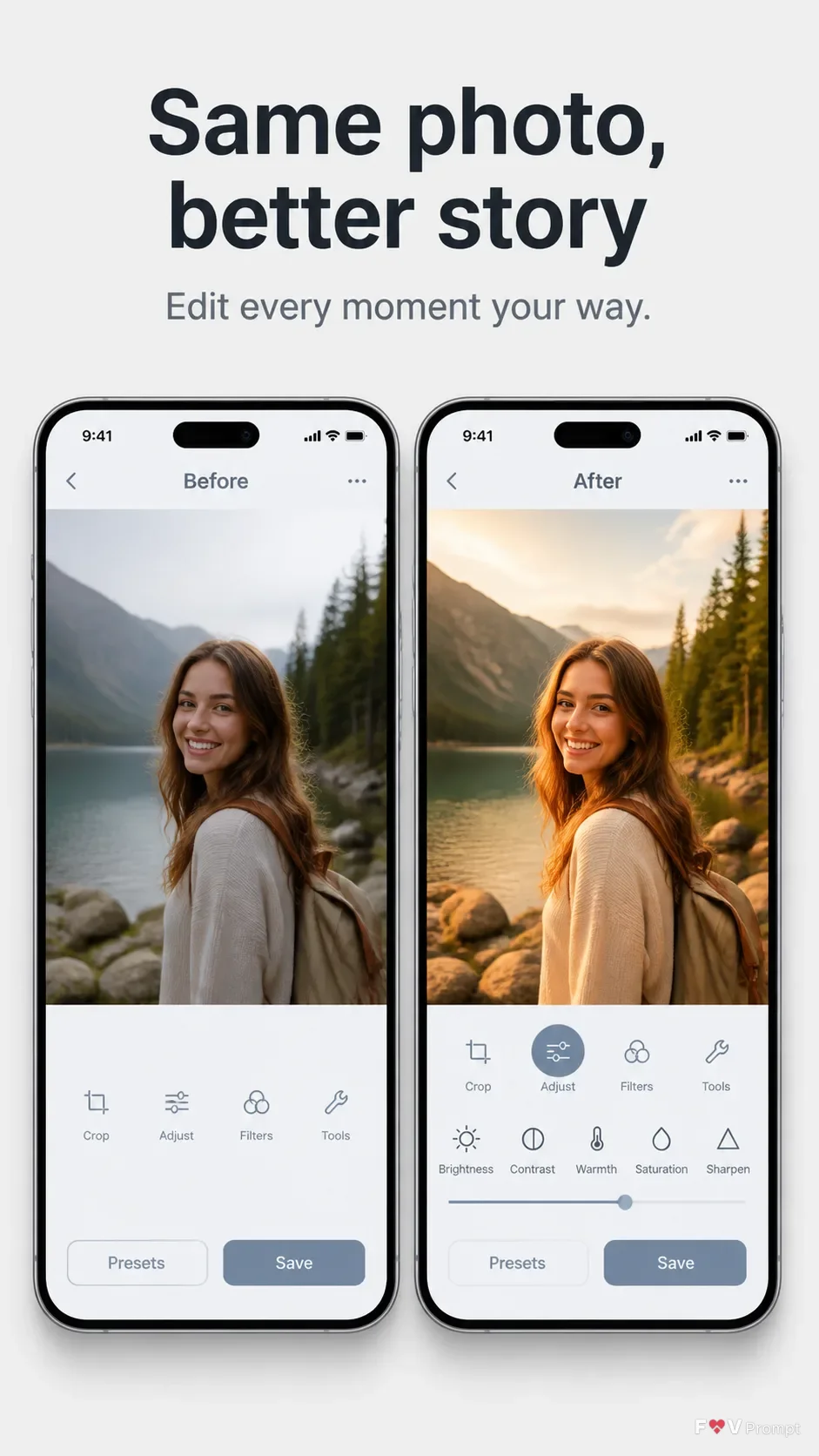
Build a single professional App Store or Google Play listing screenshot in a vertical 9:16 format. Place the Headline at the top in large, bold, clean sans serif type, using no more than two lines, with the Subline beneath it in smaller legible text. Below the text, show two generic modern smartphones with thin bezels, no logos, and the Device Angle, arranged side by side with comfortable margins. The first screen presents the Before portion of the Screen Content and the second presents the After portion, making the visual difference immediately clear. Use the Attached Screenshots exactly when supplied; otherwise design believable photo editor interfaces based on the Screen Content, with a 9:41 status bar and crisp, correctly spelled UI text. Use the Brand Color throughout the interfaces and Background behind the phones. Add soft realistic phone shadows. Keep the composition clean and store-listing ready, with no busy elements, watermarks, badges or decorative effects.

Use these details:
App Name: "Luma Edit"
Headline: "Same photo, better story"
Subline: "Edit every moment your way"
Brand Color: "cool light gray"
Background: "soft light gray"
Screen Content: ["Before screen showing an unedited outdoor portrait photo", "After screen showing the same photo with balanced exposure, warmer tones and subtle contrast"]
Device Angle: "straight-on front view"
Attached Screenshots: ["No screenshots supplied; generate both app screens from the Screen Content"]
Attached App Icon: "No app icon supplied; omit the icon"
Using your own logo, product or face? Attach it in the chat and say which of the details it replaces.
Your result will come out close to the example rather than identical to it. Change the details to make it yours.