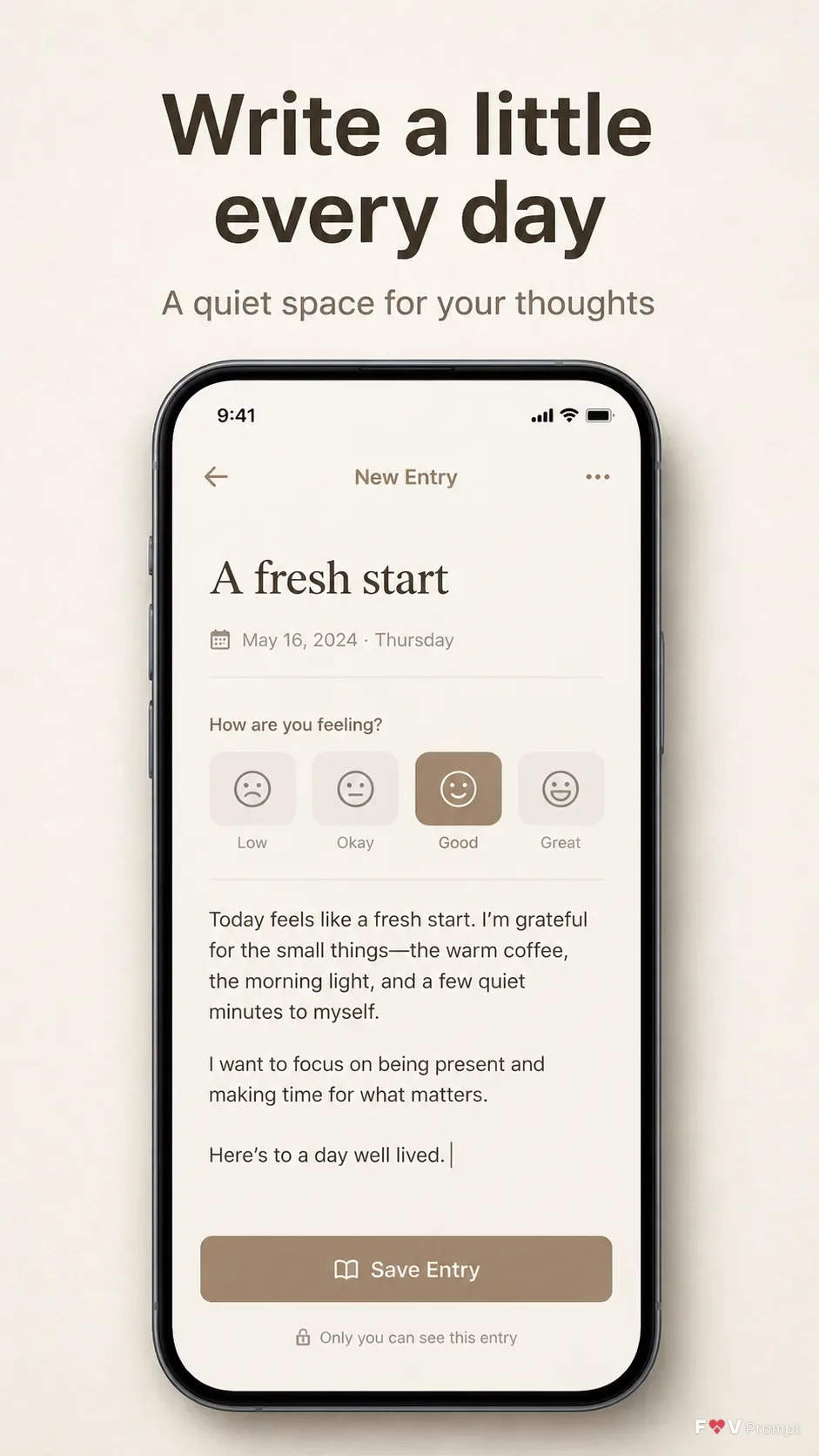
Build one professionally designed App Store screenshot for the App Name app in the Format. Use the Background across the full canvas, with comfortable margins and no busy elements. Place the Headline at the top in large, bold, clean sans serif type, exactly as written and limited to two lines. Add the Subline beneath it with restrained spacing. Below the copy, show one generic modern smartphone with thin bezels, no brand logo, and the Device Angle. Give it a soft realistic shadow. Design a believable, legible journal app interface from the Screen Content, including a status bar showing 9:41, sensible interface labels, clean components, and natural spacing. Use the Brand Color consistently in the app interface and supporting accents. If App Screenshots contains supplied screen artwork, place it inside the phone exactly as provided; if App Icon contains one, use it exactly. Keep the phone screen sharp and readable. Use correct spelling throughout. Do not add star ratings, reviews, award laurels, download counts, store badges, watermarks, sparkles, glow, lens flares, glassmorphism, or platform logos.

Use these details:
App Name: "Daily Pages"
Headline: "Write a little every day"
Subline: "A quiet space for your thoughts"
Brand Color: "Warm taupe"
Screen Content: "A journal entry screen with the title 'A fresh start', a dated entry, a subtle mood selector, and a clean save control"
Device Angle: "Straight-on front view"
Background: "Light beige paper texture"
App Screenshots: "None provided, design the screen from Screen Content"
App Icon: "None provided"
Format: "9:16 vertical"
Using your own logo, product or face? Attach it in the chat and say which of the details it replaces.
Your result will come out close to the example rather than identical to it. Change the details to make it yours.