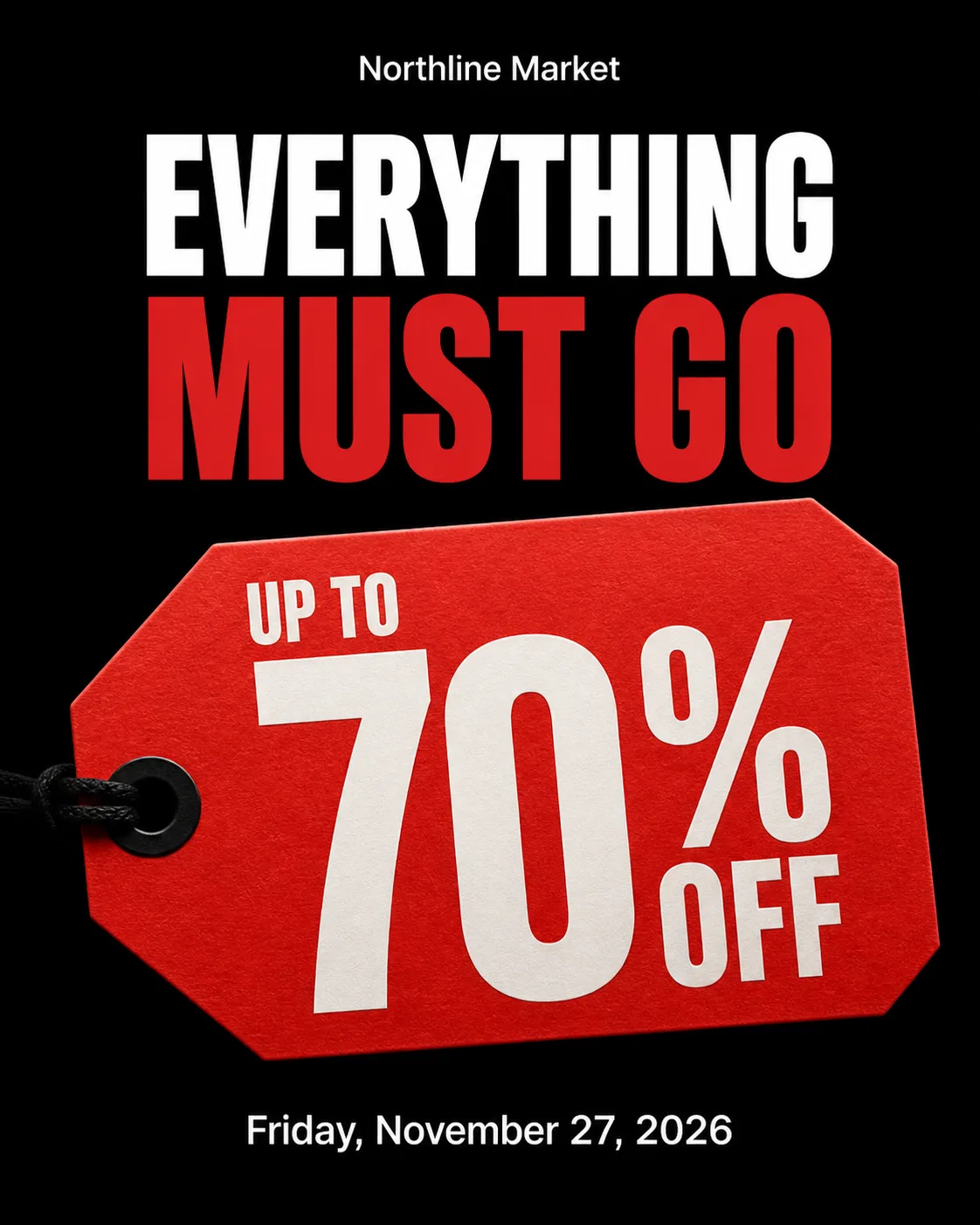
Build a Black Friday Instagram post around the Product Or Photo Subject, making the giant price tag the dominant visual and placing it against a deep black background. Use the Colors for a restrained, high-contrast palette with clear separation between the headline, offer and supporting details. Set the Headline in large, bold, carefully kerned typography, with the Offer even larger so it is instantly readable on a mobile screen. Include the Dates as the only supporting line. Show the Brand Name small and once, placed within a clear grid. Make the price tag look like a convincing cut-paper or printed retail element with crisp edges, subtle paper texture and controlled studio lighting. Keep generous margins so nothing touches the edges. Use no extra copy, badges, buttons, decorative circles, gradients, glow effects, watermarks or fake fine print. Render every supplied text field exactly as written, correctly spelled, in the Format.

Use these details:
Brand Name: "Northline Market"
Headline: "Everything must go"
Offer: "Up to 70% Off"
Dates: "Friday, November 27, 2026"
Product Or Photo Subject: "Oversized die-cut paper price tag"
Colors: "Black, red and white"
Format: "4:5 Instagram post"
Using your own logo, product or face? Attach it in the chat and say which of the details it replaces.
Your result will come out close to the example rather than identical to it. Change the details to make it yours.