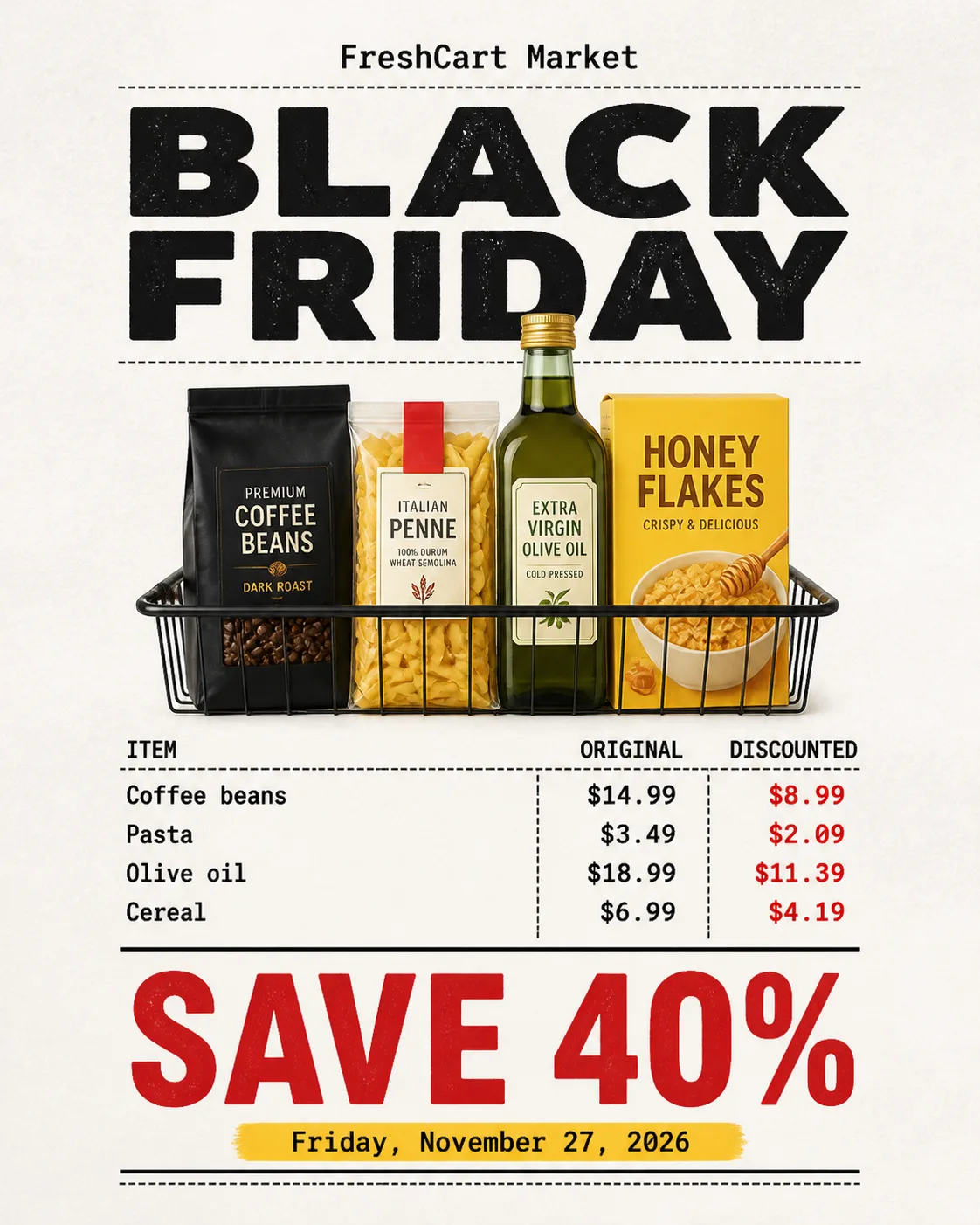
Build a Black Friday social ad as a carefully typeset supermarket receipt featuring the Product Or Photo Subject. Use the Format and place the receipt on a clean, slightly textured white paper background with generous margins so nothing touches the edges. Arrange the Receipt Items in a convincing receipt grid with aligned columns, item names, original prices and discounted prices. Use monospace type throughout, with clear hierarchy and precise spacing. Set the Headline near the top in large, bold type and make the Offer the dominant element in the lower section, instantly readable at a glance. Include the Dates as one short supporting line. Show the Brand Name small and only once. Apply the Color Palette through the ink, paper and one restrained accent, with crisp flat print treatment and subtle realistic paper texture. Keep the layout human-designed, balanced and legible. Do not add extra copy, fine print, badges, buttons, decorative circles, gradients, watermarks or invented dates.

Use these details:
Brand Name: "FreshCart Market"
Headline: "BLACK FRIDAY"
Offer: "SAVE 40%"
Dates: "Friday, November 27, 2026"
Product Or Photo Subject: "discounted supermarket groceries including coffee, pasta, olive oil and cereal"
Receipt Items: ["Coffee beans $14.99 $8.99", "Pasta $3.49 $2.09", "Olive oil $18.99 $11.39", "Cereal $6.99 $4.19"]
Color Palette: "white paper, black ink, vivid red and warm yellow"
Format: "4:5 Instagram post"
Using your own logo, product or face? Attach it in the chat and say which of the details it replaces.
Your result will come out close to the example rather than identical to it. Change the details to make it yours.