Turn the smartphone in the attached photo into the hero product of a modern technology advertisement. Keep the phone exactly as it appears in the photo, including its shape, screen, camera layout, materials, colors, proportions and every small detail. If no photo is attached, use the Smartphone described below.

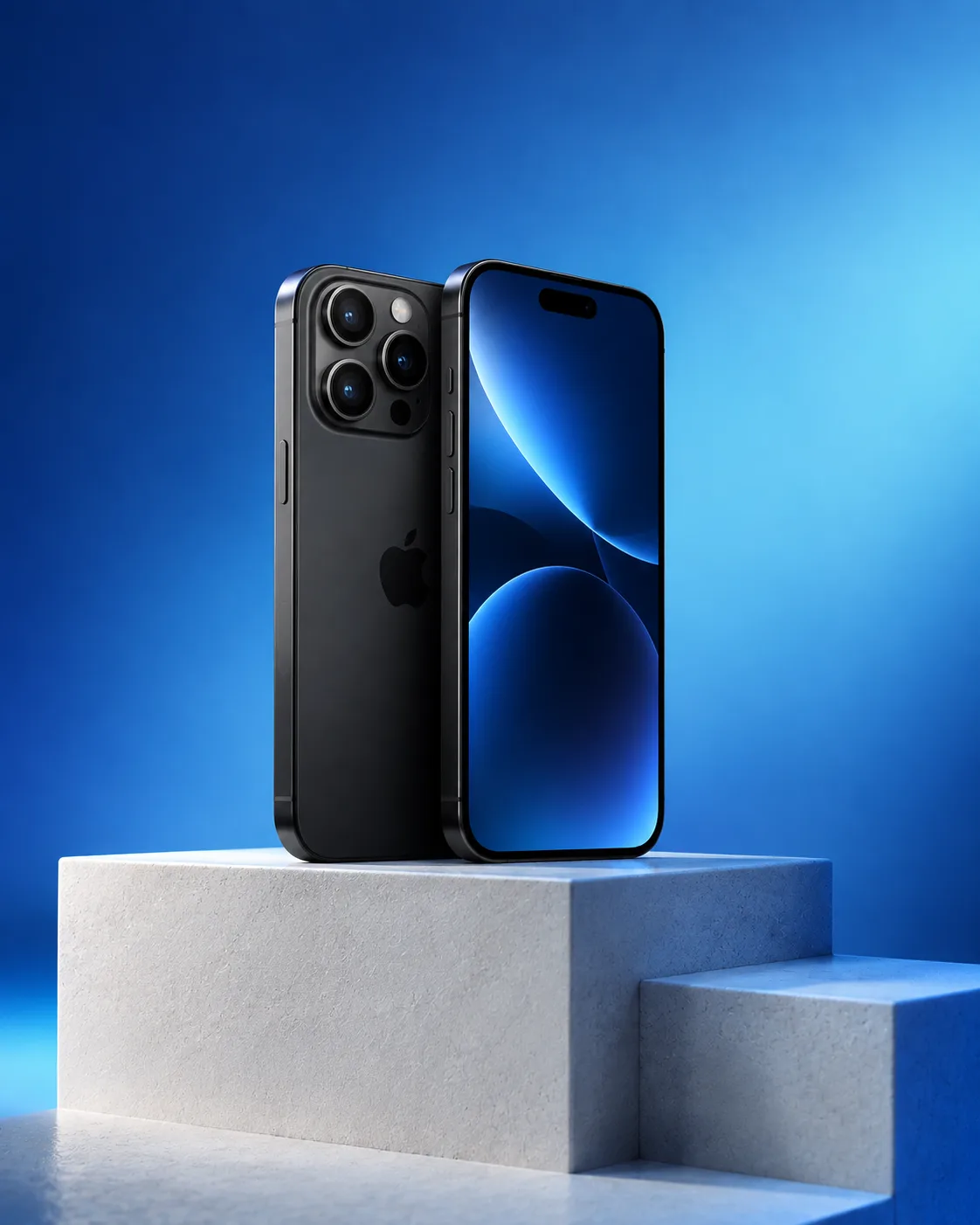
Stand the phone upright and centered on the Pedestal Design, with a slight three-quarter angle that reveals its screen and side profile. Build a minimal studio environment with generous negative space and a seamless background. Use the Color Palette as a controlled gradient across the background and as soft colored illumination wrapping around the pedestal and phone edges. Add a subtle contact shadow and restrained reflections on the surface, while keeping the screen and product details crisp.

Frame it like a high-end tech campaign with a low eye-level perspective, balanced symmetry and precise studio composition. Use dramatic but clean rim lighting, soft frontal fill and realistic material rendering. No extra devices, logos, invented text or floating interface elements. Render the final image in the Format.

Use these details:

Smartphone: "matte black flagship smartphone with a slim frame and triple-lens camera"
Pedestal Design: "asymmetrical white stone pedestal with stepped geometric surfaces"
Color Palette: "cobalt blue, electric blue and soft cyan"
Format: "4:5 portrait advertisement"
Using your own logo, product or face? Attach it in the chat and say which of the details it replaces.
Your result will come out close to the example rather than identical to it. Change the details to make it yours.