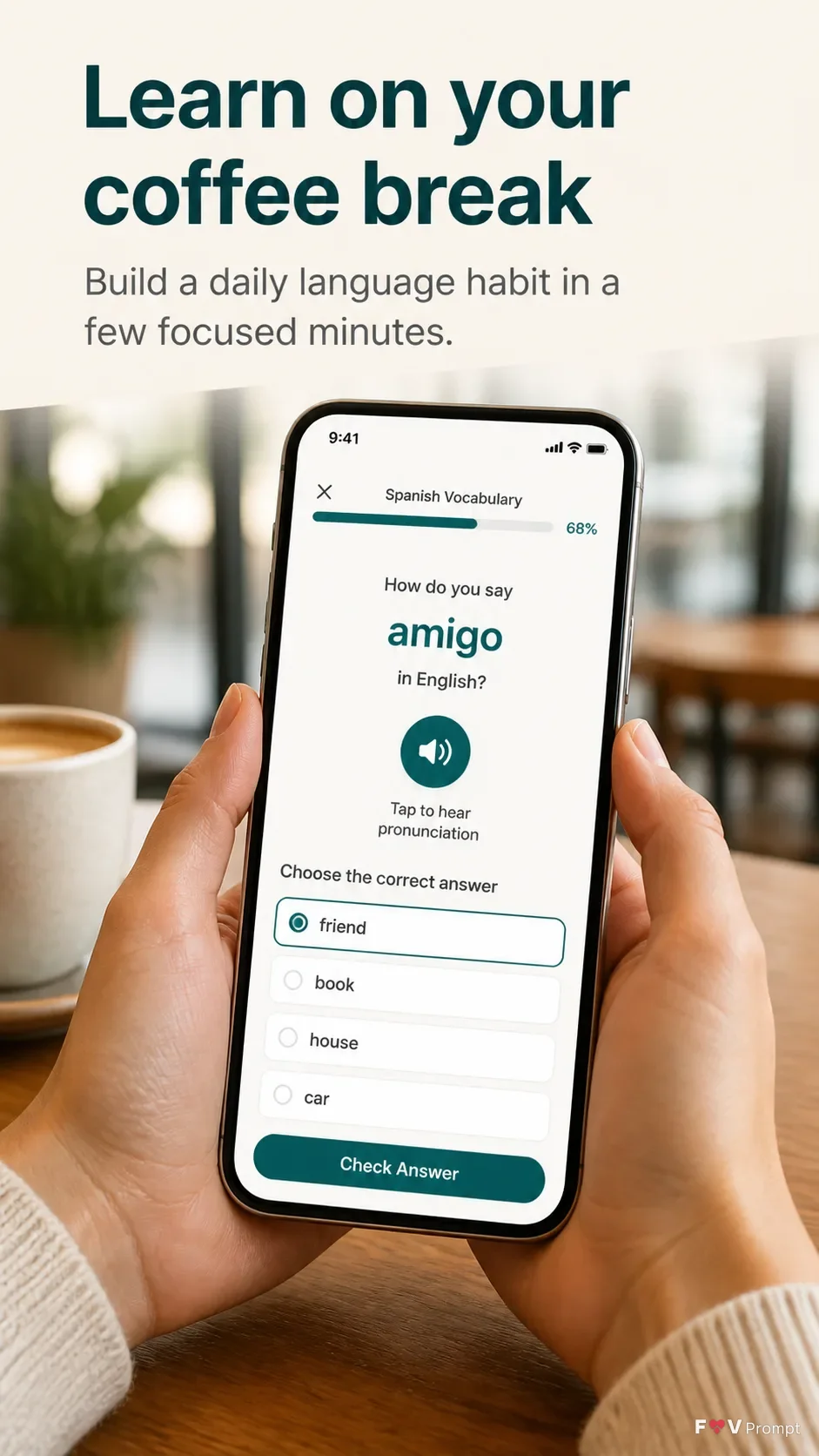
A professionally made App Store screenshot for the language app App Name, formatted as a vertical 9:16 composition with one screenshot only. Place the exact headline "Headline" at the top in large, bold, clean sans serif type, no more than two lines, with the optional Subline beneath it in smaller, highly legible type. Below the text, show a real photo of hands holding a generic modern smartphone in the Device Angle at the Cafe Setting. The phone has thin bezels, no brand logo and a soft realistic shadow. Keep the screen sharp and readable, displaying the Screen Content in a believable language-learning interface with the Brand Color used consistently throughout the UI and background accents. Include a visible 9:41 status bar. Use natural cafe light, realistic skin and hand detail, a softly blurred background, comfortable margins and clear separation between the text, phone and image edges. Keep all interface text correctly spelled. No extra headline, logos, store badges, ratings, reviews, glow, lens flare, busy background, watermark or decorative effects.

Use these details:
App Name: "Lingua Daily"
Headline: "Learn on your coffee break"
Subline: "Build a daily language habit in a few focused minutes."
Brand Color: "deep teal"
Screen Content: "A modern language lesson screen showing a Spanish vocabulary exercise, progress at 68%, a pronunciation button, and a short multiple-choice quiz"
Device Angle: "front-facing, held upright and slightly tilted toward the camera"
Cafe Setting: "a bright neighborhood cafe with a wooden table, ceramic coffee cup and softly blurred background"
Using your own logo, product or face? Attach it in the chat and say which of the details it replaces.
Your result will come out close to the example rather than identical to it. Change the details to make it yours.