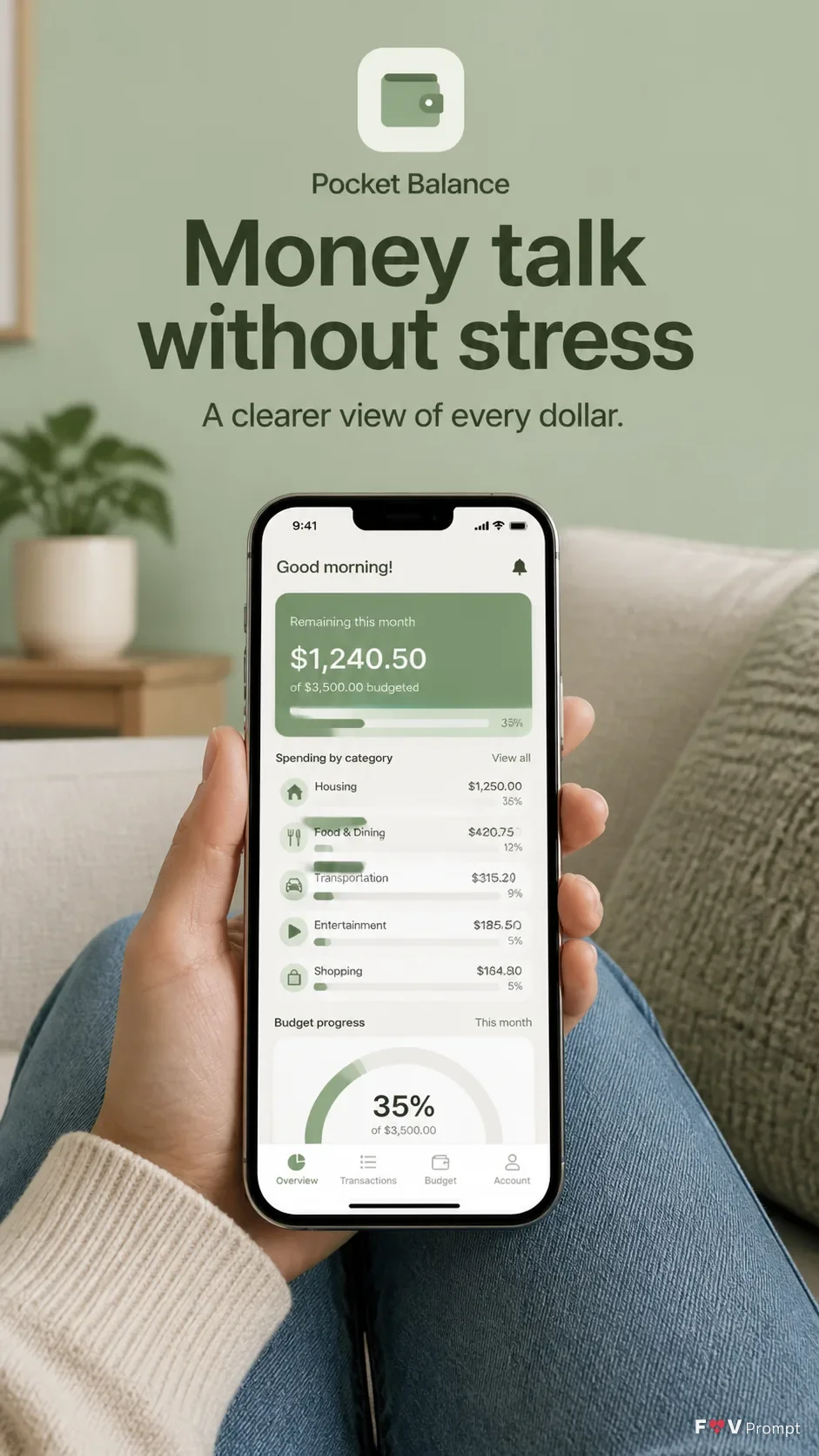
Build one professionally designed App Store screenshot in a vertical 9:16 format. Show a real lifestyle photo of a person seated in the Lifestyle Setting, holding a generic modern smartphone at the Device Angle. Keep the phone screen sharp, readable and central, with comfortable margins and a soft realistic shadow. Use the Brand Color for the solid background and throughout the interface. At the top, render the Headline in large, bold, clean sans serif type, exactly as written and on no more than two lines. Place the Subline beneath it in smaller legible type. Put the Screen Content inside the phone screen as a believable budgeting app UI with a status bar showing 9:41. If the Attached App Screenshots are supplied, place them inside the phone exactly as provided. If the Attached App Icon is supplied, use it exactly; otherwise create a restrained generic icon. Keep every label correctly spelled and readable. Use natural light, realistic skin and fabric detail, subtle depth of field, and no logos, store badges, ratings, reviews, glow, sparkles, lens flares, watermarks or extra text.

Use these details:
App Name: "Pocket Balance"
Headline: "Money talk without stress"
Subline: "A clearer view of every dollar."
Brand Color: "soft sage green"
Screen Content: "monthly budgeting dashboard with spending categories, a remaining balance, and a simple progress chart"
Device Angle: "straight-on front view"
Lifestyle Setting: "a softly lit living room with a person seated comfortably on a textured sofa"
Attached App Screenshots: "No screenshots provided; generate the app screen from the Screen Content"
Attached App Icon: "No app icon provided; create a simple generic icon for the app"
Using your own logo, product or face? Attach it in the chat and say which of the details it replaces.
Your result will come out close to the example rather than identical to it. Change the details to make it yours.