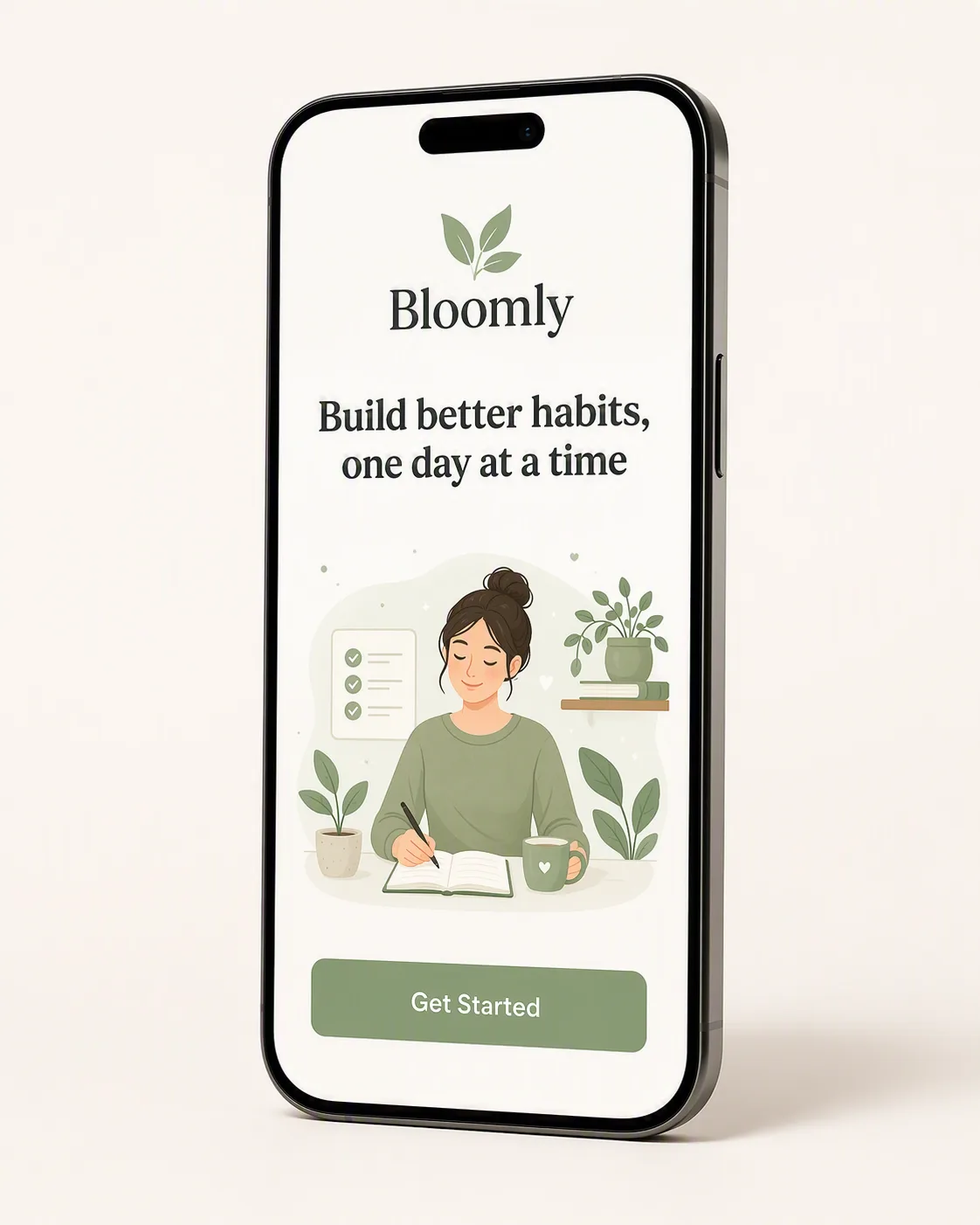
A single modern smartphone displaying a polished mobile app onboarding screen, presented as a clean app store marketing image. Place the App Name near the top of the screen with the Onboarding Headline below it in clear, highly legible typography. Add a simple, friendly onboarding illustration between the headline and the Button Label, with generous spacing and a calm visual hierarchy. Use the Color Palette consistently across the interface, illustration and small accent elements. Position the phone upright and slightly angled on the Background, with a soft natural shadow and ample negative space around it. Keep the interface uncluttered, contemporary and easy to understand at a glance. Render every visible word exactly as written, with no extra labels, distorted letters or fake interface elements. Frame the composition in the Format.

Use these details:
App Name: "Bloomly"
Onboarding Headline: "Build better habits, one day at a time"
Button Label: "Get Started"
Color Palette: "soft sage green, warm white and charcoal"
Background: "clean warm-white studio surface with a subtle soft shadow"
Format: "4:5 portrait app store screenshot"
Using your own logo, product or face? Attach it in the chat and say which of the details it replaces.
Your result will come out close to the example rather than identical to it. Change the details to make it yours.