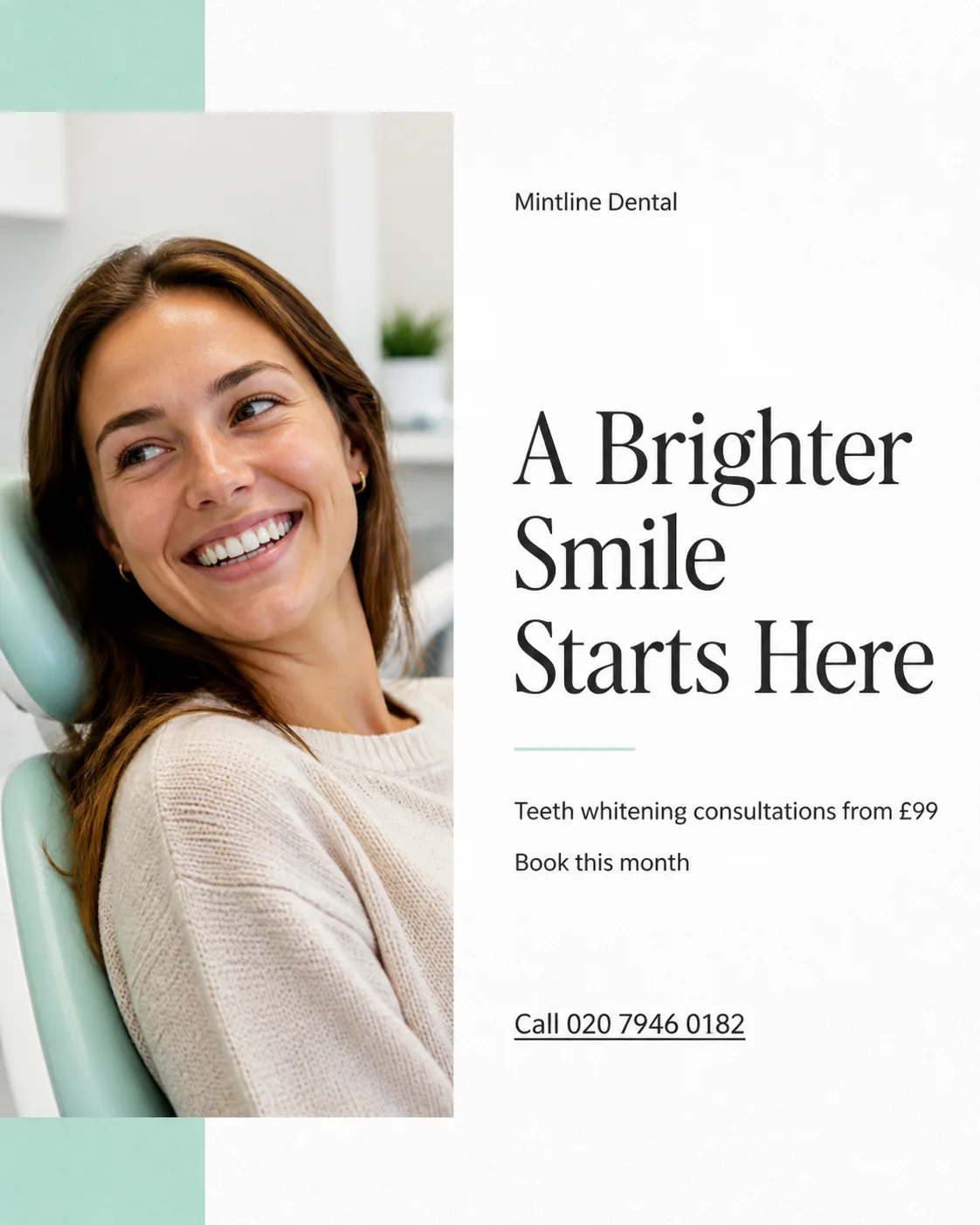
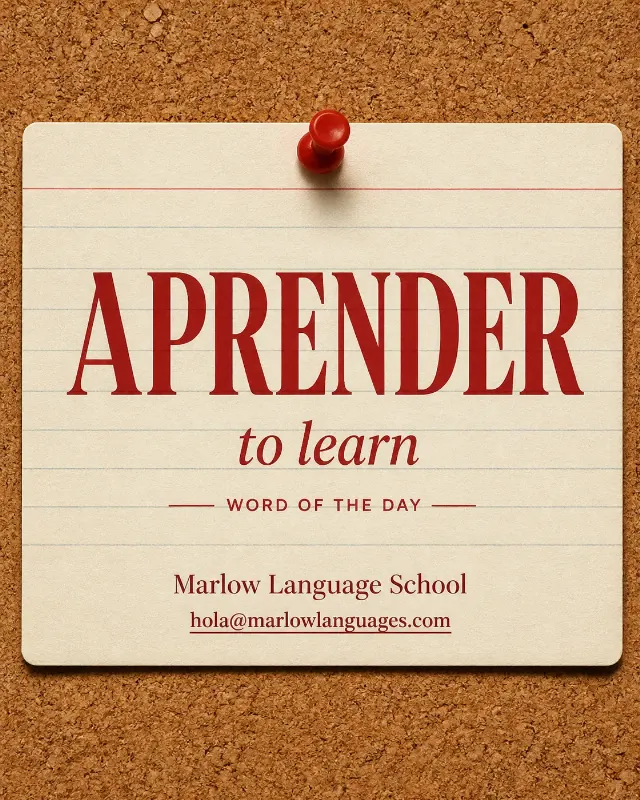
A candid smiling patient photo leads this teeth whitening Instagram post, photographed in soft natural clinic light with an authentic, relaxed expression and realistic skin texture. Build a clean editorial layout around the image using the Color Palette, with generous white space, a clear two-column grid and strong typographic hierarchy. Place the Headline prominently near the top or beside the photo, then set the Supporting Text in two short lines with comfortable spacing. Add the Contact Details as a simple underlined text call to action, never as a button. Place the Business Name small once, away from the main headline. Render every supplied word exactly as written, with correct spelling and no additional text. Keep all text safely inside the edges. Use restrained mint accents, crisp charcoal type and subtle paper grain for a human-designed print feel. Avoid decorative circles, gradients, glow, fake badges, stock-photo stiffness and clutter. Compose the finished design in the Format.

Use these details:
Business Name: "Mintline Dental"
Headline: "A Brighter Smile Starts Here"
Supporting Text: ["Teeth whitening consultations from £99", "Book this month"]
Photo Subject: "A candid smiling dental patient in a bright clinic"
Color Palette: "soft mint, clean white and charcoal"
Contact Details: "Call 020 7946 0182"
Format: "4:5 portrait"
Using your own logo, product or face? Attach it in the chat and say which of the details it replaces.
Your result will come out close to the example rather than identical to it. Change the details to make it yours.