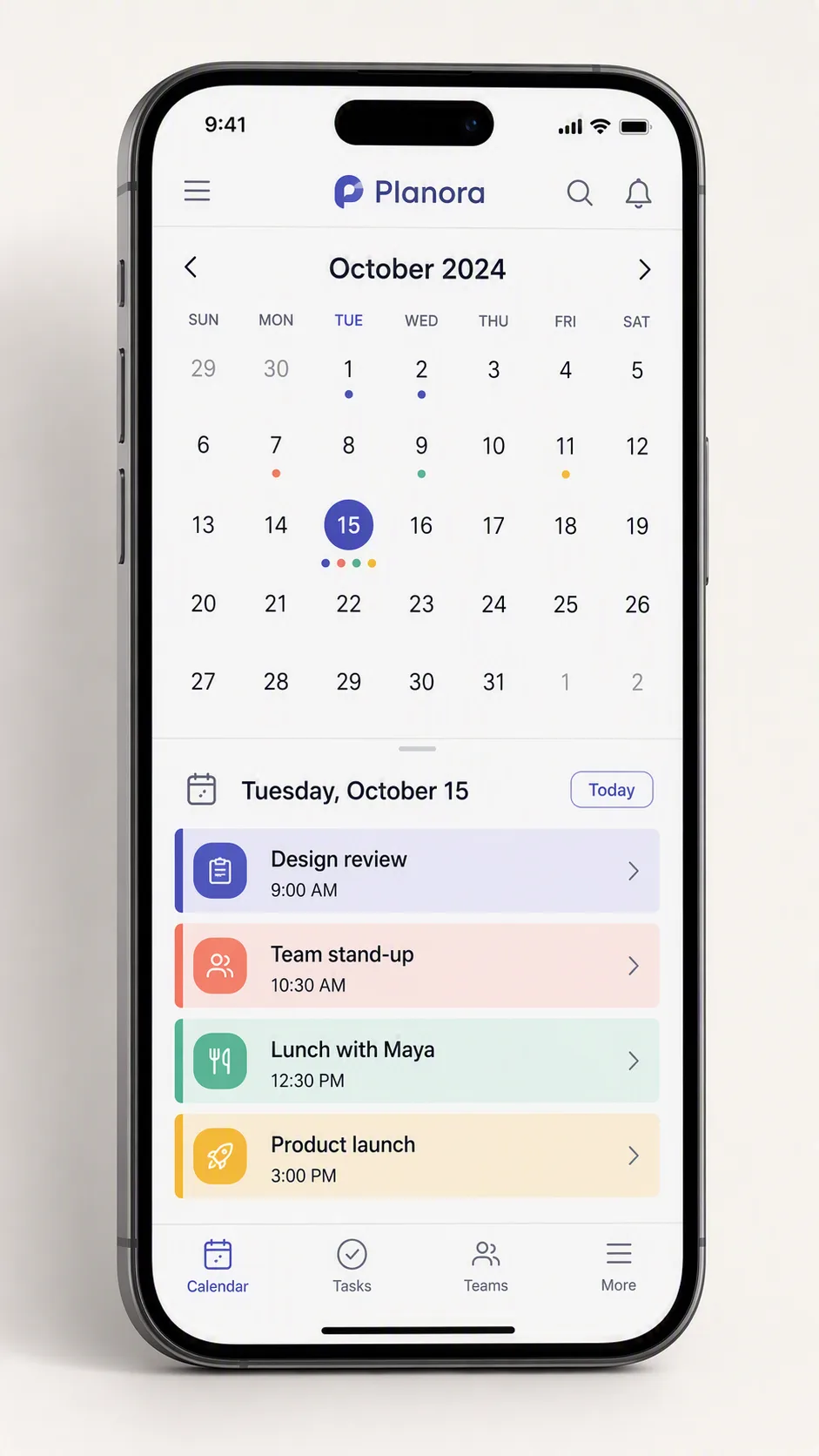
Present a scheduling app feature as a clean, realistic smartphone mockup in the Format. Show the App Name subtly in the app header and display a month calendar with Calendar Date selected. Populate the calendar with the Calendar Events, using the Color Palette to distinguish event categories with clear colored markers or blocks. Make the scheduling interface the visual focus, with readable date numbers, event labels, times, navigation controls and a simple bottom navigation bar. Use a centered front-facing phone against a restrained light background, with soft studio lighting, gentle shadowing and a slight three-quarter perspective that reveals the device edge without obscuring the screen. Keep the interface spacious and modern, with consistent typography, crisp icons and accurate alignment. Ensure every piece of calendar text is spelled correctly, fully visible and legible at phone-screen scale.

Use these details:
App Name: "Planora"
Calendar Events: ["Design review, 9:00 AM", "Team stand-up, 10:30 AM", "Lunch with Maya, 12:30 PM", "Product launch, 3:00 PM"]
Color Palette: "indigo, coral, mint green and soft yellow"
Calendar Date: "Tuesday, October 15"
Format: "9:16 vertical"
Using your own logo, product or face? Attach it in the chat and say which of the details it replaces.
Your result will come out close to the example rather than identical to it. Change the details to make it yours.