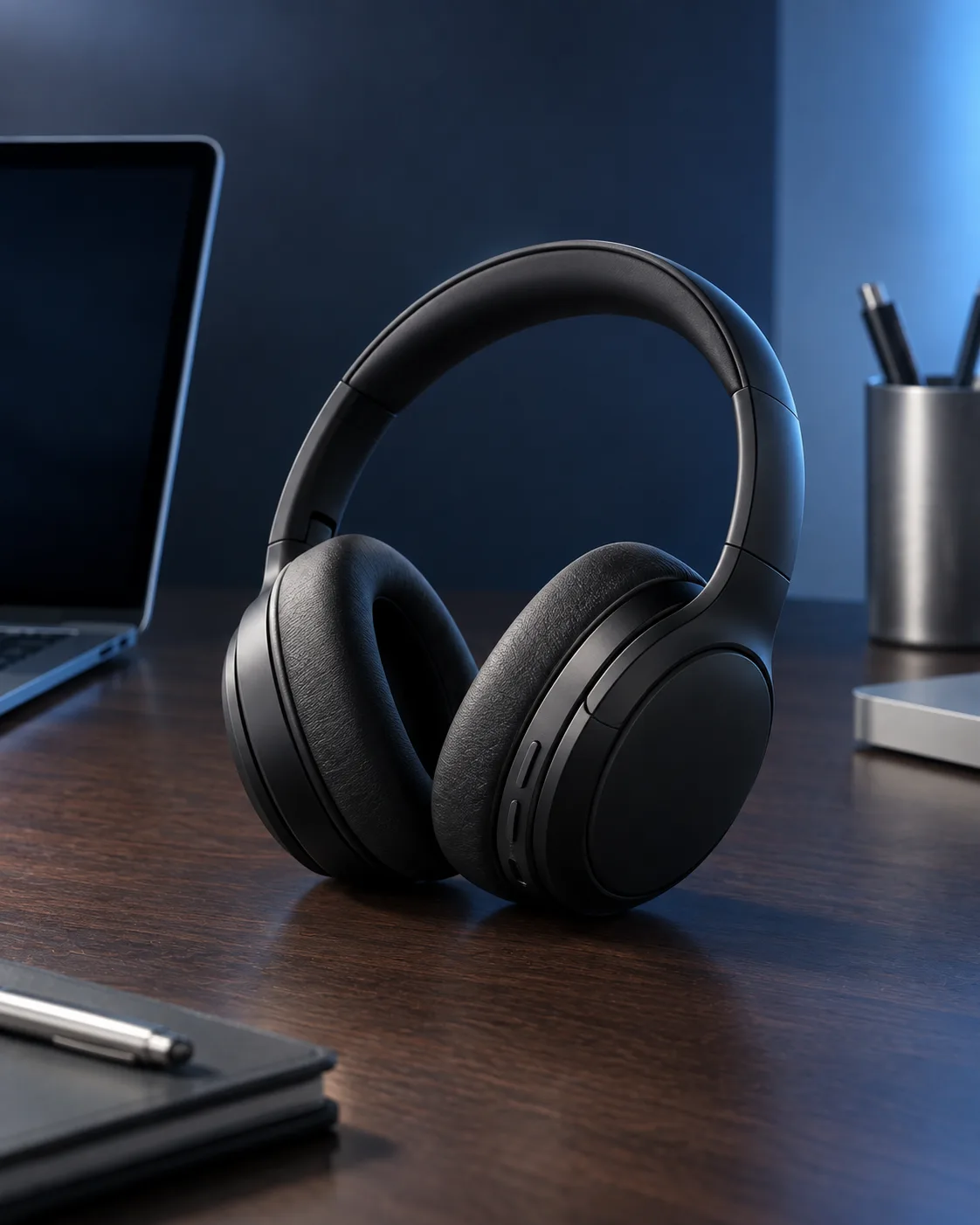
Turn the wireless headphones in the attached photo into a refined e-commerce product photograph. Keep the product exactly as it appears in the photo, including its shape, materials, colors, controls, branding, proportions and every physical detail. If no photo is attached, use the Wireless Headphones described below.

Place the headphones on the Desk Setting, positioned three-quarter view with the ear cups and headband clearly visible. Use the Lighting Setup to create controlled highlights across the materials and a soft separation from the background. Apply the Color Palette throughout the scene without changing the product's actual appearance. Keep the desk organized and uncluttered, with restrained technology details in the background and enough negative space around the product. Use shallow depth of field, crisp focus on the headphones, realistic surface reflections and subtle contact shadows. Photograph it like a studio product shoot with a 70mm lens at eye level. Render the result in the Format. Do not add invented logos, text or extra product features.

Use these details:

Wireless Headphones: "matte black over-ear wireless headphones with cushioned ear cups and a slim headband"
Desk Setting: "minimal modern desk with a dark walnut surface, brushed aluminum accessories and a clean technology workspace"
Color Palette: "cool blue, deep navy, charcoal and subtle silver"
Lighting Setup: "soft blue ambient light from the side with a gentle rim light around the headphones"
Format: "4:5 vertical e-commerce product image"
Using your own logo, product or face? Attach it in the chat and say which of the details it replaces.
Your result will come out close to the example rather than identical to it. Change the details to make it yours.