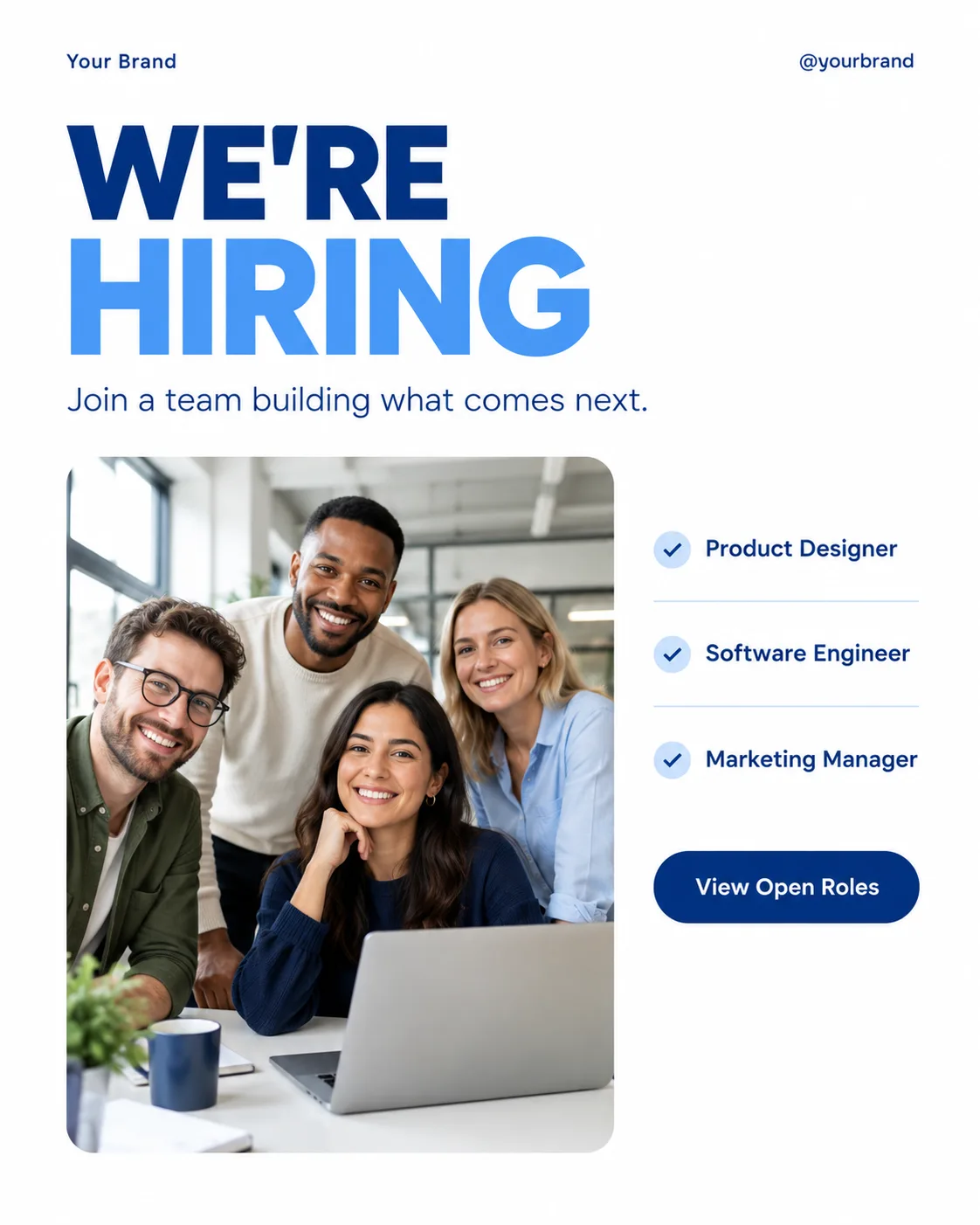
Build one single, flat, full-frame corporate LinkedIn post in the Format. Use a clean white background and a clear grid with generous margins. Set the Headline as the dominant element in a heavy geometric sans-serif, using the Color Palette and reserving the accent color for one highlighted word. Place the Photo Inside The Frame in a large rounded rectangle beneath or beside the headline, with natural office light and an authentic team atmosphere. Arrange the Role List in a compact, highly legible list near the photo, using small separators or check marks as restrained decoration. Add the Short Supporting Line below the headline. Place the Brand Name and Website Or Handle along the top or bottom edge in small type. Include only one CTA element, a deep-blue pill button labeled exactly with the Call To Action Button Text. Render every text field exactly as written, with correct spelling and phone-size legibility. Use no more than two typefaces, no real logos, no watermarks, no device mockup, no borders, and no additional posts.

Use these details:
Headline: "WE'RE HIRING"
Short Supporting Line: "Join a team building what comes next."
Brand Name: "Your Brand"
Website Or Handle: "@yourbrand"
Call To Action Button Text: "View Open Roles"
Photo Inside The Frame: "A diverse team of coworkers smiling together in a bright office"
Role List: ["Product Designer", "Software Engineer", "Marketing Manager"]
Color Palette: "white, deep blue and a restrained sky-blue accent"
Format: "4:5 portrait LinkedIn post"
Using your own logo, product or face? Attach it in the chat and say which of the details it replaces.
Your result will come out close to the example rather than identical to it. Change the details to make it yours.