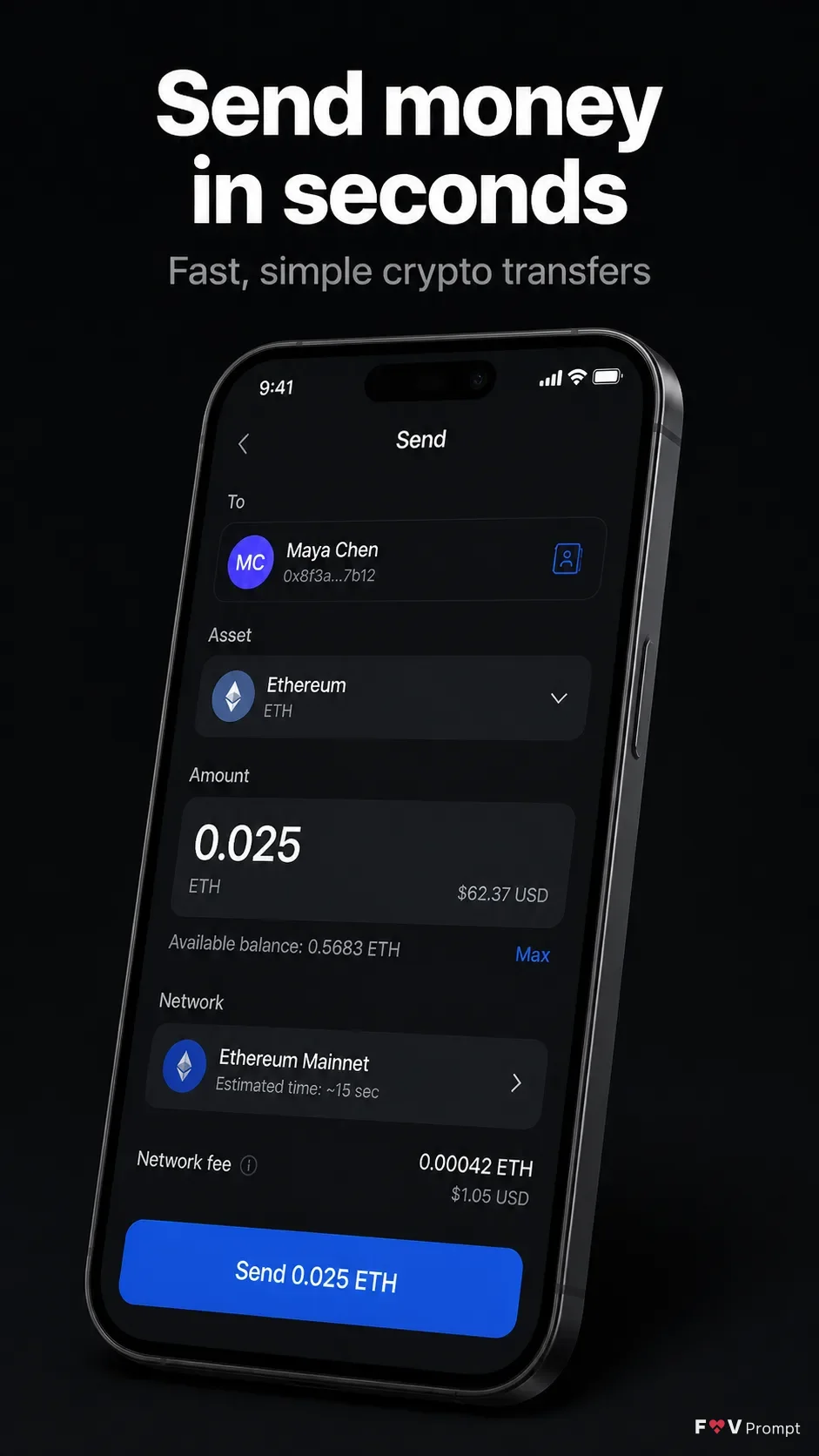
Design a professionally made App Store screenshot in a vertical 9:16 format, with one composition per image. Place the Headline at the top in large, bold, clean sans serif type, rendered exactly as written and kept to no more than two lines. Add the Subline beneath it in smaller, highly legible type. Below the copy, show a generic modern smartphone with thin bezels, no brand logos and a soft realistic shadow, floating at the Device Angle. The phone displays the Screen Content with a believable crypto wallet interface, clean components, sensible numbers, legible English text and a 9:41 status bar. Use the App Screenshots exactly inside the phone screen when supplied; otherwise create the described UI. Use the App Icon exactly when supplied; otherwise omit it. Build the interface around the Brand Color and place it on the Background Color, using restrained contrast and subtle depth. Keep the phone as the main element with comfortable margins. Use realistic 3D rendering, crisp typography and controlled studio lighting. Do not add ratings, reviews, badges, download counts, logos, watermarks, sparkles, glow, lens flares, glassmorphism or illegible text.

Use these details:
App Name: "Nexa Wallet"
Headline: "Send money in seconds"
Subline: "Fast, simple crypto transfers"
Brand Color: "electric blue"
Background Color: "near-black"
Screen Content: "A crypto wallet send screen showing a recipient named Maya Chen, 0.025 ETH, a small network fee, and a blue Send button"
Device Angle: "floating at a three-quarter 3D angle, tilted slightly to the right"
App Screenshots: "No screenshots supplied"
App Icon: "No app icon supplied"
Using your own logo, product or face? Attach it in the chat and say which of the details it replaces.
Your result will come out close to the example rather than identical to it. Change the details to make it yours.