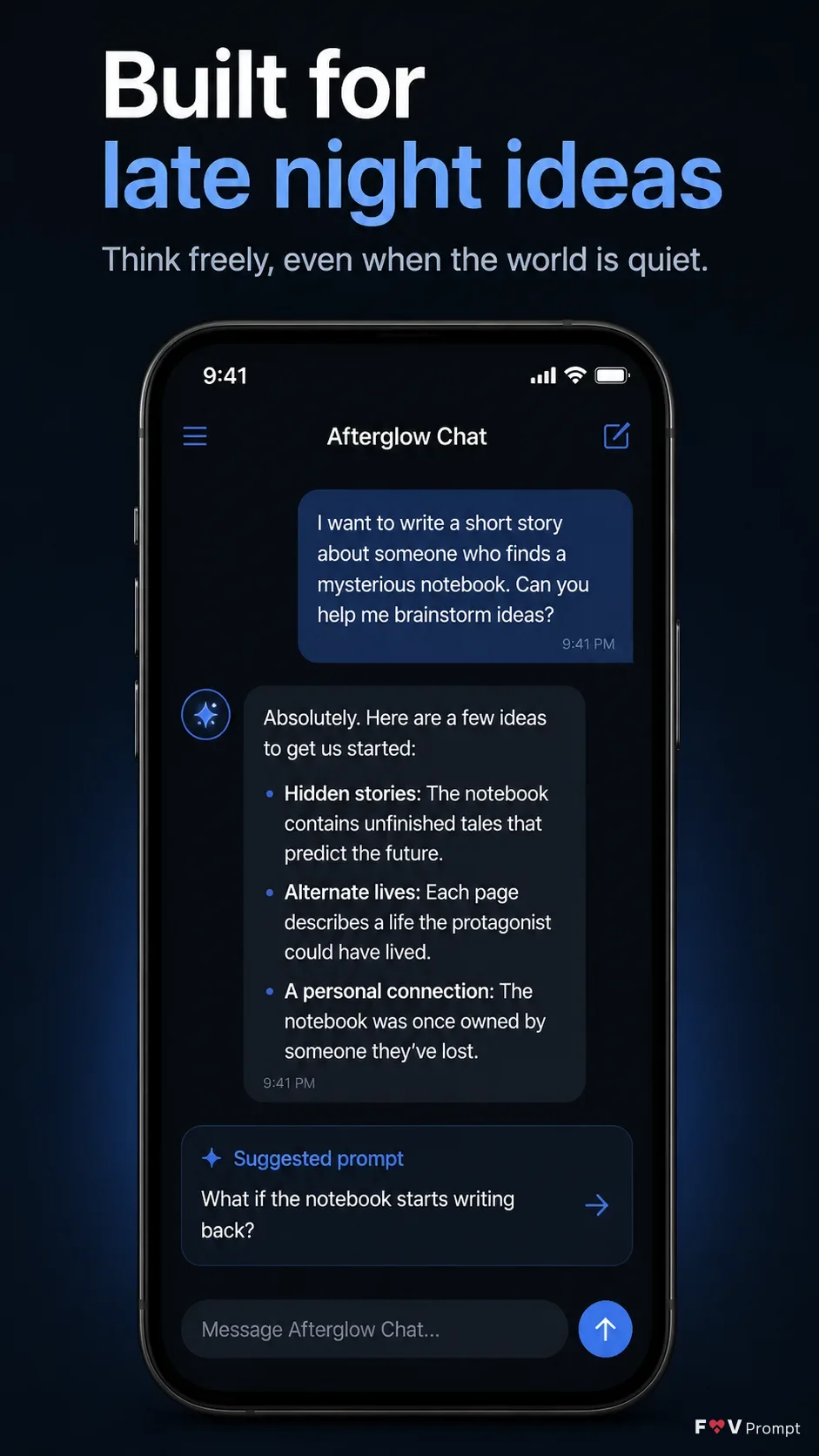
Design one professionally made App Store or Google Play screenshot for the App Name in a vertical 9:16 format. Place the exact Headline at the top in large, bold, clean sans serif type, using no more than two lines, with the optional Subline beneath it. Keep generous margins so the typography and phone never touch the image edges.

Below the text, show a generic modern smartphone with thin bezels, no brand logos, and a realistic soft shadow. Use the Device Angle. If App Screenshots are supplied, place them inside the phone screen exactly as provided without redrawing them. Otherwise, create a believable AI chat interface based on the Screen Content, with crisp readable text, sensible generic names and numbers, and a visible 9:41 status bar. Use the App Icon exactly if supplied.

Set the background to near-black with a restrained soft blue accent based on the Brand Color. Apply the same brand color throughout the interface. Keep the composition minimal, with no floating elements unless they are clean crops of the same UI. Use accurate English spelling, sharp screen content, realistic phone rendering, subtle depth, and no logos, watermarks, glow, sparkles, lens flares, glassmorphism, gibberish, ratings, reviews, download counts, laurels or store badges.

Use these details:
App Name: "Afterglow Chat"
Headline: "Built for late night ideas"
Subline: "Think freely, even when the world is quiet."
Brand Color: "soft electric blue"
Screen Content: "Dark AI chat interface with a conversation about developing a short story, readable message bubbles, a suggested prompt card, and a visible 9:41 status bar"
Device Angle: "straight-on front view"
App Screenshots: "No screenshots provided"
App Icon: "No app icon provided"
Using your own logo, product or face? Attach it in the chat and say which of the details it replaces.
Your result will come out close to the example rather than identical to it. Change the details to make it yours.