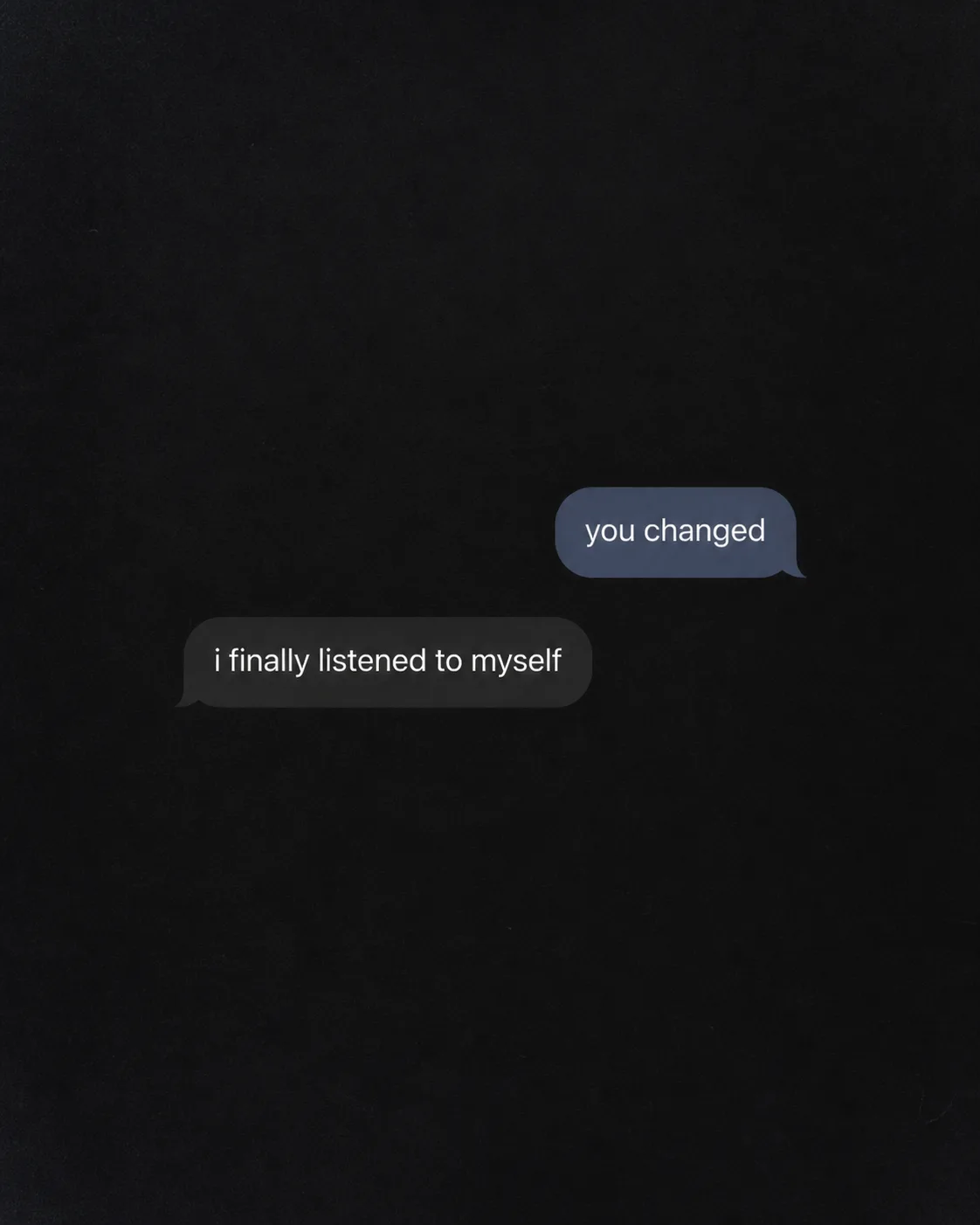
Build a vertical dark-mode chat screen in the Format, using the Color Palette and Screen Treatment. Show the User Message in one simple rounded chat bubble and the Reply Message beneath it in a separate bubble, with generous empty space around the exchange. Render both messages exactly as written, preserving lowercase letters and using no extra punctuation, captions or text. Keep the typeface family consistent throughout, using a clean sans serif with clear letterforms. Set the capital letter height to roughly 4 to 6 percent of the image height, never below 3.5 percent, so the words remain readable as a small phone thumbnail. Let each line occupy about 55 to 75 percent of the image width without allowing text to dominate more than one third of the frame. Use soft, imperfect screen glow and subtle grain for a believable phone-camera feel. Include no usernames, profile pictures, timestamps, logos, watermarks, borders or interface elements beyond the two chat bubbles.

Use these details:
User Message: "you changed"
Reply Message: "i finally listened to myself"
Format: "4:5 Instagram post"
Color Palette: "charcoal black, soft white and muted slate blue"
Screen Treatment: "subtle monochrome film grain with faint phone-screen texture"
Using your own logo, product or face? Attach it in the chat and say which of the details it replaces.
Your result will come out close to the example rather than identical to it. Change the details to make it yours.