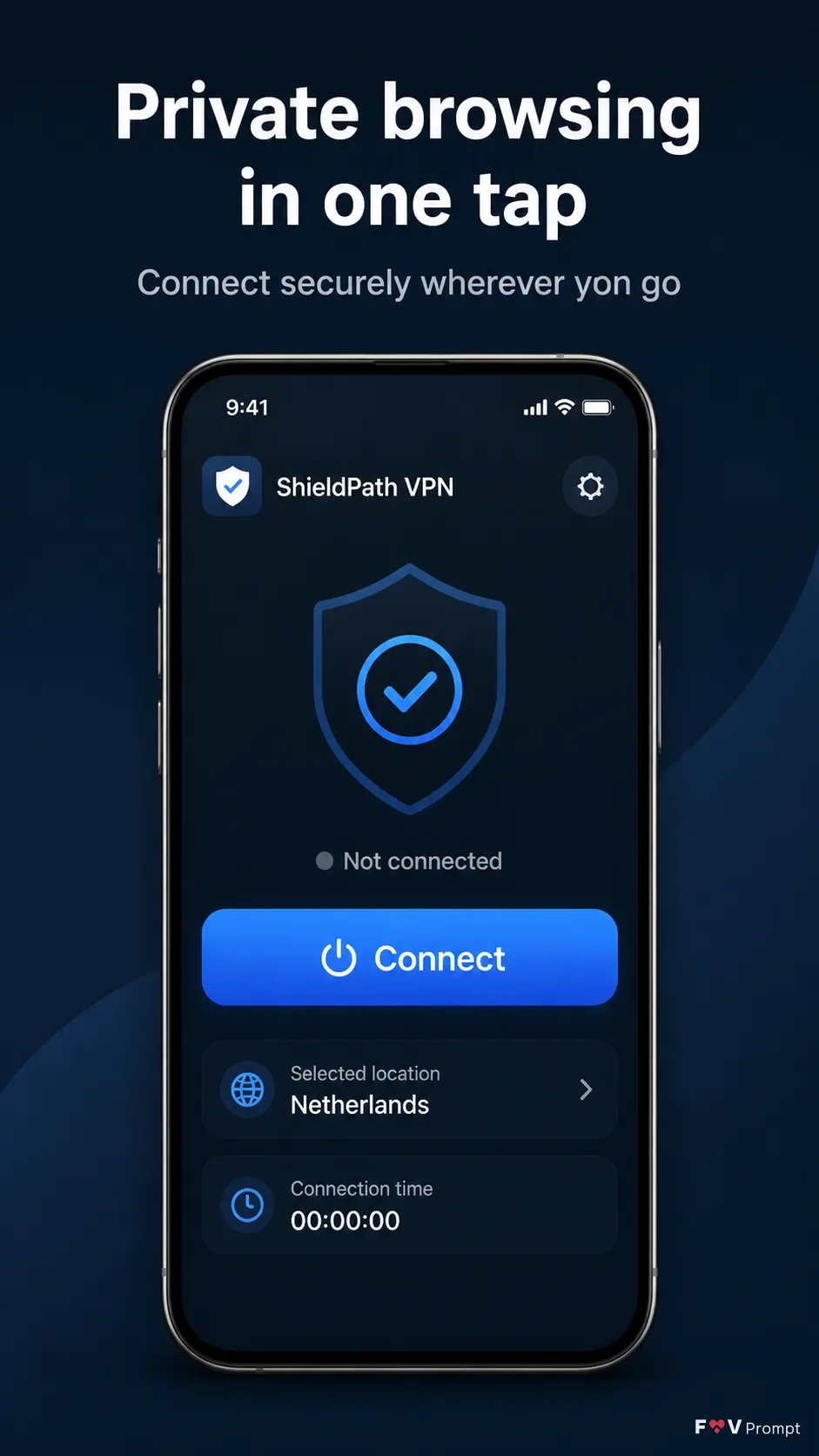
Design one professionally made App Store screenshot for the App Name in the Format. Place the exact Headline at the top in large, bold, clean sans serif type, no more than two lines, with the Subline beneath it in smaller text. Keep all spelling exact and render every word clearly. Below the copy, show one generic modern smartphone in a Device Angle, with thin bezels, no brand logo and a soft realistic shadow. Build the phone display around the Screen Content, using believable mobile UI components, sensible numbers and a visible 9:41 status bar. Use the App Screenshots as the screen design reference and incorporate the App Icon in the interface. Apply the Brand Color consistently to the background and UI accents. Keep comfortable margins around the phone, with a dark, uncluttered two-tone treatment and no elements touching the edges. Use crisp realistic product lighting and accurate screen perspective. Do not add ratings, reviews, store badges, download counts, laurels, watermarks, glow, sparkles, lens flares or extra logos.

Use these details:
App Name: "ShieldPath VPN"
Headline: "Private browsing in one tap"
Subline: "Connect securely wherever you go"
Brand Color: "deep slate blue with cool electric blue accents"
Screen Content: "A one-tap VPN connect dashboard showing a large blue Connect button, status text Not connected, selected location Netherlands, a small connection timer area, and a simple shield icon"
App Screenshots: "ShieldPath VPN connect dashboard screenshot"
App Icon: "Minimal white shield with a blue check mark on a rounded square"
Device Angle: "straight-on front-facing view"
Format: "9:16 vertical App Store screenshot"
Using your own logo, product or face? Attach it in the chat and say which of the details it replaces.
Your result will come out close to the example rather than identical to it. Change the details to make it yours.