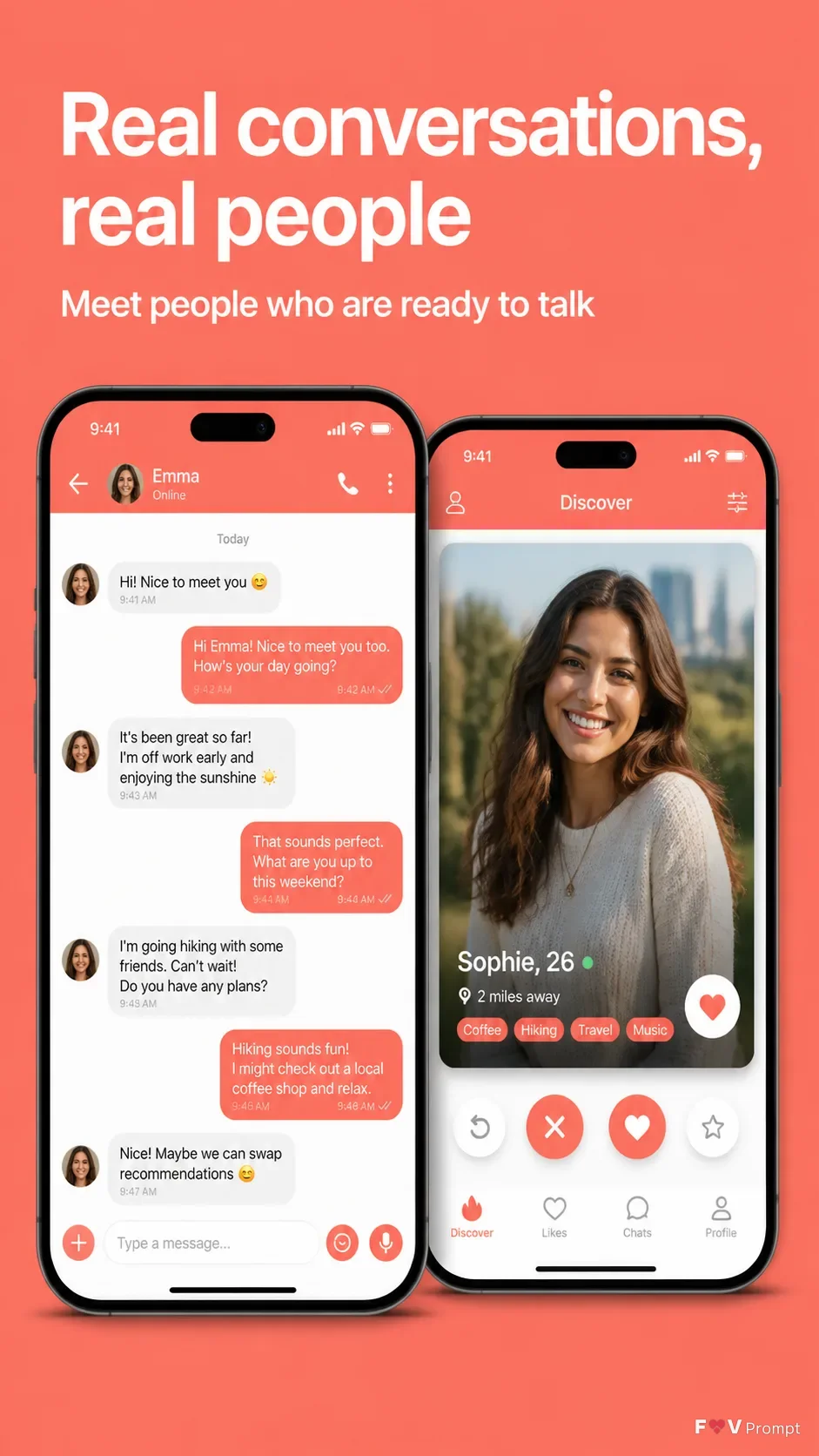
Design one professionally made App Store or Google Play listing screenshot for the App Name in a vertical 9:16 format. Use a solid Brand Color background with comfortable margins and place the Headline at the top in large, bold, clean sans serif type, exactly as written, within two lines. Add the Subline beneath it in smaller, highly legible text. Below the copy, show two overlapping generic modern smartphones with thin bezels, no logos, and soft realistic shadows. Follow the Device Angle while keeping both screens clearly visible. Use the Attached App Screenshots inside the phones exactly as provided when available; otherwise create believable, polished dating app interfaces based on the Screen Content, including a chat conversation on one phone and a profile view on the other. Use the same Brand Color throughout the interface, with sensible names, controls, photos and readable text. If the Attached App Icon is available, use it exactly in the app UI; otherwise omit it. Include a 9:41 status bar. Keep the screens sharp and aligned, with no star ratings, reviews, badges, logos, watermarks, glow, sparkles, lens flares, glassmorphism, or misspelled text.

Use these details:
App Name: "Mingle"
Headline: "Real conversations, real people"
Subline: "Meet people who are ready to talk"
Brand Color: "Coral"
Screen Content: "A chat conversation screen and a dating profile screen"
Device Angle: "Front-facing, straight-on"
Attached App Screenshots: "No screenshots provided"
Attached App Icon: "No app icon provided"
Using your own logo, product or face? Attach it in the chat and say which of the details it replaces.
Your result will come out close to the example rather than identical to it. Change the details to make it yours.