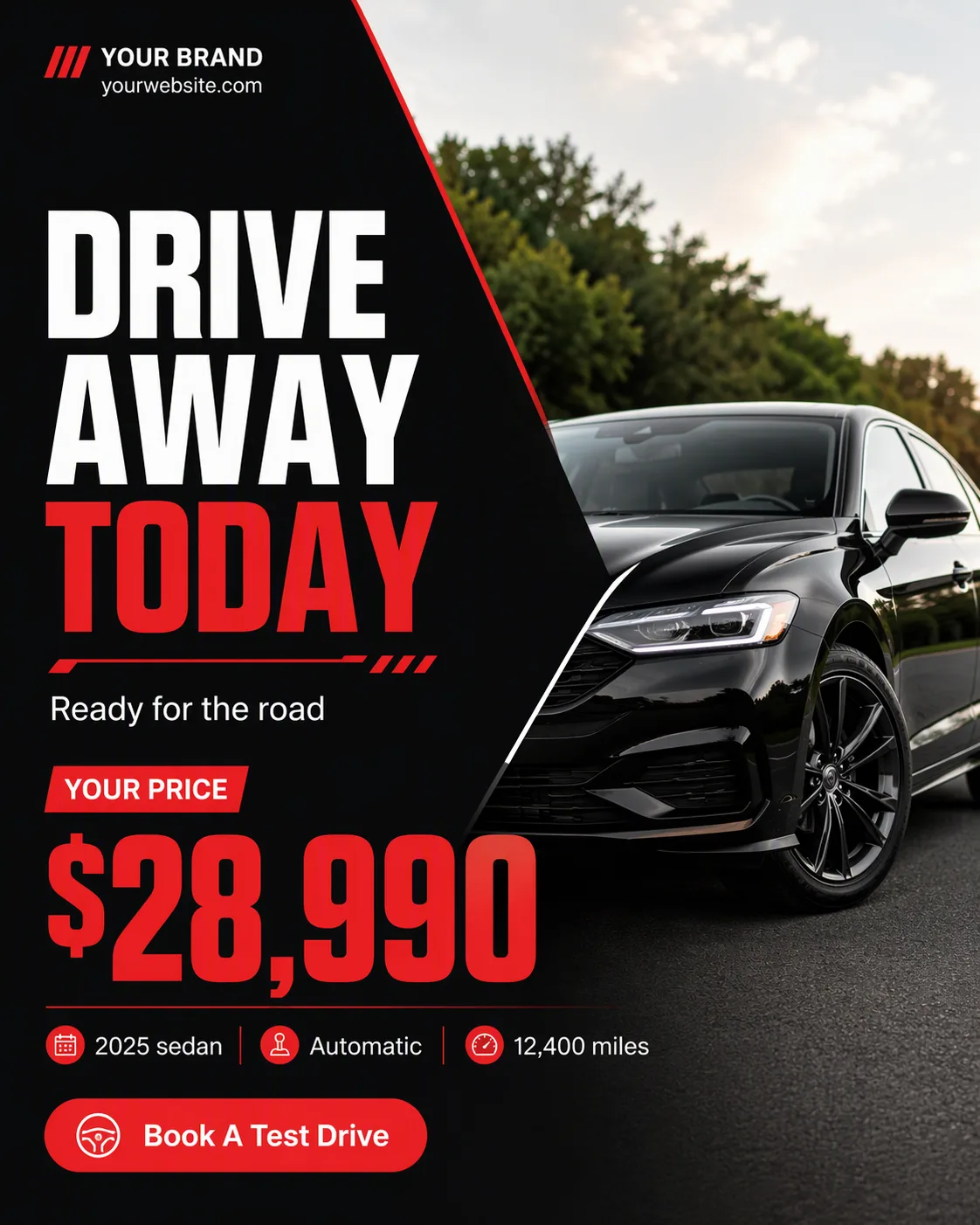
Build one single, full-frame social media post in the Format using the Layout Style. Divide the composition with a crisp diagonal split: place the Photo Inside The Frame in one section, cropped cleanly within the frame, and reserve the other section for the Headline, Price and Model Details. Make the Price especially prominent, with the Headline as the second-largest element in a heavy geometric sans-serif. Use the Color Palette with strong contrast and one accent treatment for the most important detail. Add the Short Supporting Line in smaller type, then include no more than one pill-shaped CTA using the exact Call-To-Action Button Text. Place the Brand Name and Website Or Handle along a top or bottom edge in restrained small type. Use a clear grid, generous margins and deliberate alignment. Keep every text element legible at phone size, correctly spelled, and limited to two typefaces. Add only subtle diagonal rules or small geometric accents. Show no mockup device, extra posts, watermarks, real logos or border.

Use these details:
Format: "4:5 Instagram post"
Headline: "Drive Away Today"
Short Supporting Line: "Ready for the road"
Brand Name: "Your Brand"
Website Or Handle: "yourwebsite.com"
Call-To-Action Button Text: "Book A Test Drive"
Photo Inside The Frame: "A black sedan photographed outdoors in soft natural light"
Price: "$28,990"
Model Details: "2025 sedan | Automatic | 12,400 miles"
Color Palette: "black, red and white"
Layout Style: "bold diagonal split"
Using your own logo, product or face? Attach it in the chat and say which of the details it replaces.
Your result will come out close to the example rather than identical to it. Change the details to make it yours.