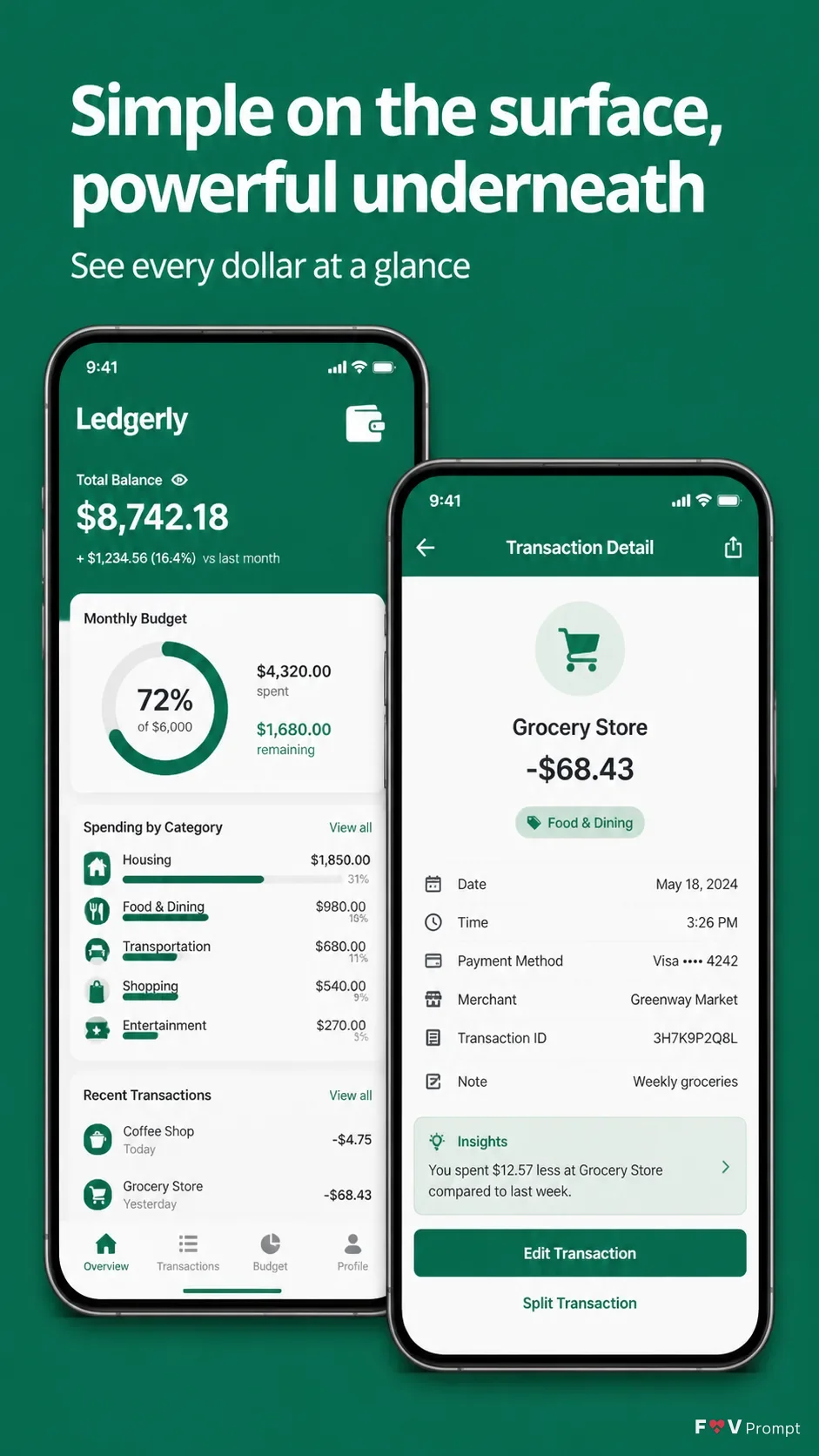
Design one professionally made App Store or Google Play screenshot in a vertical 9:16 format. Set the background to the Brand Color with a clean, quiet finish and comfortable margins. Place the Headline at the top in large, bold, clean sans serif type, rendered exactly as written and kept to no more than two lines. Add the Subline beneath it in smaller, highly legible type. Below the text, show two overlapping generic modern smartphones with thin bezels, no logos, soft realistic shadows, and the Device Angle. Use the Screen Content across the displays: one believable budgeting overview dashboard and one detailed transaction view. Use the Attached Screenshots exactly inside the phone screens when supplied; otherwise design the screens from the Screen Content. Include a 9:41 status bar, sensible financial figures, legible labels, and the Brand Color throughout the UI. Use the Attached Icon only where appropriate within the app interface. Keep every element crisp, balanced, and free of watermarks, badges, ratings, reviews, glow, sparkles, or gibberish text.

Use these details:
App Name: "Ledgerly"
Headline: "Simple on the surface, powerful underneath"
Subline: "See every dollar at a glance"
Brand Color: "Emerald green"
Screen Content: "Overview dashboard and transaction detail screen"
Device Angle: "Straight-on, front-facing phones with a slight vertical offset"
Attached Screenshots: "No screenshots supplied; create both screens from the Screen Content"
Attached Icon: "No app icon supplied; use a simple generic wallet icon inside the app UI"
Using your own logo, product or face? Attach it in the chat and say which of the details it replaces.
Your result will come out close to the example rather than identical to it. Change the details to make it yours.