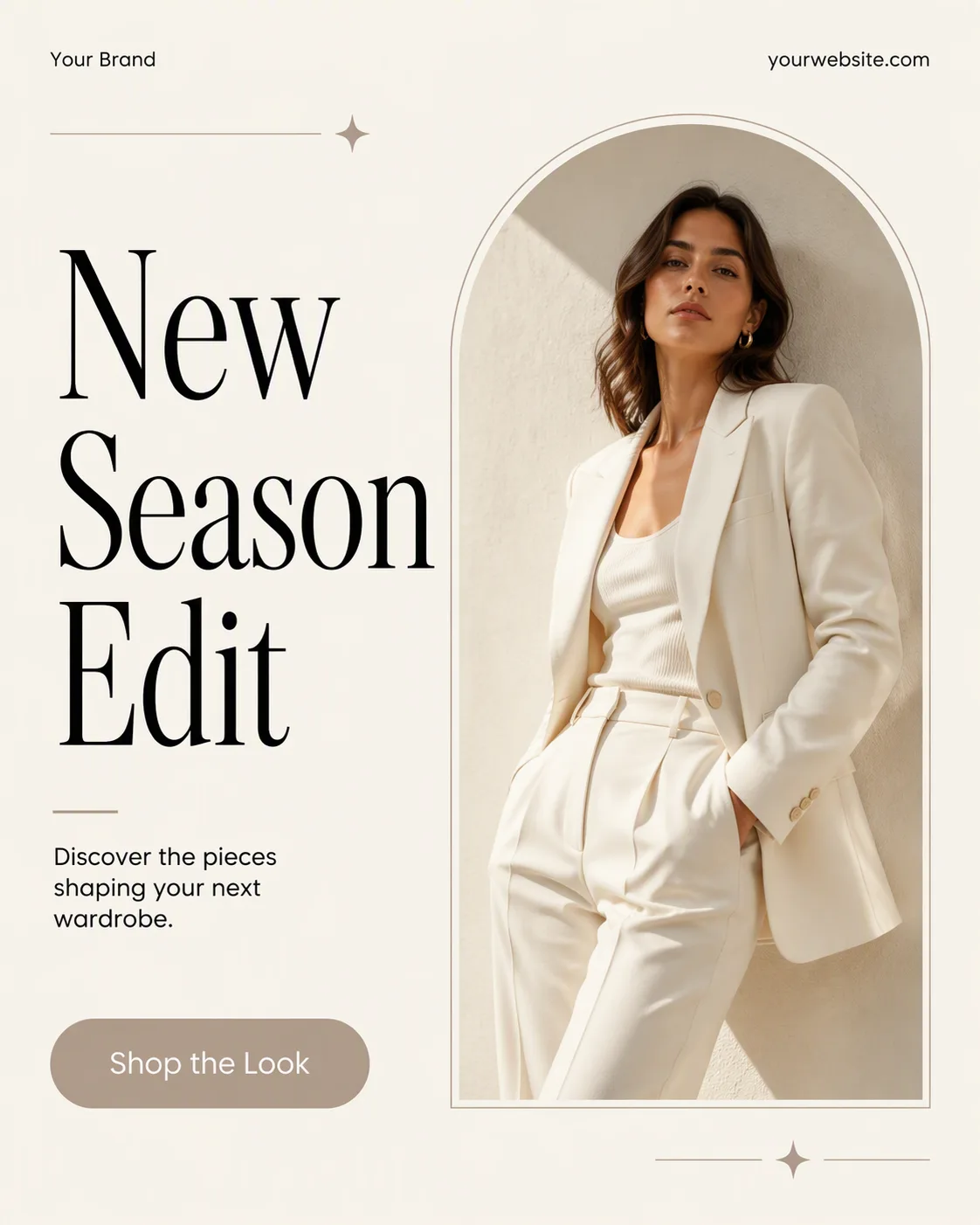
Build a single flat, full-frame social media post in the Format, using the Background as the base and the Color Palette throughout. Place the Photo inside one tall, clean arch frame with generous space around it, natural light and an editorial fashion feel. Set the Headline as the dominant element in an oversized serif typeface, with strong black contrast and careful line spacing. Keep the Short Supporting Line small and grouped near the image or headline. Position the Brand Name and Website Or Handle neatly along the top or bottom edge in small type. Include only one pill-shaped CTA using the Call-To-Action Button Text. Follow the Style Direction of a refined fashion lookbook with a clear grid, deliberate alignment, generous margins and at most two typefaces. Render every text field exactly as written and keep it legible at phone size. Add only subtle decorative details if they support the composition. No mockup device, multiple posts, watermarks, real logos or border.

Use these details:
Headline: "New Season Edit"
Short Supporting Line: "Discover the pieces shaping your next wardrobe."
Brand Name: "Your Brand"
Website Or Handle: "yourwebsite.com"
Call-To-Action Button Text: "Shop the Look"
Photo: "A naturally lit fashion portrait of a woman in a cream blazer and tailored trousers"
Background: "warm off-white"
Color Palette: "black, warm off-white and a restrained taupe accent"
Format: "4:5 portrait"
Using your own logo, product or face? Attach it in the chat and say which of the details it replaces.
Your result will come out close to the example rather than identical to it. Change the details to make it yours.